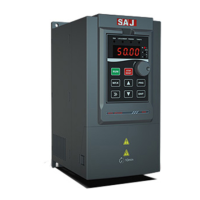
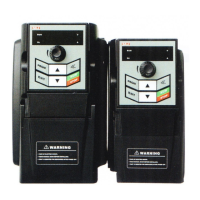
VM1000 Series
‐49‐
3.2 Function Code Viewing, Modification Instruction
The operation panel of VM1000 adopts three level menus to conduct parameter
setting.
The three-level menu is:function code group (Level I) →function code (Level II)
→ function code setting value (level III), as shown figure 3-2.
Table 3-2 Operation Flowchart of Three-level Menu
Instruction: In Level III, you can return to Level II by pressing PRG or ENTER.
The difference between them is: it will save the parameter setting, return to Level
Two, and then shift to the next function code by pressing ENT. While you press
PRG, the system will directly return to Level Two without saving the parameter
setting.
For example: Modify F4.02 from 10.00Hz to 15.00Hz
Table 3-3 Flowchart of Function Code Modification
In Level III: if there is no flicker bit in parameters, it indicates the function code
can not be modified. The possible reason is:
a. The function code is unchangeable parameters. eg: actual detection parameters,
running record parameters.
b. Function code can not be modified at running statue. It can be modified after
stopping.



 To Next Page