EasyManua.ls Logo

Samsung BD-D5500 - System Settings

Samsung BD-D5500
91 pages
Print Icon
To Next Page IconTo Next Page
To Previous Page IconTo Previous Page
Loading...
System
Initial Settings
By
using
the
Initial
Settings function,
you
can
set
the
language,
Network
Settings,
etc.
For
more
information
about
the
Initial
Settings
function,
refer
to
the
Initial
Settings section of
this
user
manual.
(See
pages
28-44)
Anynet+(HDMI-CEC)
Anynet
+
is
a
convenient
function that
offers
linked
operations
with
other
Samsung
players
that
have
the
Anynet+
feature.
To
operate
this
function, connect
this
player
to a
Samsung
1V
with
an
HOMI
cable.
With
Anynet+
on,
you
can
operate
this
player
using
a
Samsung
1V
remote
control
and
start
disc playback
simply
by
pressing
the
PLAY (
GIl
)
button
on
the
1V's
remote
control.
For
more
information,
please
see
the
1V
user
manual.
Off:
Anynet+
functions
will
not
work.
On:
Anynet+
functions
will
work.
~
NOTE
This
function
is
not
available
if
the
HOMI
cable
does
not
support
CEC.
If
your
Samsung
1V
has
an
Anynet+
logo,
then
it
supports
the
Anynet+
function.
Depending
on
your
1V,
certain
HOMI
output
resolutions
may
not
work.
Please
refer
to
the
user
manual
of
your
1V.
SD Data Management
Lets
you
manage
the
downloaded contents
you
accessed
through a
Blu-ray
Disc
that supports
the
BO-L1VE
service
and
stored
on
an
attached
Flash
memory
device.
You
can
check
the
device's
information
including
the
storage
size,
delete
the
BO
data,
or
change
the
Flash
memory
device.
BD Data
Management
Screen Information:
Total
Size:
Total
memory
size
of
the
device.
Available
Size:
Available
memory
in
the
device.
~
NOTE
In
the
external
memory
mode,
disc
playback
may
be
stopped
if
you
disconnect
the
USB
device
in
the
middle
of
playback.
Only
those
USB
devices
formatted
in
FAT
file
system
(DOS
8.3
volume
label)
are
supported.
We
recommend
you
use
USB
devices
that
support
USB
2.0
protocol
with
4
MB/sec
or
faster
read/write
speed.
The
Resume
Play
function
may
not
work
after
you
format
the
storage
device.
The
total
memory
available
to
BO
Data
Management
may
differ,
depending
on
the
conditions.
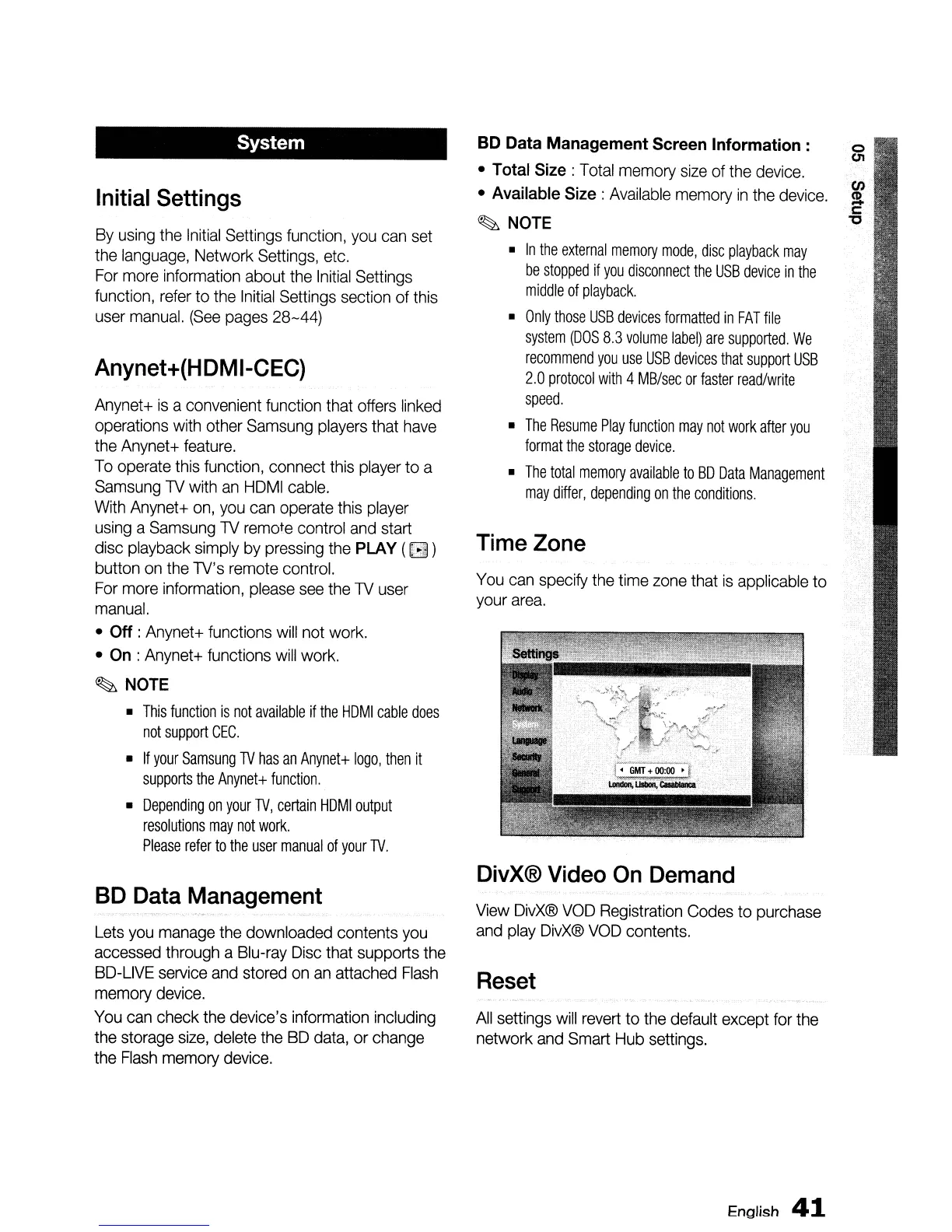
Time Zone
You
can
specify
the
time
zone
that
is
applicable
to
your
area.
DivX® Video
On
Demand
View
OivX®
VOO
Registration
Codes
to
purchase
and
play
OivX®
VOO
contents.
Reset
All
settings
will
revert
to
the
default except
for
the
network
and
Smart
Hub
settings.
English
41

Table of Contents

Other manuals for Samsung BD-D5500

Related product manuals