03233A(E)-CHAPTER 3 10/30/03 4:04 PM Page 18
_]"V OPERATION
Viewing a VCR or Camcorder Tape
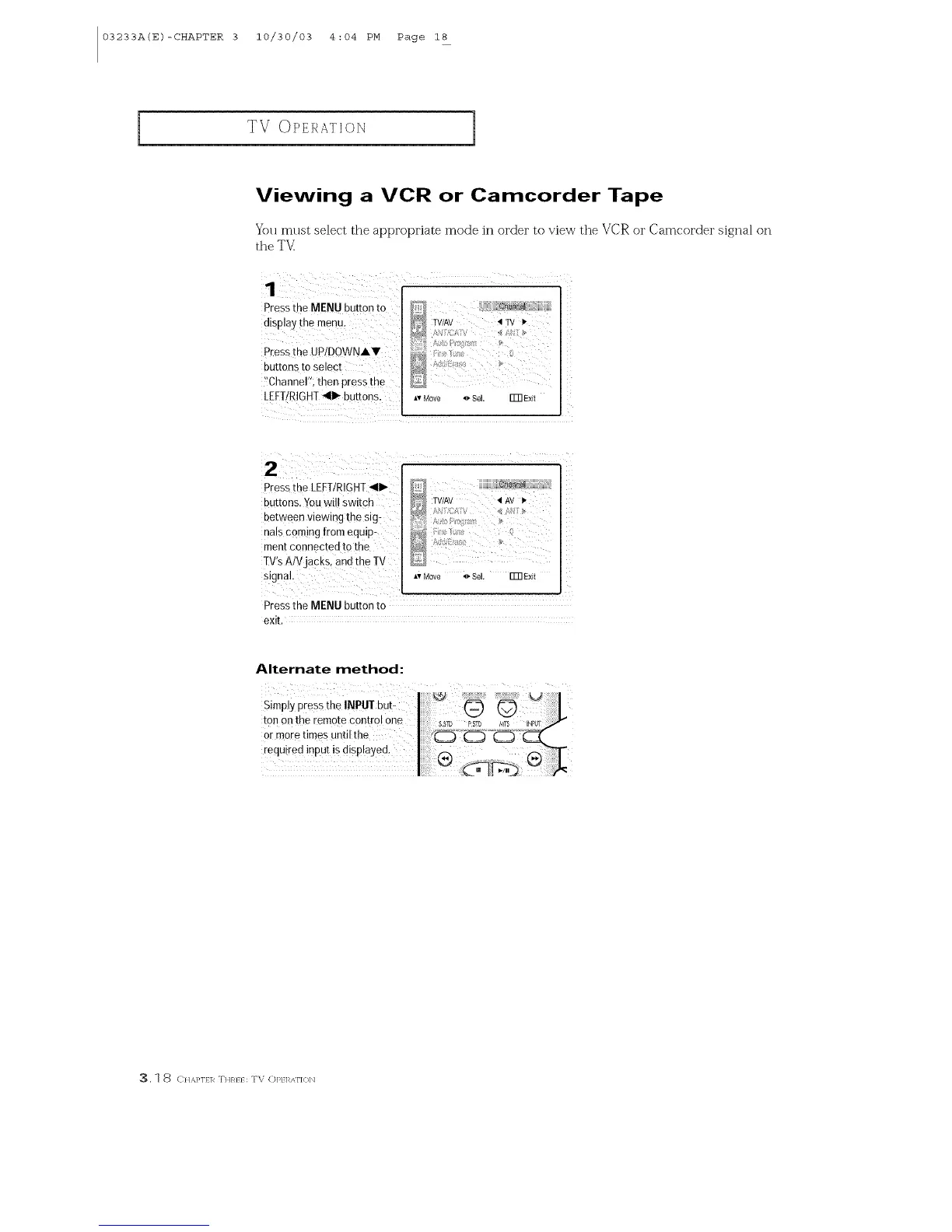
You must select the appropriate mode in order to view the VCR or Camcorder signal on
the TV
Press the MENU button to
display the menu,
Press the UPIDOWNIY
buttons to select
_!Channel";then press the
LEFT/RIGHT41_ buttons.
_?# [[][i[ h_ [i
7;Av
A: :"o(,;._
0
*v Move _Se[ Fm Exft
PresstheLEFT/RIGHT411_bY Wi!IS i n _ TV/AV _iAV 1,
:uttons,-ou "" w'td
between viewing the sig: ...........
nalscoming from equip-
ment connected to the _
TV's AlVjacks, and the IV _#
l'# Move _* SeL Fm Exit
Pressthe MENU button to
exit.
Alternate method:
_, 1 8 C}I,_,}'lf]7 THR}} : TV (])P} 17,<\I']{}bl



 To Next Page