WhatObeystheLanguageSetting?
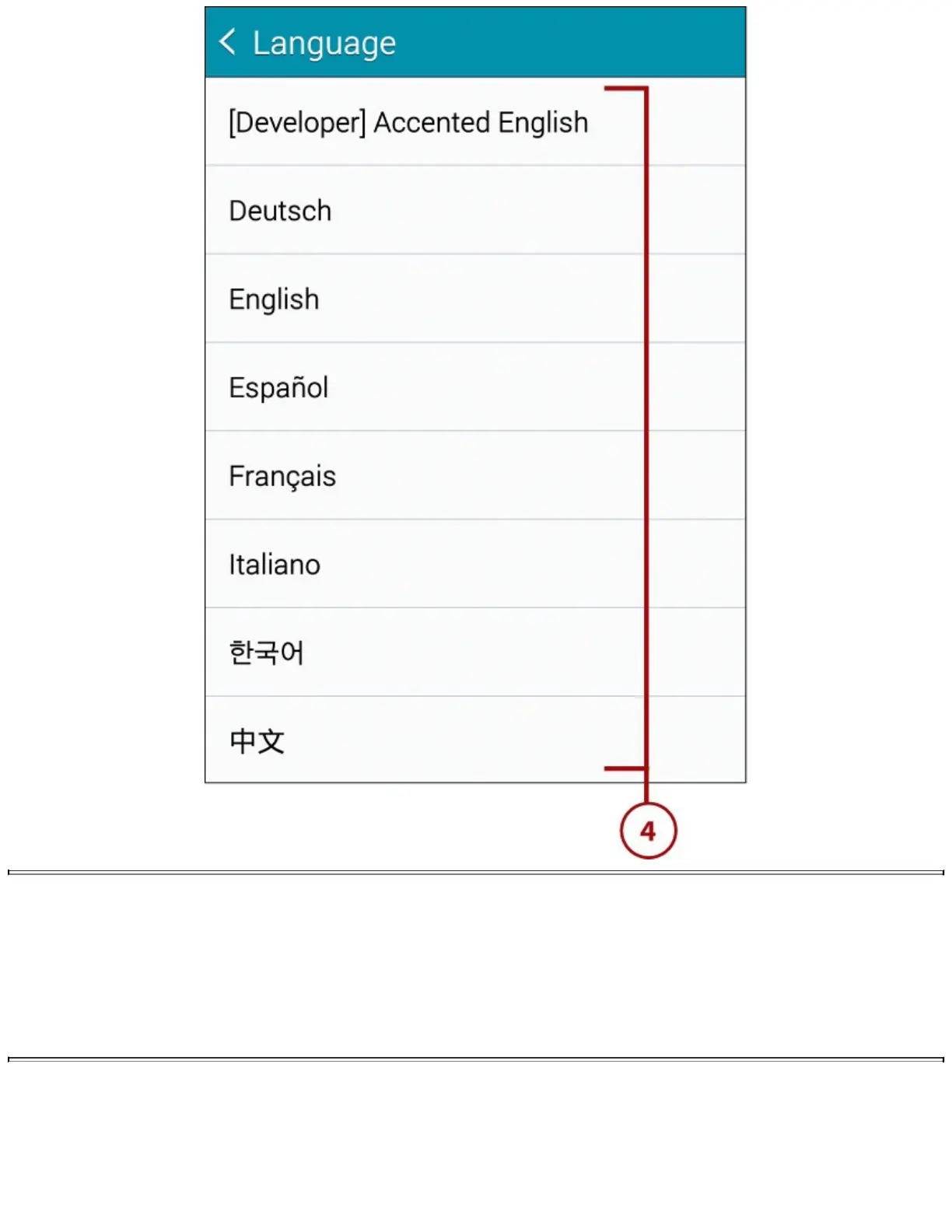
WhenyouswitchyourGalaxyNote4touseadifferentlanguage,youimmediatelynoticethatall
standardapplicationsandtheGalaxyNote4menusswitchtothenewlanguage.Evensomethird-
partyapplicationshonorthelanguageswitch.However,manythird-partyapplicationsignorethe
languagesettingontheGalaxyNote4.Therefore,youmightopenathird-partyapplicationand
findthatallitsmenusarestillinEnglish.
ChangingAccessibilitySettings
YourGalaxyNote4includesbuilt-insettingstoassistpeoplewhomightotherwisehavedifficultyusing
somefeaturesofthedevice.TheGalaxyNote4hastheabilitytoprovidealternativefeedback,suchas
vibrationandsound.Itcanevenreadmenuitemsaloudtoyou.














 To Next Page