ChangingGoogleMapsSettings
Seethe“ConfigureGoogleMapsSettings”tasklaterinthischapterformoreinformationabout
customizingGoogleMaps.
GetDirections
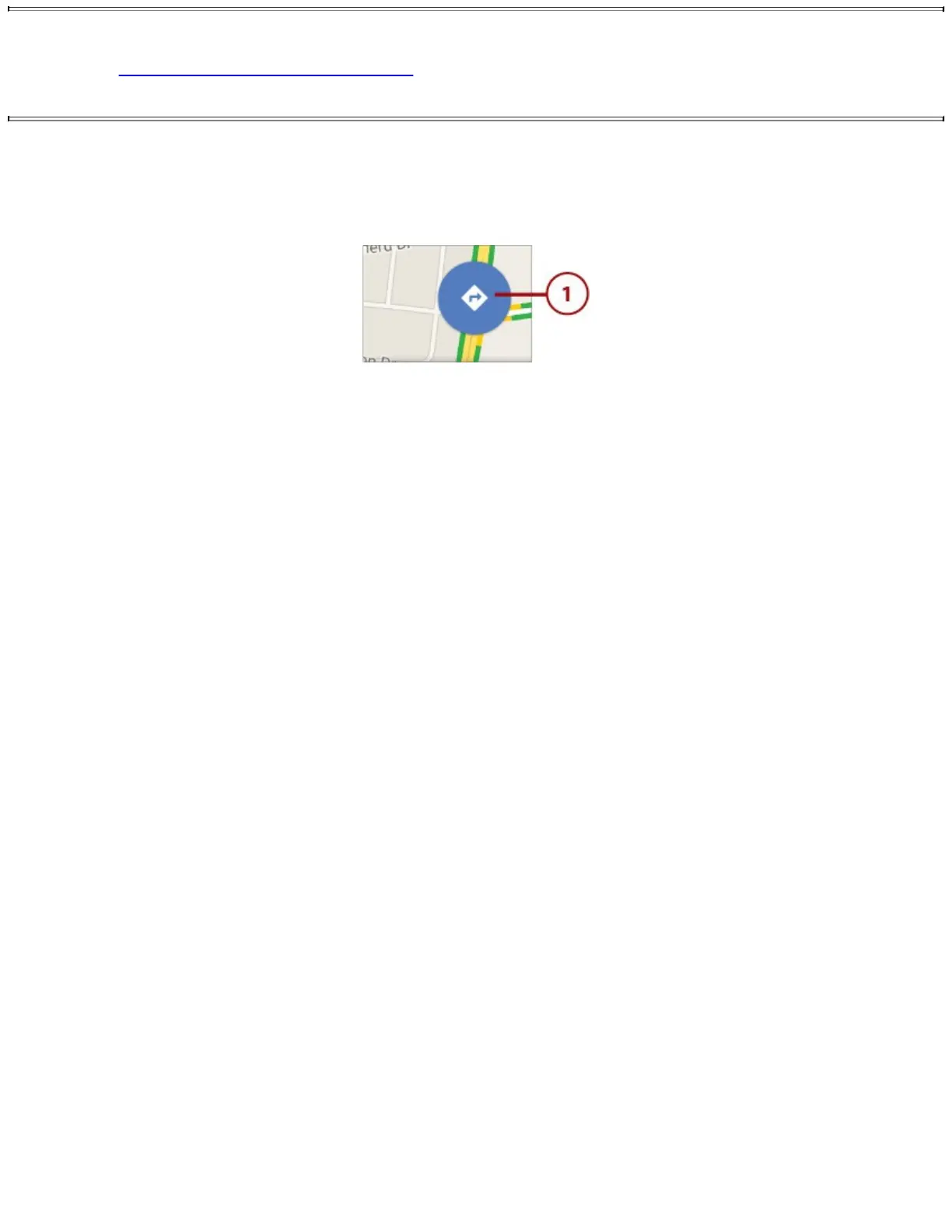
YoucanuseGoogleMapstogetdirectionstowhereyouwanttogo.
1.TaptheDirectionsicon.
2.TaptosetthestartingpointorleaveitasYourLocation(whichisyourcurrentlocation).
3.Taptochoosefrompreviousdestinations.
4.Typethedestinationaddress.
5.Taptoflipthestartandendpoints.
6.Taptousedrivingdirections.Thisexampleusesdrivingdirections.
7.Taptousepublictransportation.
8.Taptousebikepaths(ifavailable).
9.Taptowalktoyourdestination.














 To Next Page