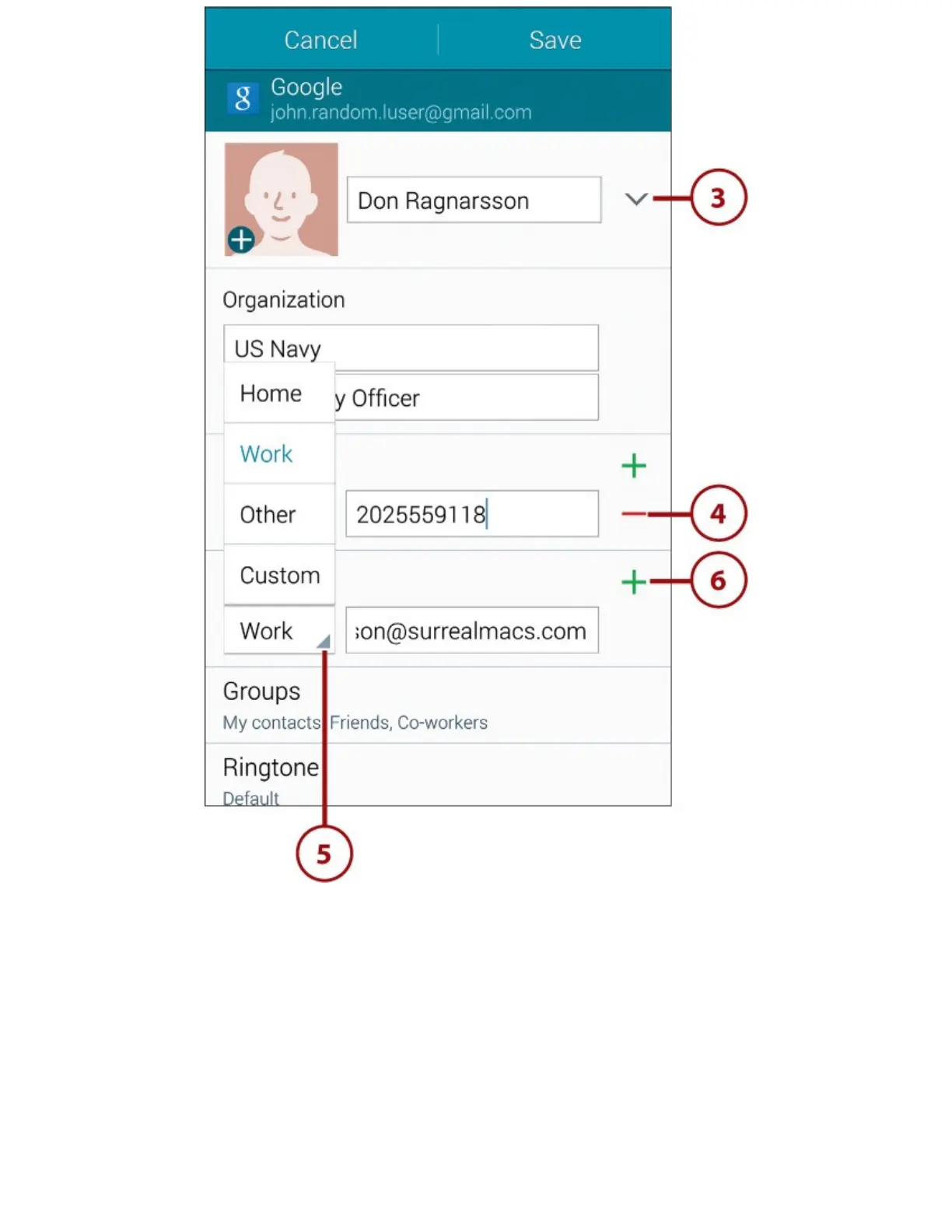
7.TapGroupstoputthecontactinacontactgroup.TheGalaxyNote4comeswithbuilt-ingroups,
includingICE–EmergencyContacts,Co-Workers,Family,andFriends,butyoucanalsocreate
asmanyothergroupsasyouneed.
8.TapRingtonetoassignadifferentringtonetocallsfromthecontact.Bygivingimportantcontacts
distinctiveringtones,youcaneasilyidentifyimportantcalls.
9.TapMessageTonetoassignadistinctivenoisetoinstantmessagesfromthecontact.
10.TapVibrationPatterntoassignadifferentvibrationpatterntocallsfromthecontact.Vibration
patternshelpyouidentifyimportantcallswhenyouhavesilencedtheringer.
11.TapAddAnotherFieldtoaddanewfieldtothecontactrecord.Extrafieldsincludethingssuch
asthecontact’sphoneticname(tohelpyoupronounceitcorrectly),IM(InstantMessaging)
addresses,Notes,andRelationship,whichyouusetospecifyhowsomeoneisrelatedtothe
contact—forexample,anassistantormanager.














 To Next Page