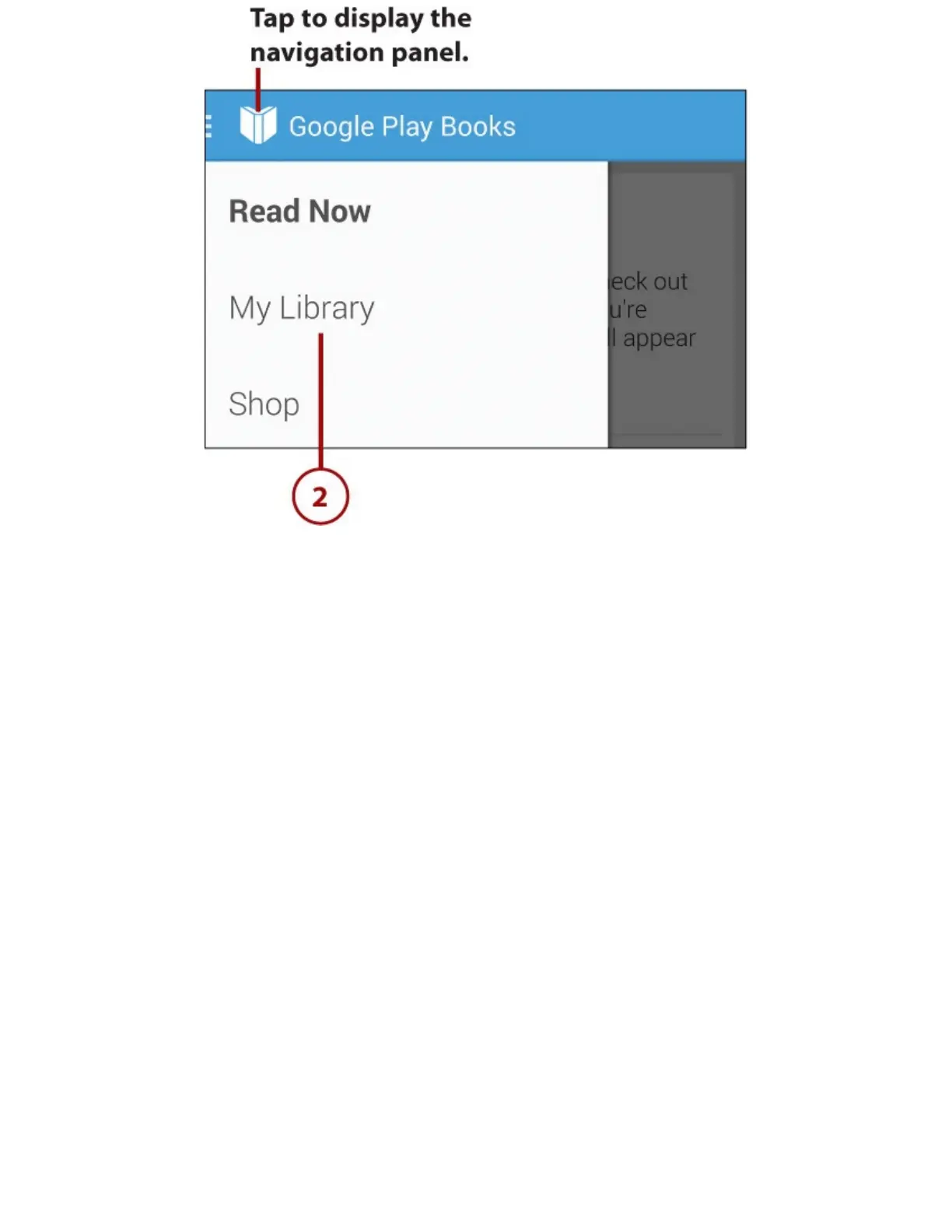
3.Taptoopenthepop-upmenu.
4.Taptochoosewhichlistofbookstoview.YourchoicesareAllBooks,Uploads,Purchases,and
Samples.UploadsarebooksyouhaveuploadedtoyourGoogleaccount.Youfindouthowto
uploadbookslaterinthischapter.
5.TaptheSearchicontosearchyourlibraryforbooksbykeyword.Searchingisusefulwhenyou
havebuiltupalargelibrary.Whenyourlibrarycontainsonlyafewbooks,itisusuallyeasierto
browsethroughthem.














 To Next Page