ŝ46Ş
Effect : FUN
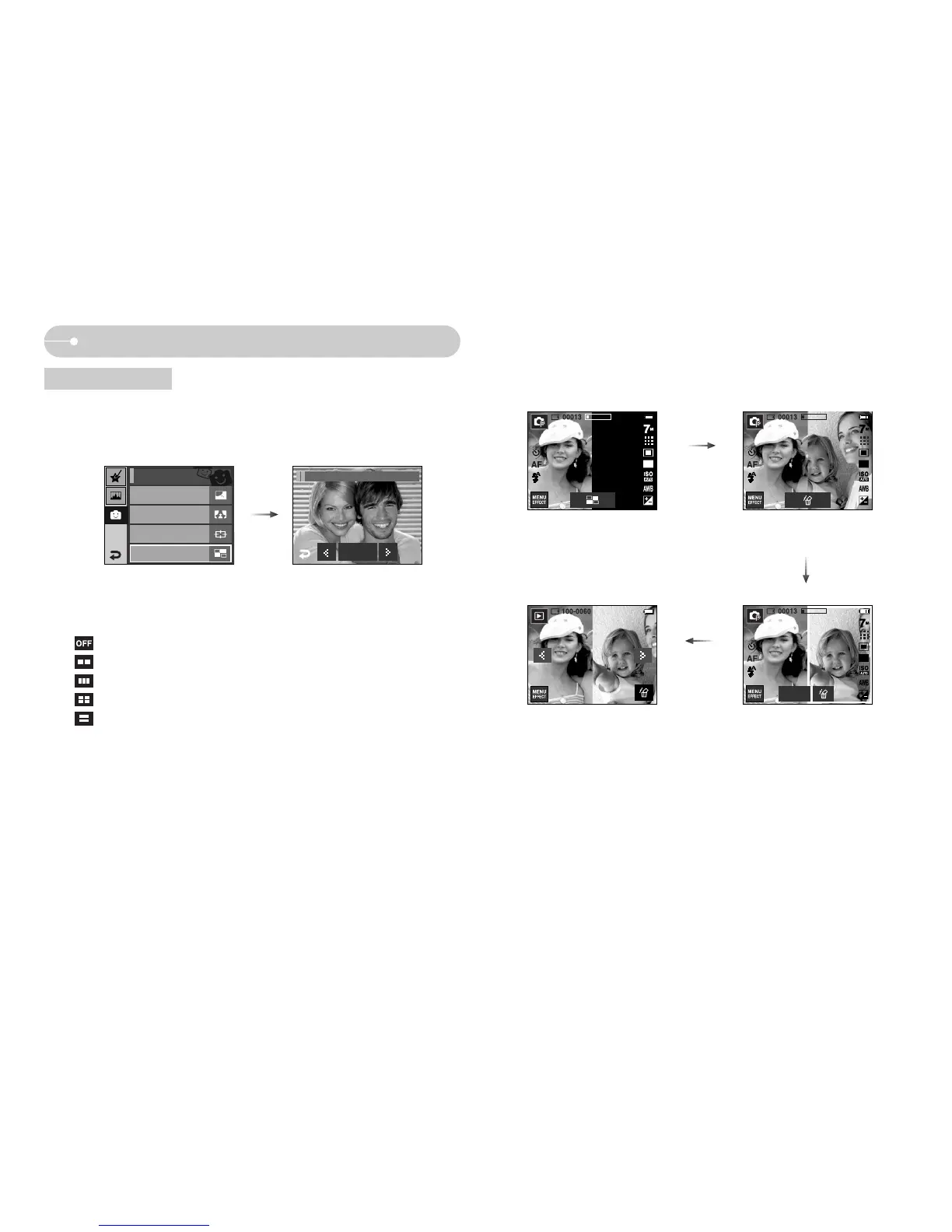
Composite shooting
Select a desired menu by pressing ȜȞ icon and press the OK icon.
- : Cancels the composite shooting
- : 2 different shots are combined in a still image.
- : 3 different shots are combined in a still image.
- : 4 different shots are combined in a still image.
- : 2 different panorama shots are combined in a still image.
After selecting a desired menu, press the shutter button to take a picture.
ƈ You can combine 2 - 4 different shots in a still image.
ƃ Press the Effect menu in an available recording mode (p.39)
ſ Selecting 2 composite shots.
Pressing the
shutter button
Pressing the
SAVE icon
Pressing the shutter
button
Off
Fun / Composite
[The final picture] [Second shot]
Save
[First shot][Ready for taking]
Cartoon
Off
Photo Frame
Off
High Light
Off
FUN
Composite
Off



 To Next Page