ŝ47Ş
Effect : FUN
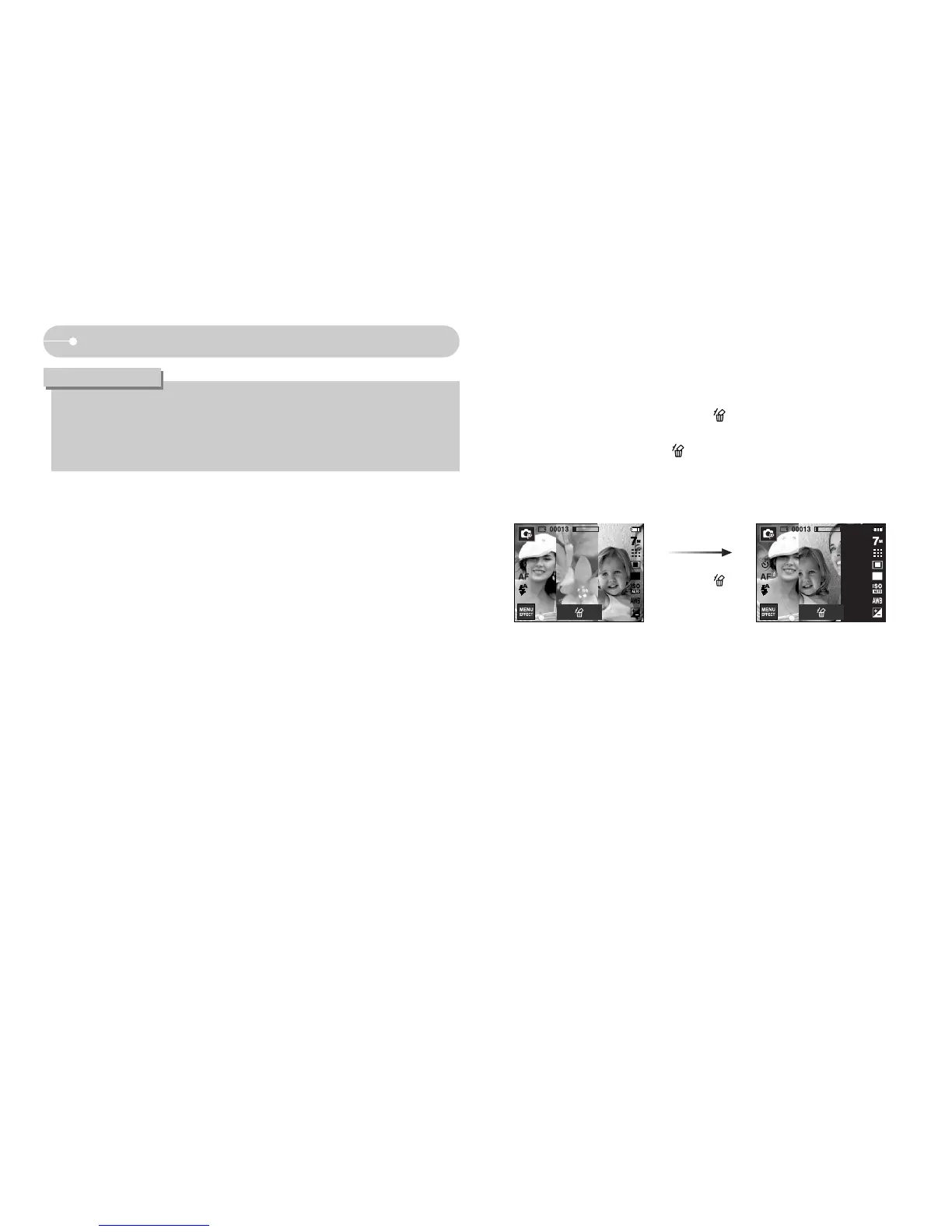
ƃ Changing a part of composite shot before taking the last shot
Before taking the last composite shot, you can change a part of composite shot.
1. During the composite shots, press the icon.
2. A previous image will be deleted and new frame will appear. If there is an
image taken before, press the icon again and a previous image will be
deleted again.
3. Press the shutter button to capture a new image.
Pressing ( )
ƃ You can use the Zoom W / T button during the composite shooting.
ƃ If you press the Play mode or Mode button during the
composite shots, each camera working mode is executed. The images
captured before will be deleted.
INFORMATION
[Before taking the 3rd shot]
[Moving backward to the 2nd
shot]



 To Next Page