ŝ65Ş
Effect: Fun
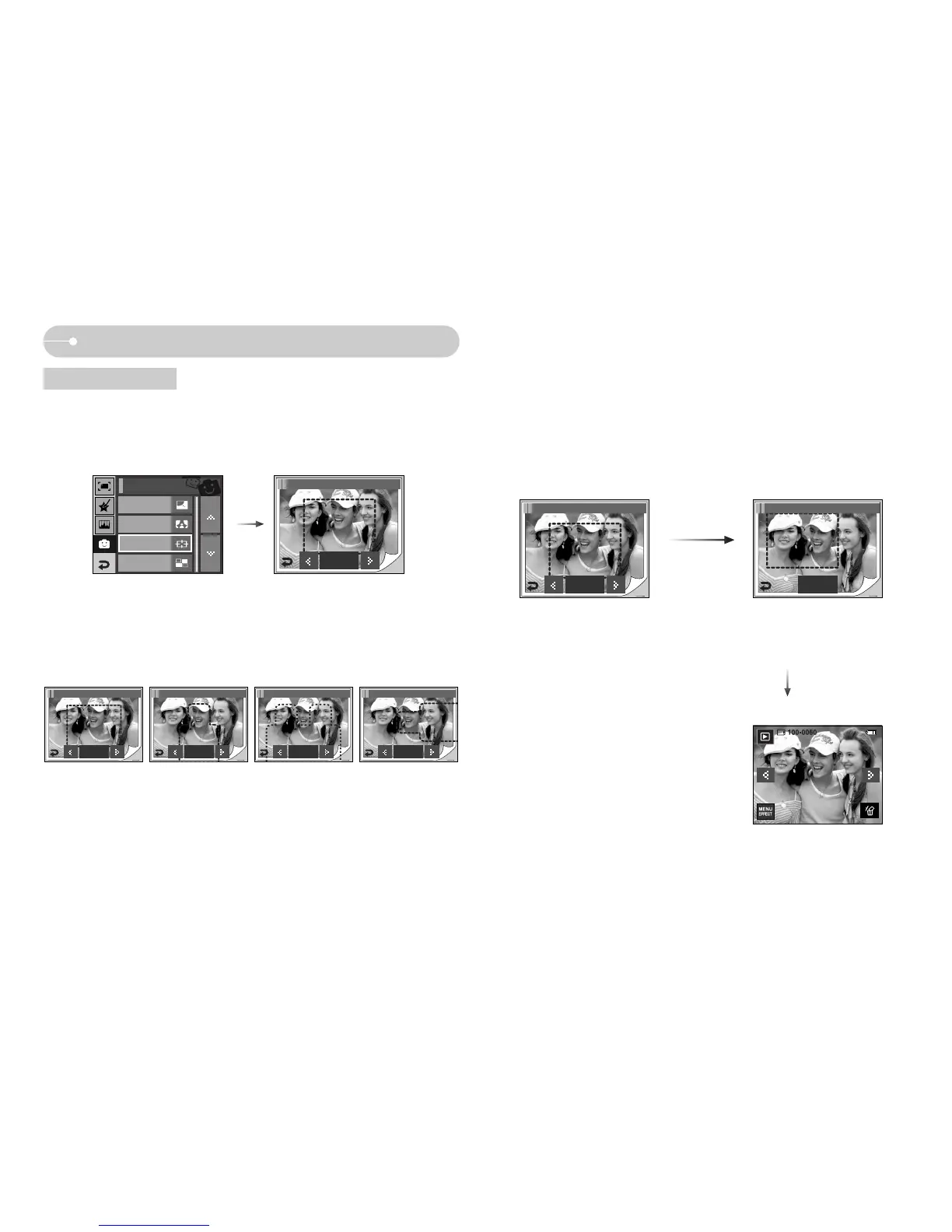
ƈ You can make the subject stand out from its surroundings. The subject will be
sharp and in focus while making the rest out of focus.
Select a desired frame by pressing the ȜȞ icon and press the OK icon.
[Range 1]
Preset focus frames
Photo Frame
Composite
FUN
OK
FUN / High Light 1
OK
FUN / High Light 1
[Range 2]
OK
FUN / High Light 2
[Range 3]
OK
FUN / High Light 3
[Range 4]
OK
FUN / High Light 4
ƃ Moving and changing the focus frame
You can change the focus frame after selecting a Range menu.
1. Select a focus frame by pressing the ȜȞ icon and press the OK icon.
2. Select a desired range by pressing the LCD monitor.
3. Press the SAVE icon and the image is saved as a new file name.
Pressing the SAVE icon
Pressing the OK
icon
[After changing the frame
position ]
OK
FUN / High Light 1
Save
FUN / High Light 1
Cartoon
High Light



 To Next Page