ŝ66Ş
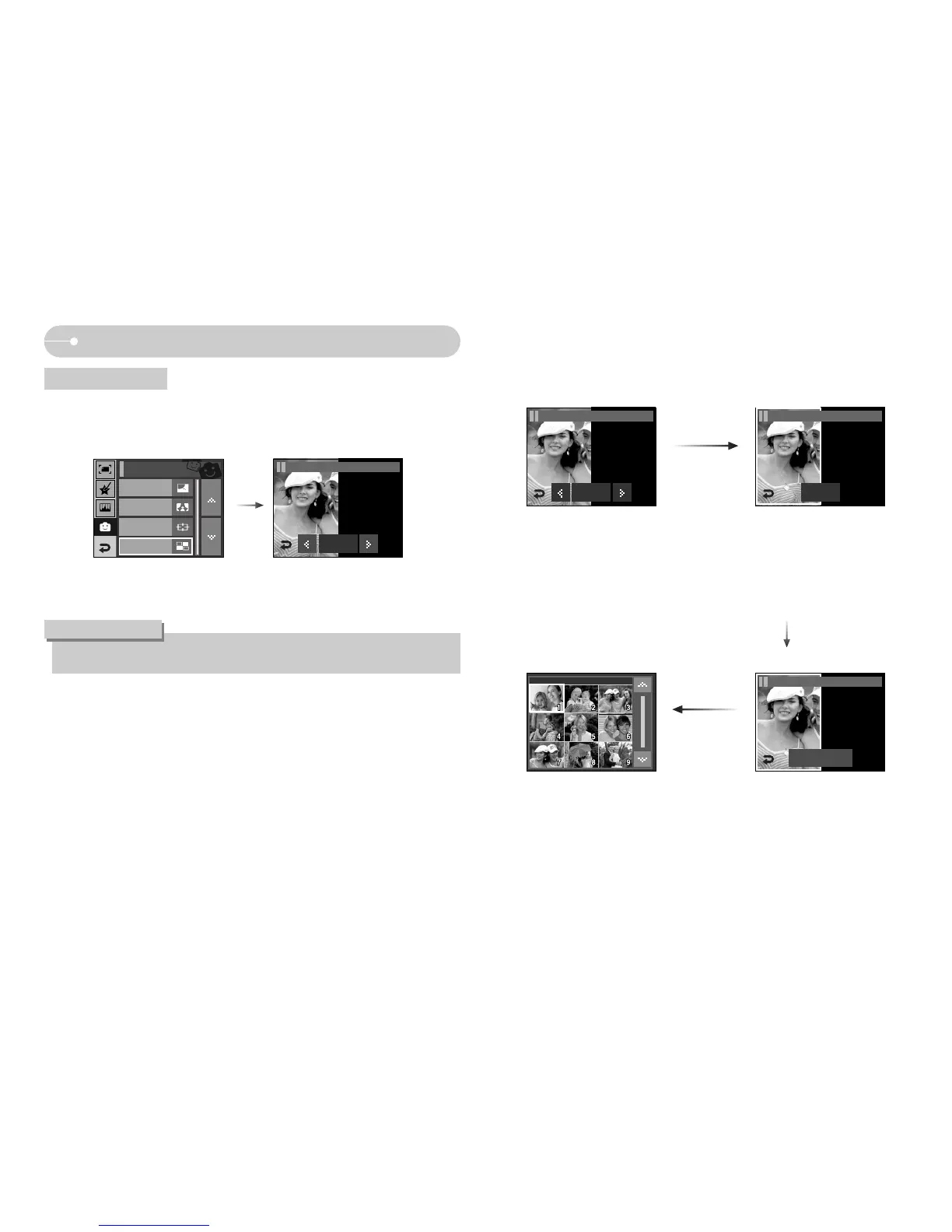
Effect: Fun
ſ Selecting 2 composite shots.
Pressing the OK
icon
Pressing the
NewImage icon
Pressing the Set icon
ƈ You can combine 2 - 4 different shots in a still image.
ƃ If you press the Shutter and Play mode button, a capture mode is executed.
INFORMATION
Composite image
OK
FUN / Composite 1
OK
FUN / Composite 1
Set
FUN / Composite 1
New Image
FUN / Composite 1
Cartoon
Photo Frame
High Light
FUN
Composite
[Selecting the second image :
Pressing the Screen]
ſ Touch the LCD monitor where
you want to move the image.



 To Next Page