ŝ67Ş
Effect: Fun
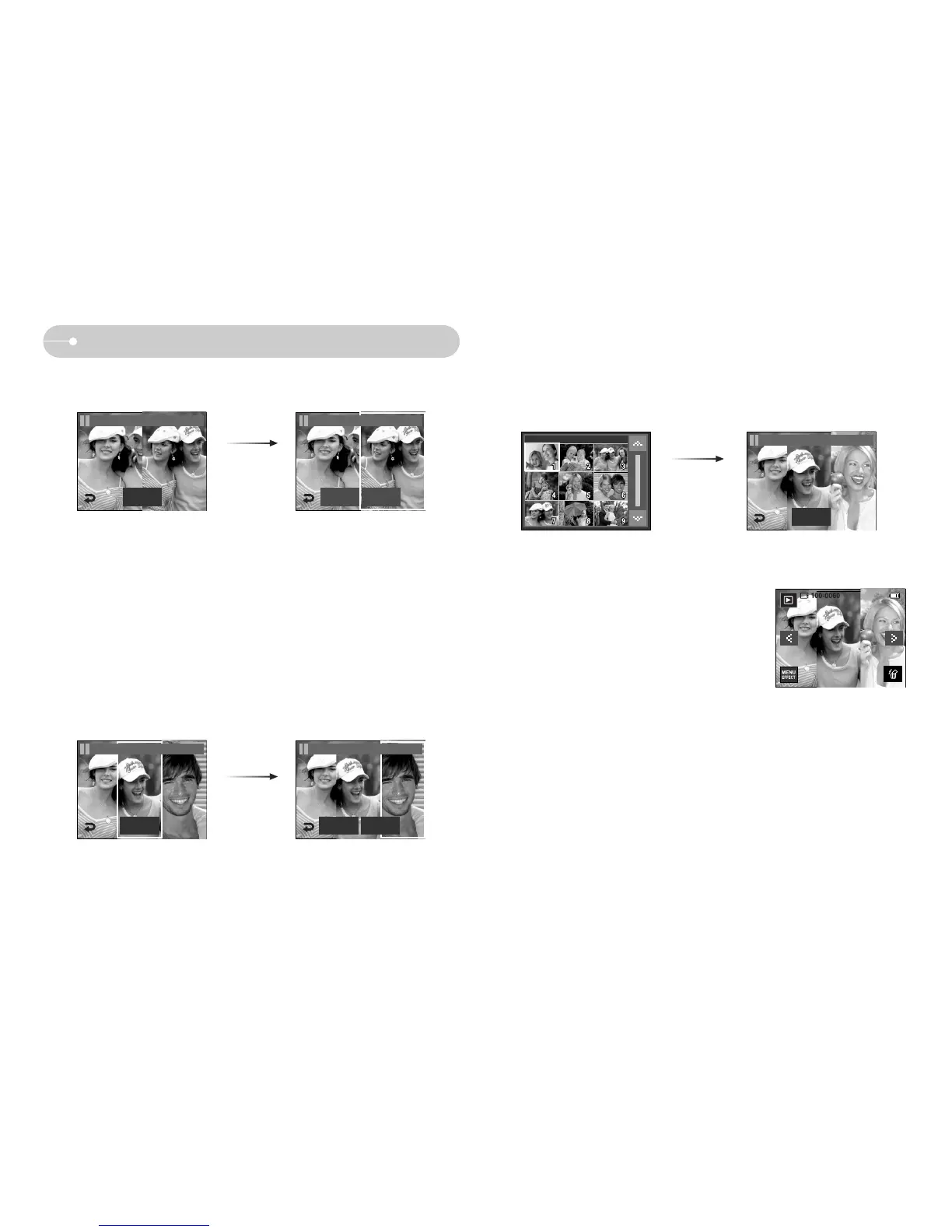
The second image is selected. Press the Set icon.
Press the SAVE icon and the image will be saved.
Pressing the
Set icon
New Image Save
FUN / Composite 1
Set
FUN / Composite 1
ƃ After selecting the last composite image, you can change a part composite
image.
1. After selecting the last image, press the Set icon
2. Press the NewImage icon and a window for selecting the other image will
display.
Pressing the Set
icon
Selecting an
image: Press the
screen
[Changing the position
: Press the Screen]
Set
FUN / Composite 2
FUN / Composite 2
Set
FUN / Composite 2
New Image Save
3. After pressing the Set icon, press the SAVE
icon. The image will be saved as a new file
name.



 To Next Page