Eng-20
f) Not Used
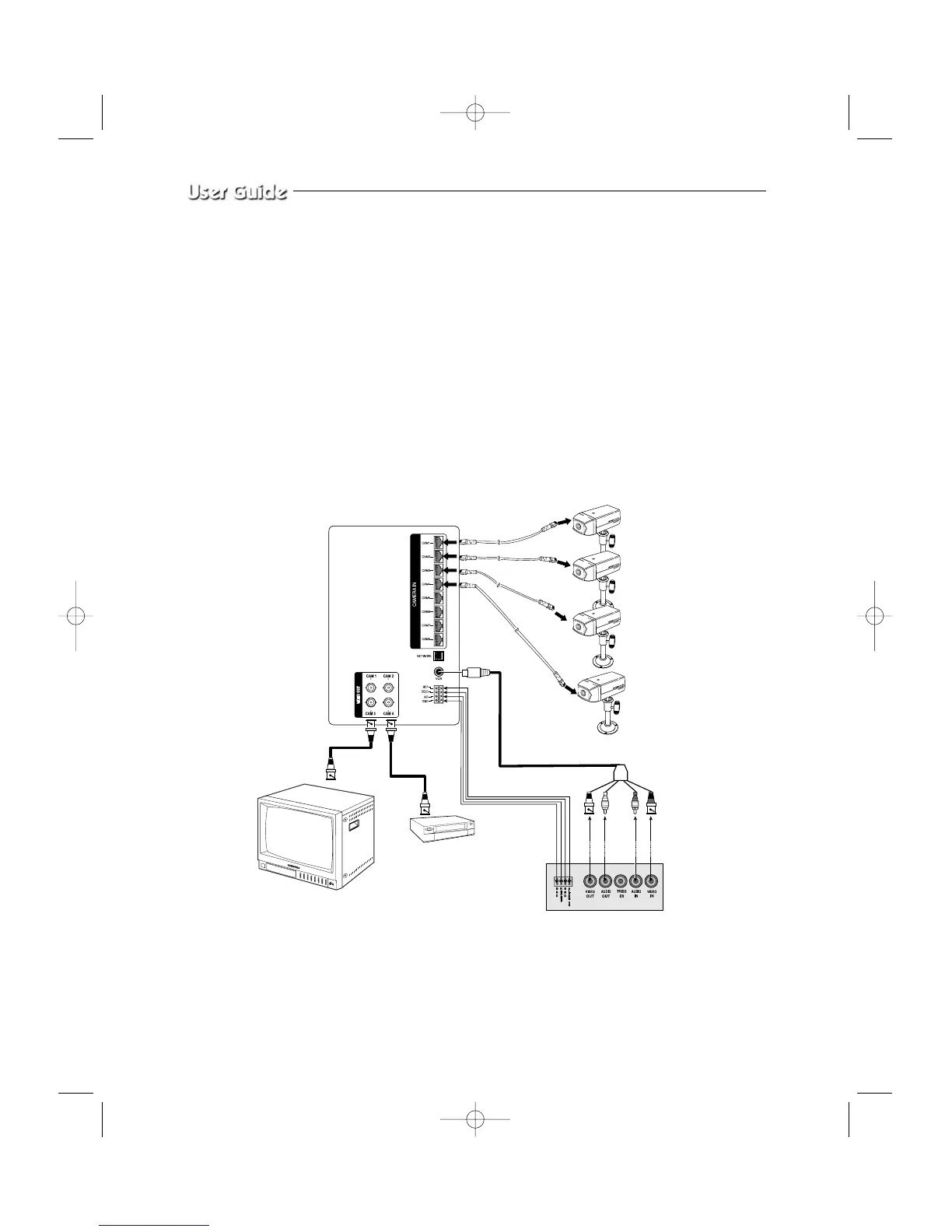
g) Connect the A/O (HOT) terminal on the rear panel to the Alarm IN terminal of the VCR.
h) Connect the A/O (COLD) terminal on the rear panel to the Ground terminal of the VCR.
i) Connect the A/R terminal on the rear panel to the Alarm Reset terminal of the VCR.
j) Connect the G (ground) terminal on the rear panel to the Ground terminal of the VCR.
1-6) Whole System connection and configuration
VCR (TIME LAPSE) REAR
VCR
SLAVE
MONITOR
OR



 To Next Page