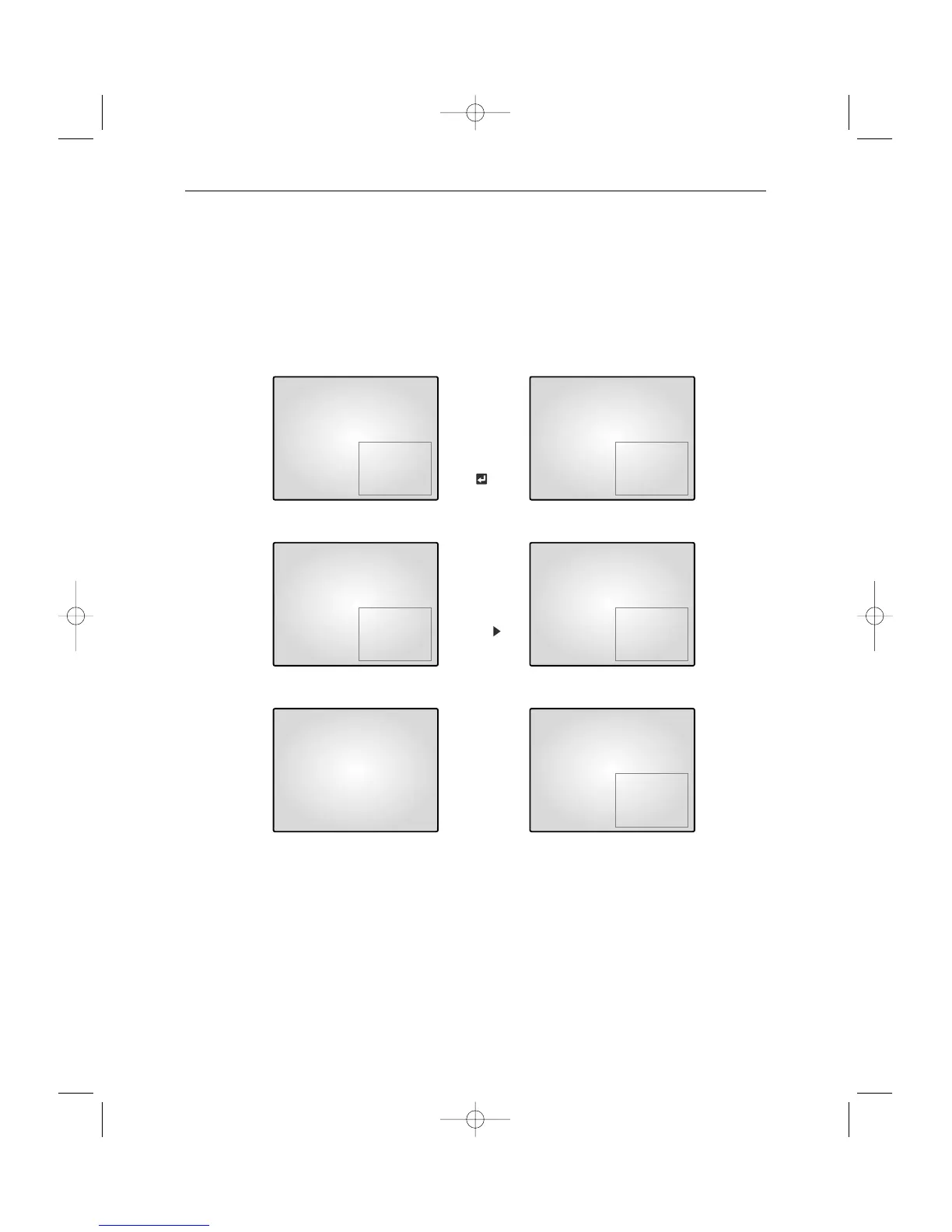
4-4) PIP MODE DISPLAY
Can be used to see PIP screen in Single screen mode.
If you press the
œœ, √√
KEY on PIP screen ,the main screen will change. If you press the
œœ, √√
KEY to the left and right, the main screen can be transferred to another channel.
Sub-screen location can be selected on DISPLAY MENU in SETUP MENU.
Under PIP DISPLAY
Main and Sub screen is switched
Under PIP DISPLAY
Main screen is switched
Under single screen display
Main and Sub screen is displayed
as set at the DISPLAY MENU of
SETUP MENU
Press
KEY
Press
KEY
Press PIP KEY
for 2sec
06/01/03 13:14:00 06/01/03 13:14:00
06/01/03 13:14:00 06/01/03 13:14:00
06/01/03 13:14:00 06/01/03 13:14:00



 To Next Page