Eng-86
Chapter 4: DISPLAY MODE setting method
4-1) SINGLE SCREEN DISPLAY
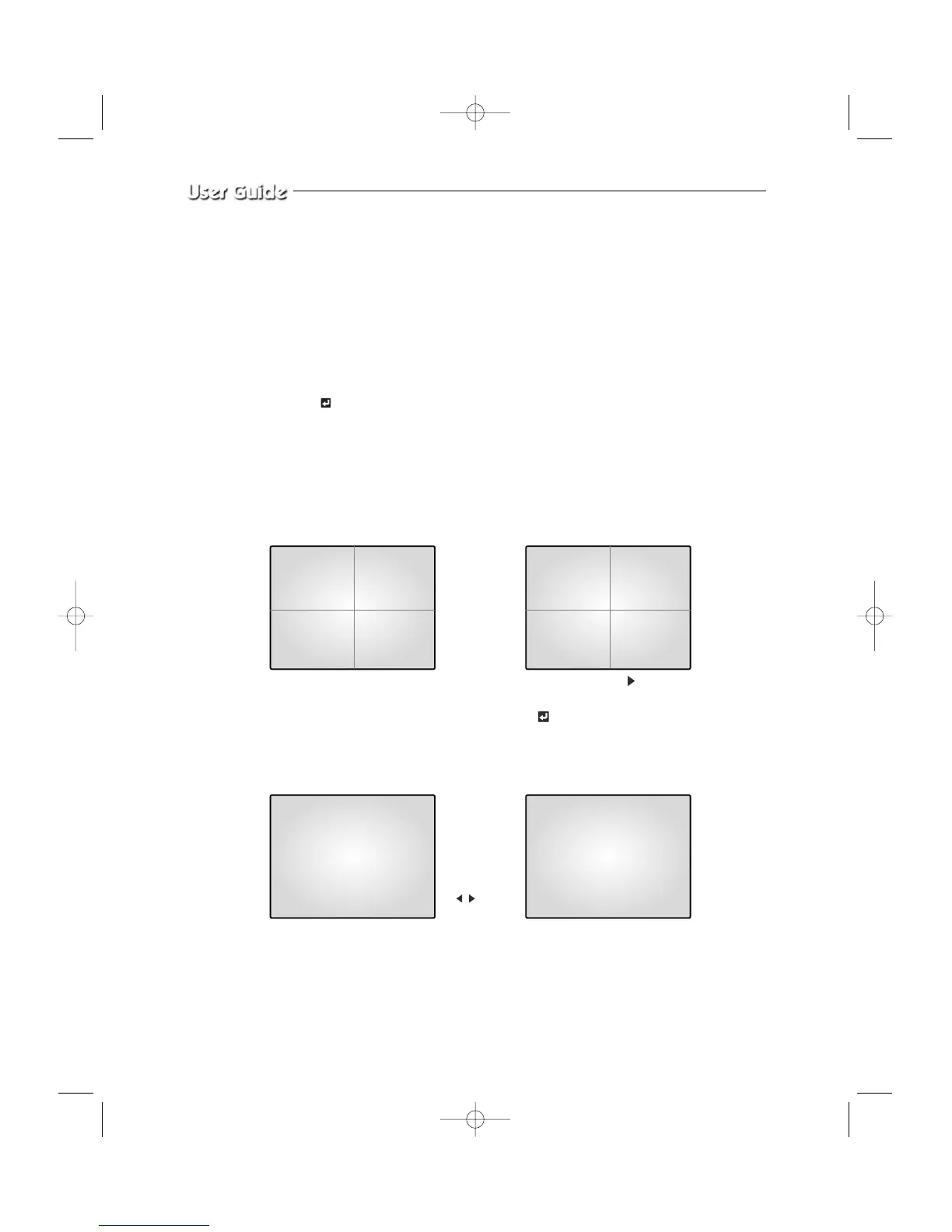
Initial display mode of monitor is QUAD A. In case users want to see the camera image at
full mode, select a target camera by turning
œœ, √√
KEY left and right. After that,
press the KEY and selected camera image will be displayed at full screen. If
users turn the
œœ, √√
KEY left / right at SINGLE DISPLAY MODE at this time,
they can see another camera image at full screen. For example, when users want to see CH1
at FULL MODE after SINGLE -displaying CH2 at QUAD A, please follow the instructions
below.
06/01/03 13:14:00
CH1 CH2
CH3 CH4
QUAD A
INITIAL DISPLAY STATUS
QUAD A
➯
➯
CH1
➯
FULL SCREEN DISPLAY of CH2
by pressingSelect CH2 KEY
FULL SCREEN DISPLAY of CH1
Press KEY
after selecting
CH2
Display CH1
by pressing
KEY
,
06/01/03 13:14:00
06/01/03 13:14:0006/01/03 13:14:00
CH1 CH2
CH1 CH2
CH2



 To Next Page