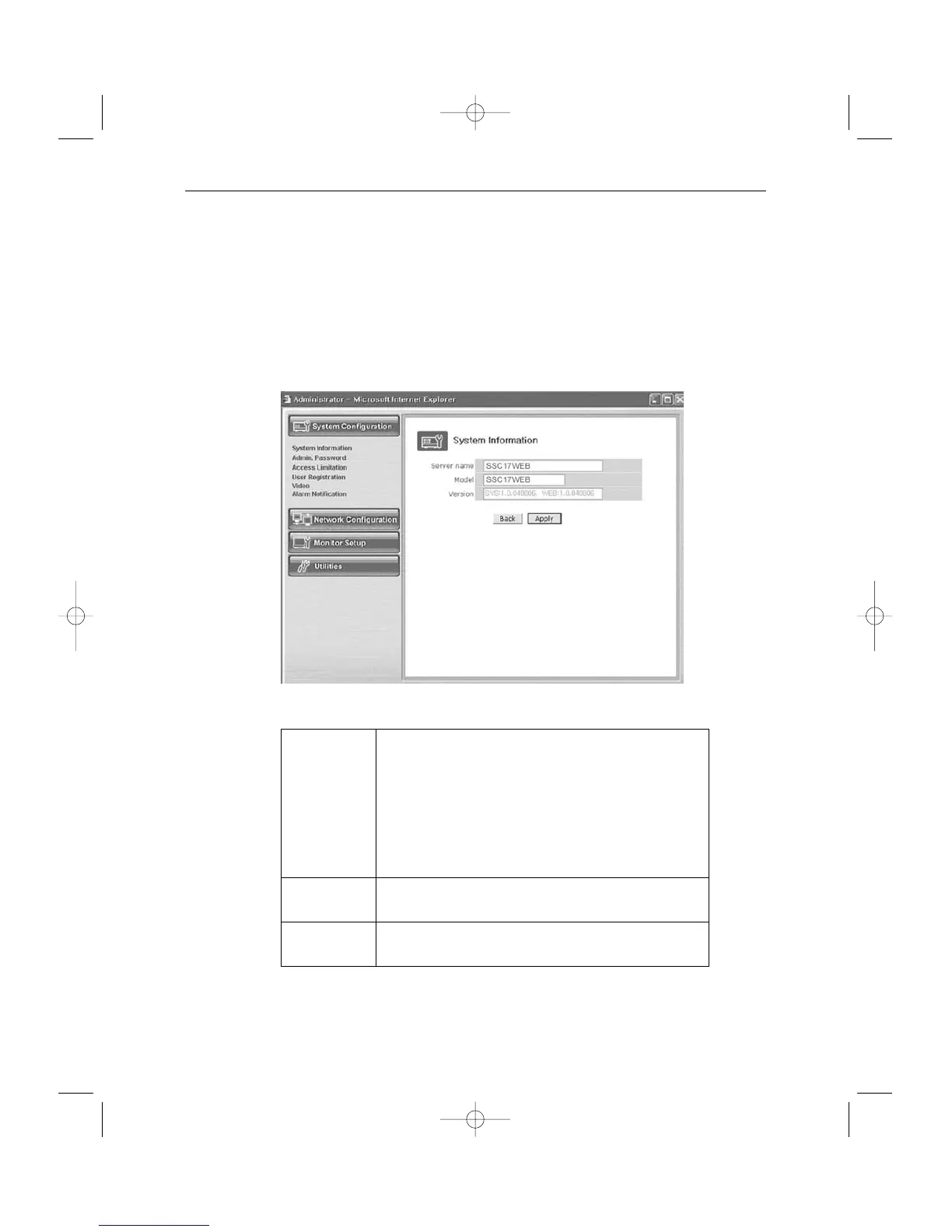
3-7-2) System Configuration Menu.
1. System Information
In this menu, you can check the information on the system including the name of the
SSC17WEB Server, its model name and the version of the model and change the name of
the SSC17WEB Server.
- Menu Configuration
After completing setting, click Apply button.
If you click the back button, initial values are typed in all fields.
Server Name Type in the name of the SSC17WEB Server.
* Server’s name should be composed of 19 or less numerals
or English alphabets.
It cannot start with a numeral and should start with an
English alphabet.
White characters including a space, tab, and a special letter
cannot be used.
Model SSC17WEB Server product model name SSC17WEB
* This part is only for reading, cannot be changed.
Version SSC17WEB Server product’s version
* This part is only for reading, cannot be changed.



 To Next Page