Eng-60
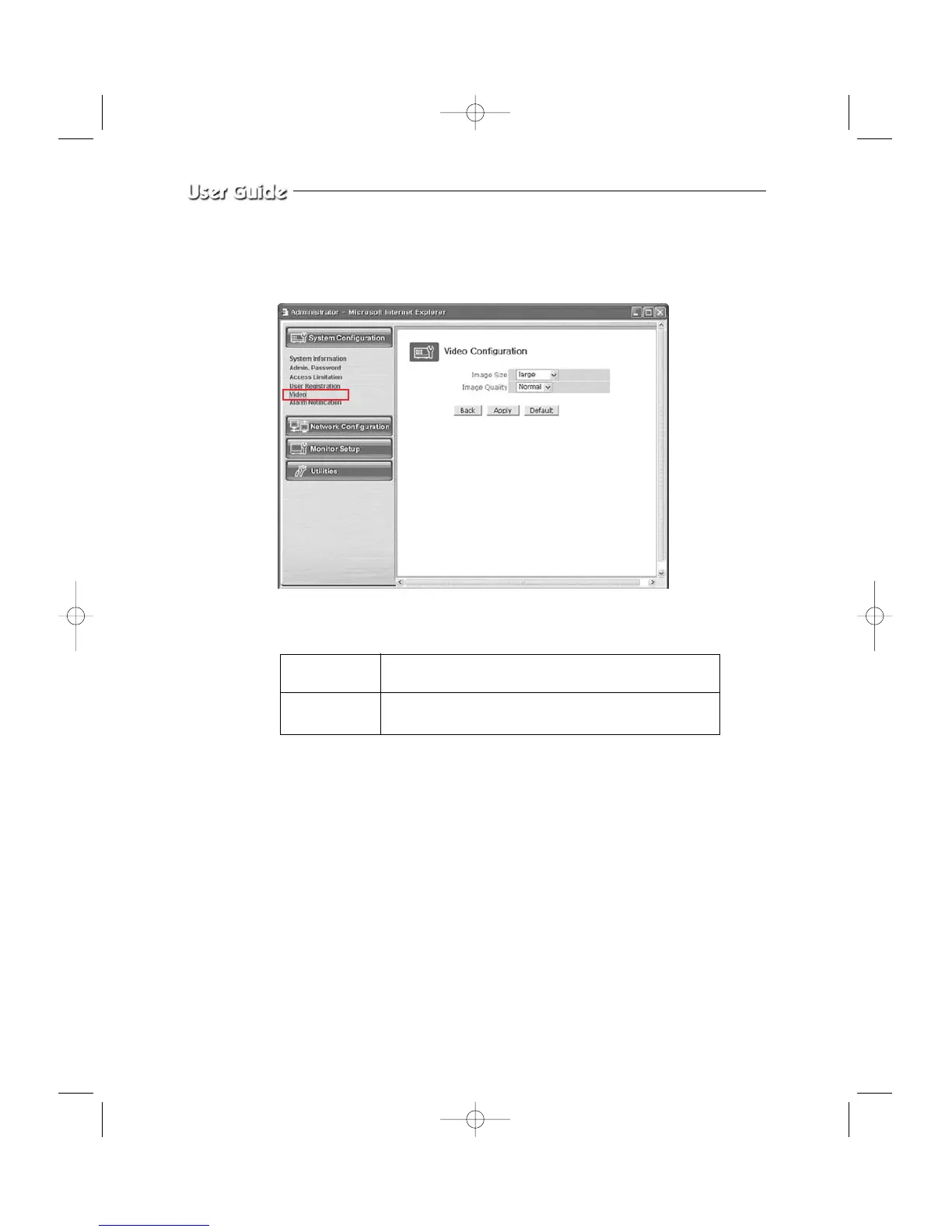
5. Video Configuration
This is to set the data to be added in the video data and set an environment for each channel.
- Menu Configuration
After completing setting, click Apply button.
If you click the default button, initial values are typed in all fields.
Image Size This is to choose the size of the image of video data.
You can choose between 2 kinds of size (Small / large).
Image Quality This is to choose the quality of the image.
You can choose between 3 levels (High, Normal, Low).



 To Next Page