Eng-88
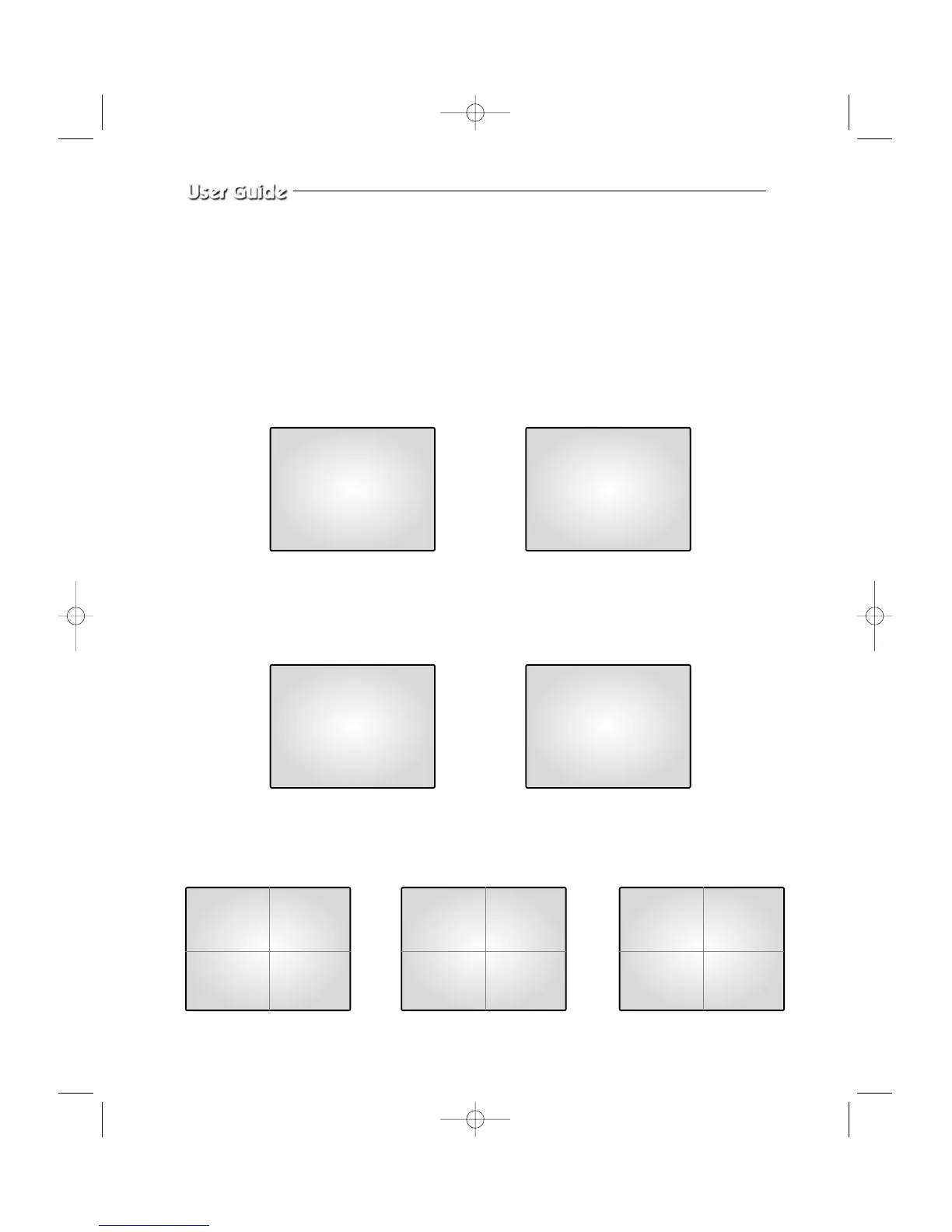
4-3) AUTO SEQUENTIAL DISPLAY MODE
Pressing on the SEQUENCE KEY on the front allows screen to automatically switch to
SINGLE MODE full screen or QUAD MODE. (‘no-signal’ channels will be skipped while
single screen is auto-switching.)
If the DWELL TIME SETTING of SETUP MENU is set to 3 seconds and the SEQUENCE
KEY is pressed at this time, the operation will be carried out as follows.
CH 2 CH 3
➯
➯
CH 1 CH 4
➯
Press SEQUENCE KEY
when CH2 is displayed
at full screen
Automatic sequential switching to CH3
Automatic sequential switching to CH4Automatic sequential switching to CH1
In 3 seconds
In 3 seconds
In 3 seconds
06/01/03 13:14:00
06/01/03 13:14:00
06/01/03 13:14:00
06/01/03 13:14:00
* QUAD MODE SEQUENCE DISPLAY
* SINGLE MODE SEQUENCE DISPLAY
QUAD A QUAD B
➯➯
06/01/03 13:14:00
06/01/03 13:14:00
CH5 CH6
CH7 CH8
CH1 CH2
CH3 CH4
QUAD A
06/01/03 13:14:00
CH1 CH2
CH3 CH4



 To Next Page