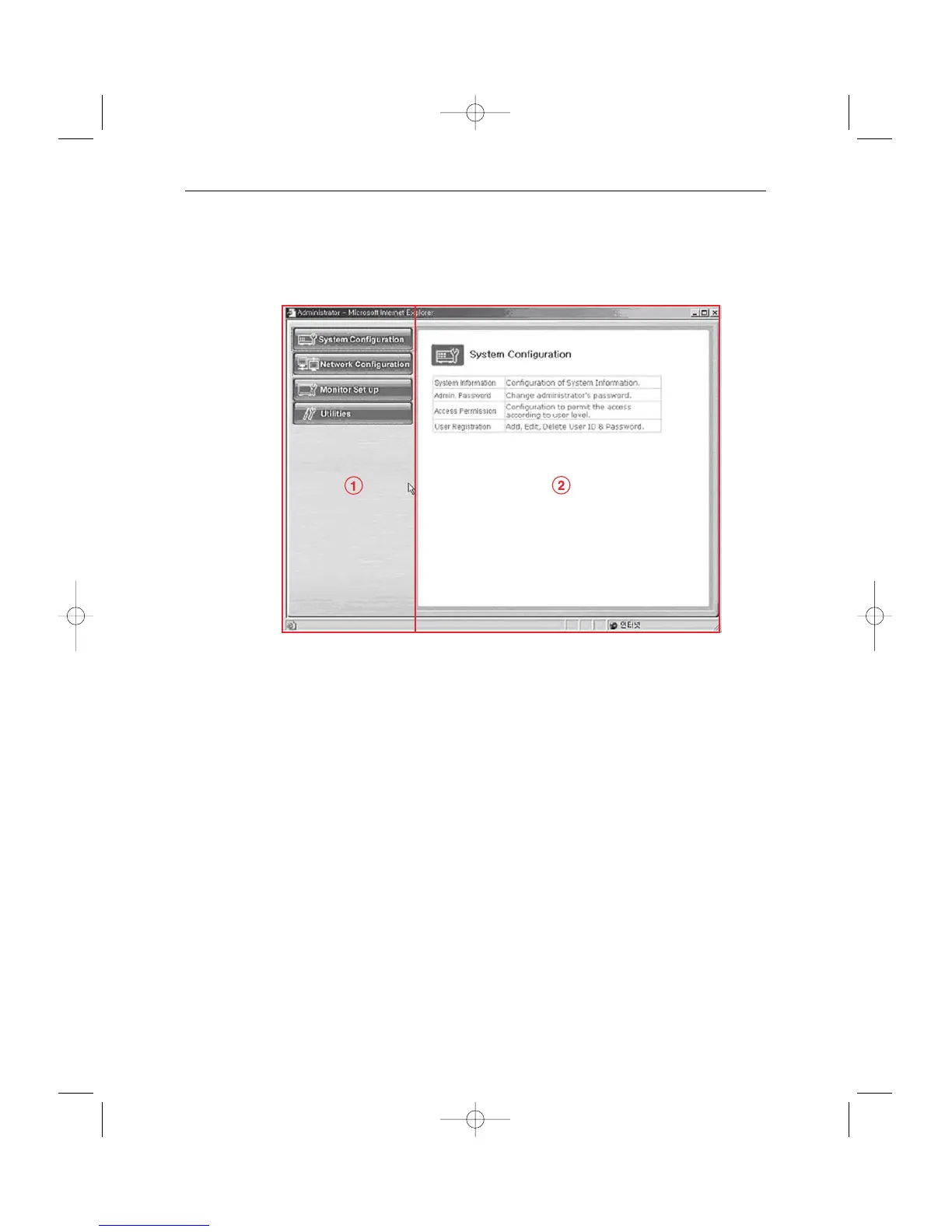
3) Type in the administrator and password in the user’s name and password columns and
press Enter key to execute the Admin Menu as shown below.
4) Screen configuration
! : General menus of Admin Menu. The menus related to SSC17WEB Server are
divided into System, Network, Monitor Setup, and Utilities in the main. Each of
them has several sub menus.
@ : When you click one of the main menus (System Configuration, Network
Configuration, Monitor Setup, Utilities), its sub menus and simplified explanation
on them will appear.



 To Next Page