Eng-72
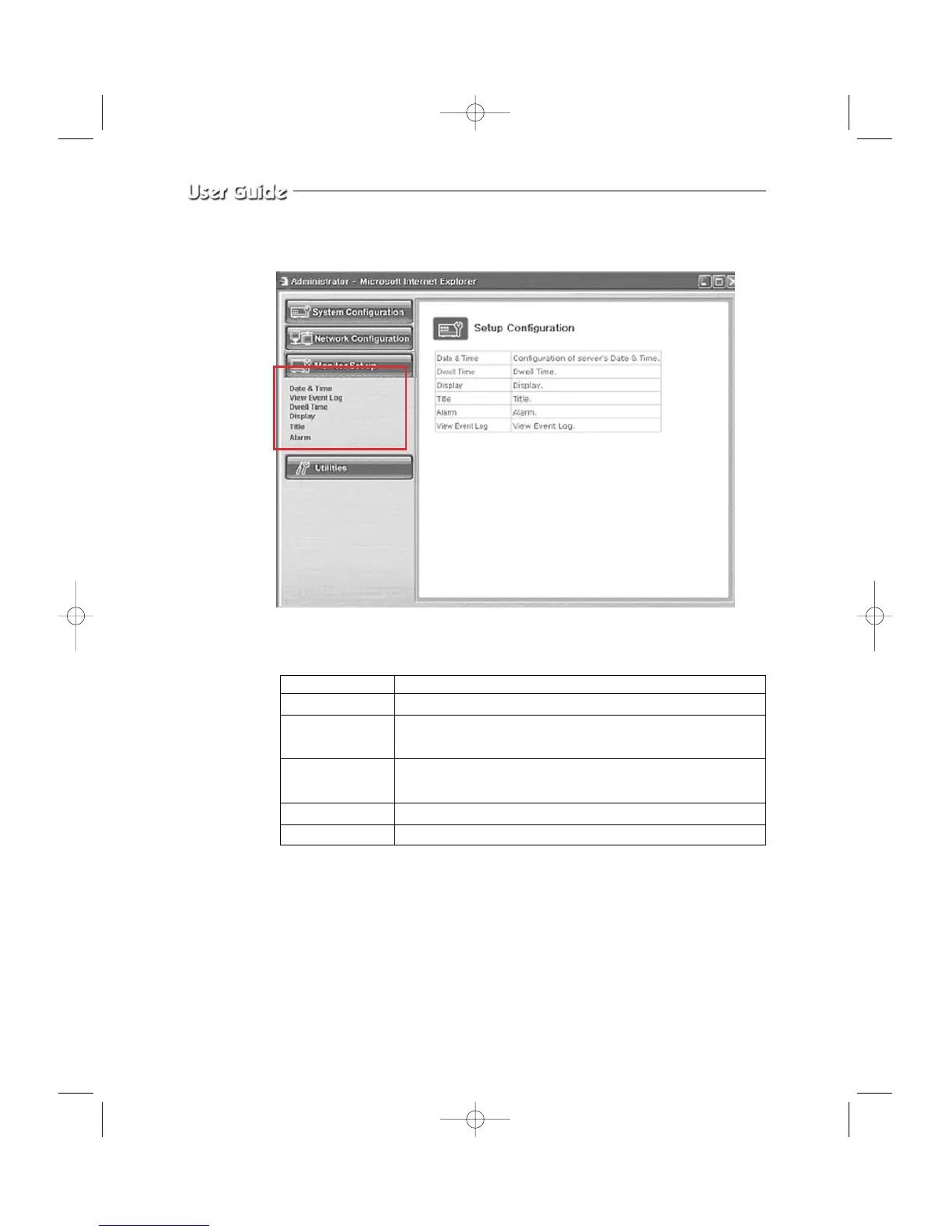
3-7-4) Monitor Set up
- Menu Configuration
Please refer to the CHAPTER3 of the user’s manual.
Date & Time Set the display data format and current time.
View Event Log Display the time and data of camera event and type of event
Dwell Time Displays each picture for pre-set time and automatically Switches
it to the next picture at SEQUENTIAL DISPLAY MODE.
Display Allows users to select the color and ON/OFF of borderline at
QUAD DISPLAY
Title Set the title of each camera at your discretion
Alarm Allows users to set the ALARM MODE for each camera



 To Next Page