Eng-77
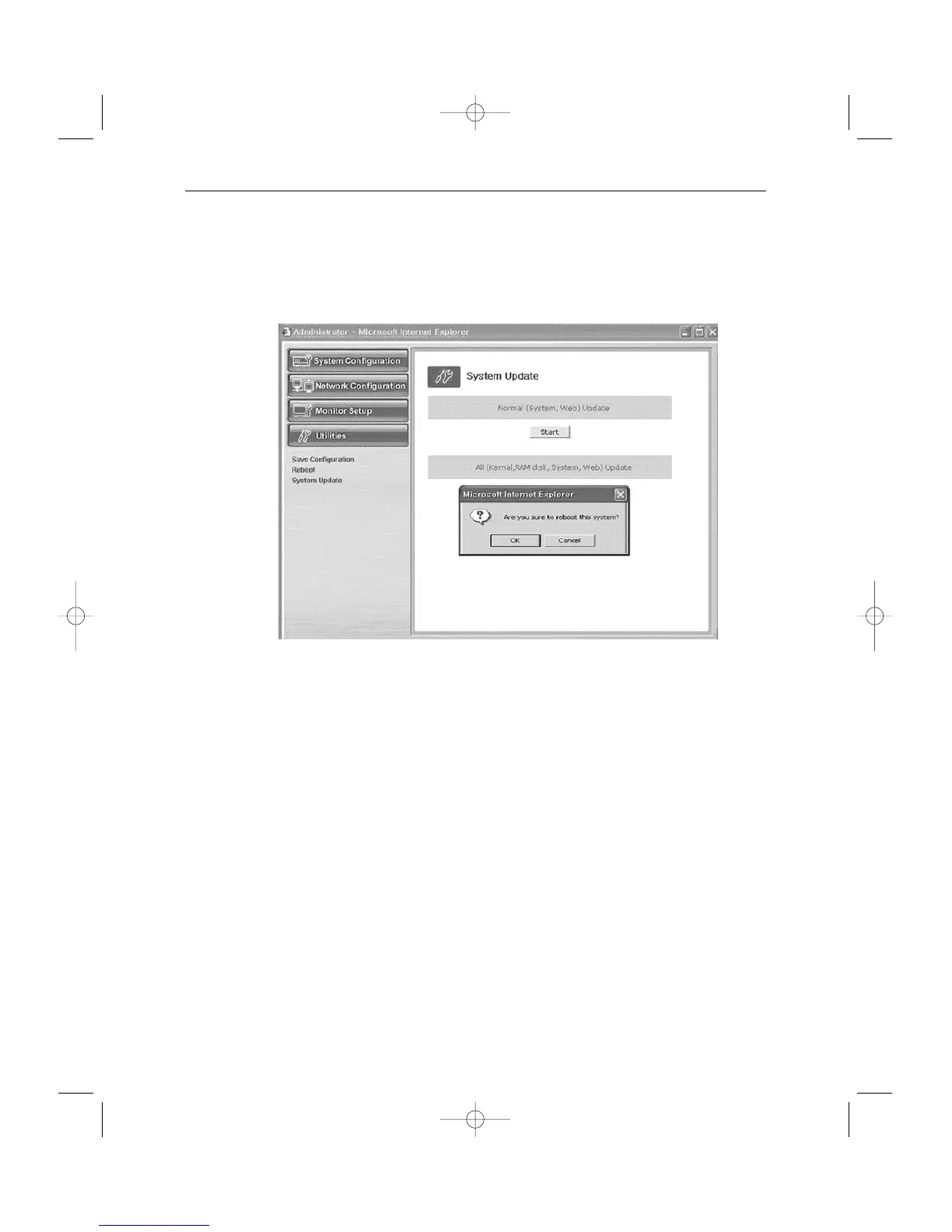
4-2. All (kernel, RAM disk, System, Web) Update
When you click the start button located in the right side of “All (Kernel, RAM disk, System,
Web) Update”, a window will appear to ask if you want to update.
Click “Cancel” to stop updating.
1. “OK” to proceed updating.
2. A pop-up window will appear. Choose “Zimage” in the browse.



 To Next Page