2. PLAY
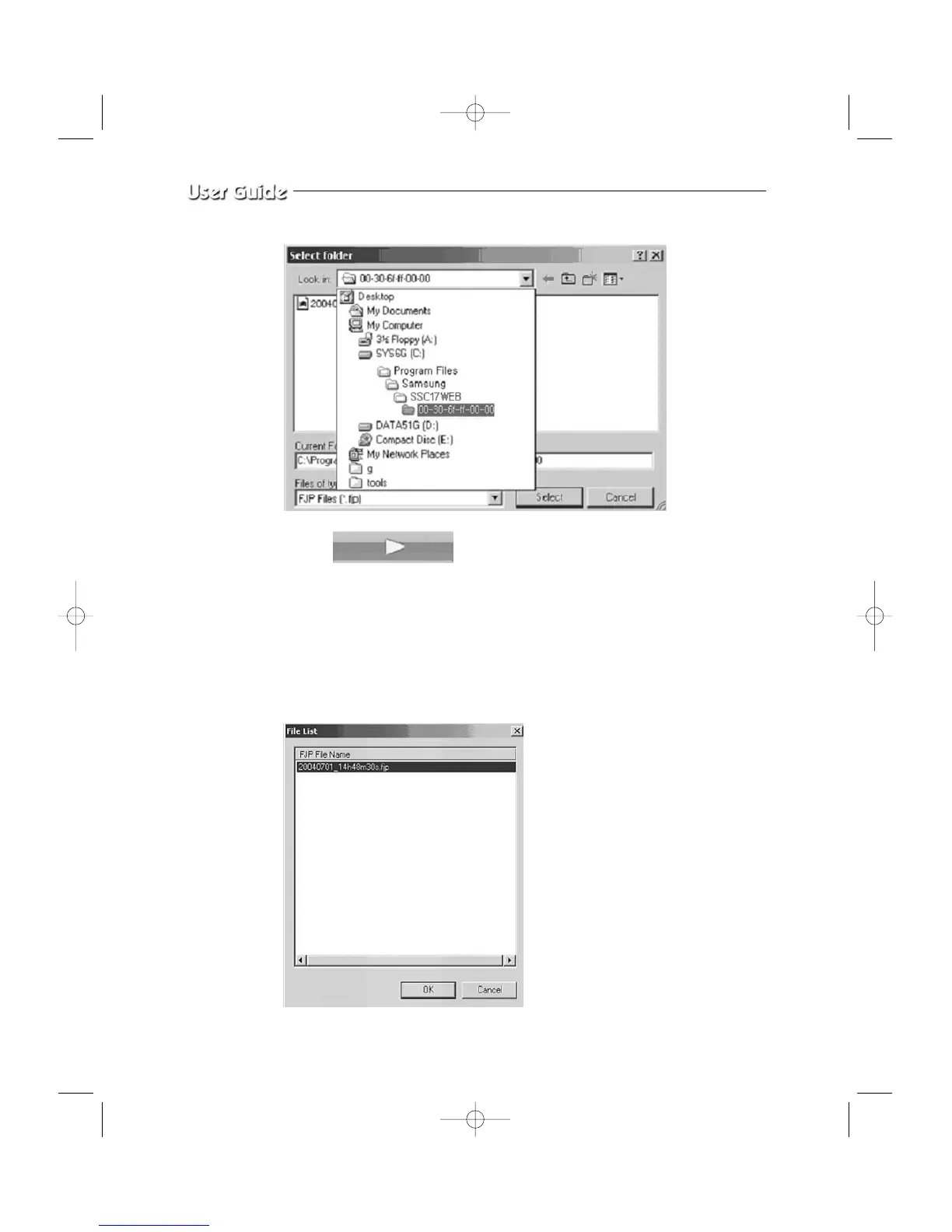
When you select on a play key and press the Open button or double click the file, that
file will play back on the Remote Viewer as a motion clip. When the file has finished
playing or when you press the Stop button, the Remote Viewer will go back to Live
screen. You can select several files simultaneously at once (up to 10)
and the files will be played back in the order of the file name (by date and time).
Eng-44



 To Next Page