Additional function (Tool)
- Partial recording
- Snap shot
- Print
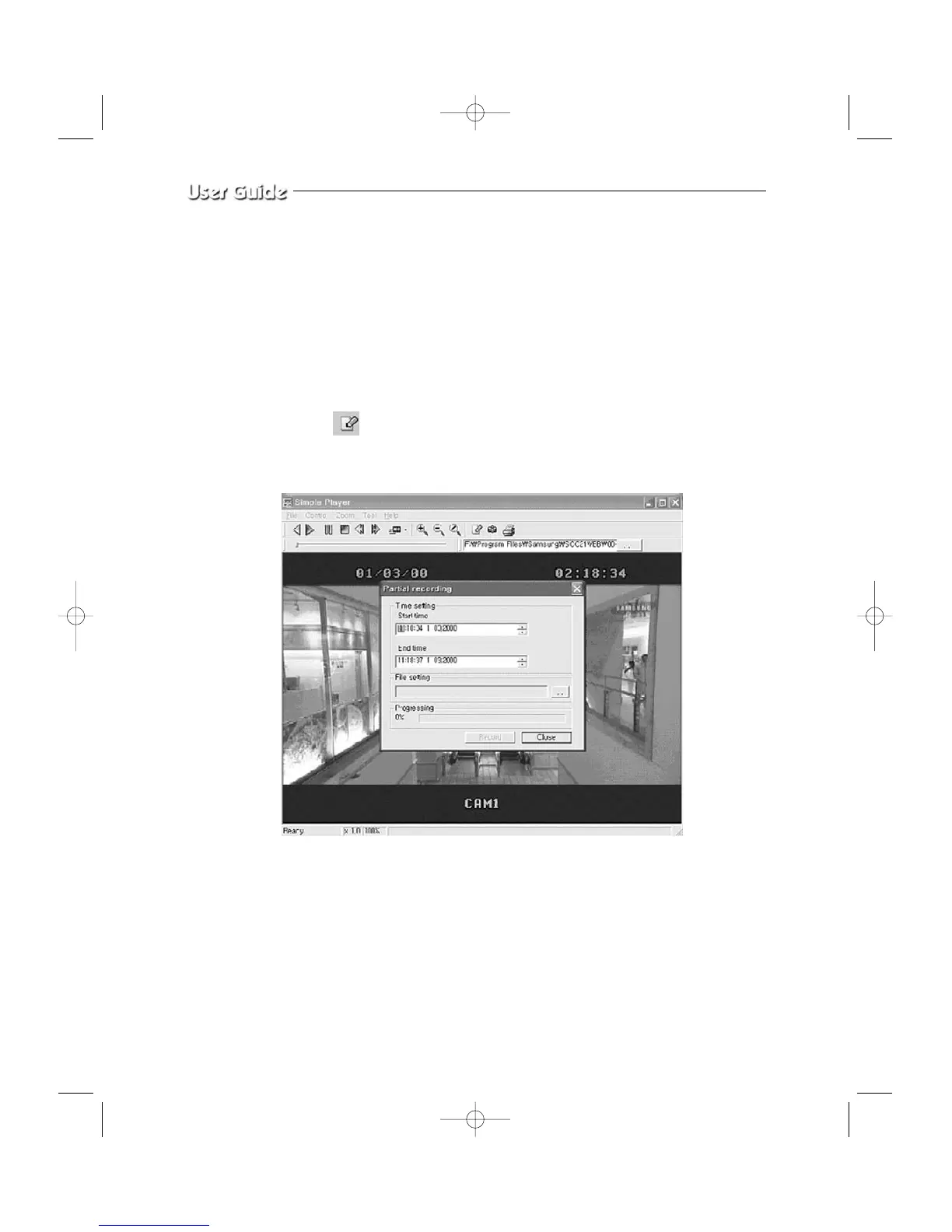
- Partial Recording
Partial recording is to separate a section from the file selected and played and save it as
a form of AVI.
Select in the toolbar and a window will appear as shown below. Start time and
End time of the file will be displayed and the user can decide the section.
You need to type in the correct time to execute the partial recording function.
Go to File setting and type in the file name you want to make. A window will appear as
shown below.
Eng-48



 To Next Page