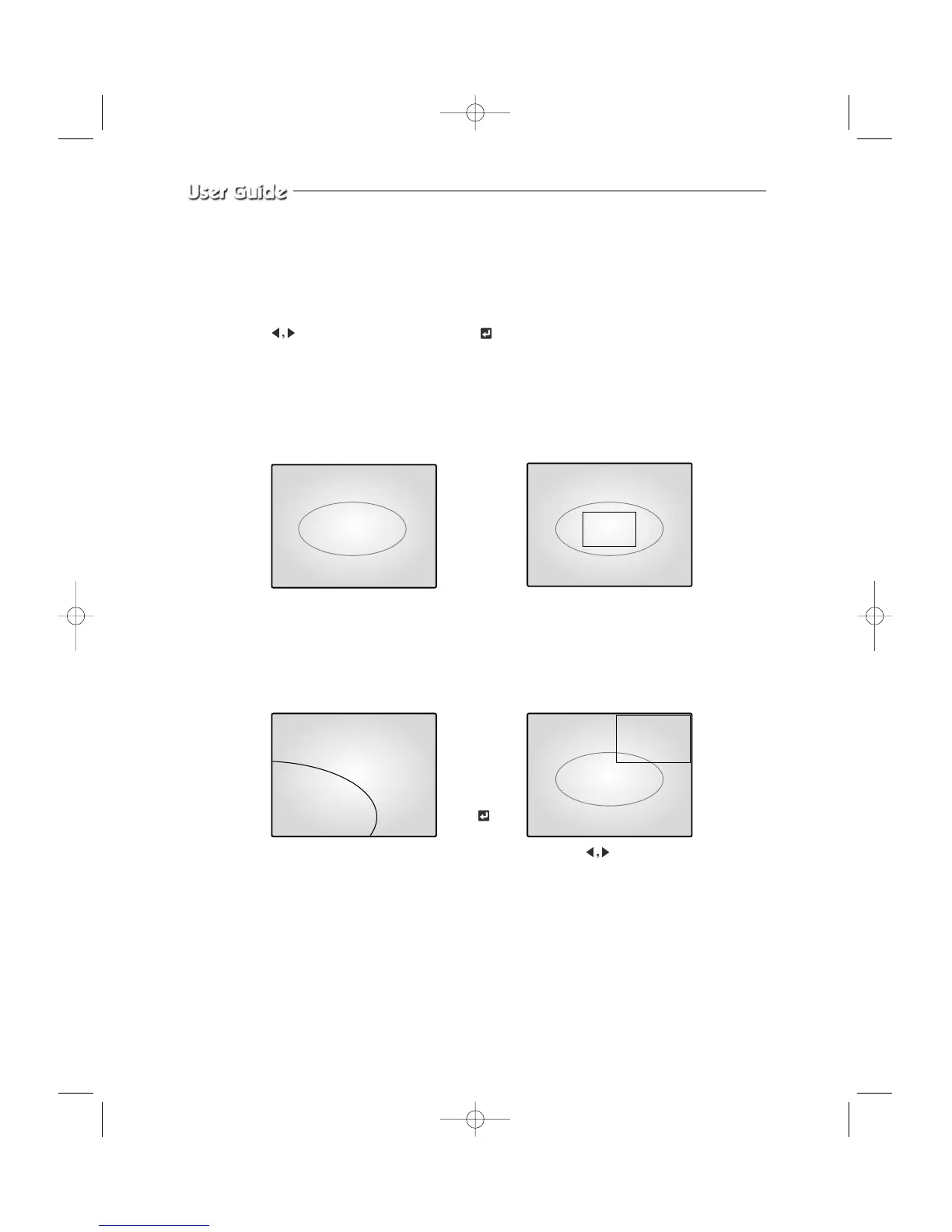
4-5) ZOOM MODE DISPLAY
When users want to see zoomed image of a specific area of the display, press the ZOOM
KEY in the front to display zoom selection area. Select zoom target area by turning
KEY left and right, and press the KEY, then, the selected area
will be displayed at full single mode with zoomed area doubled. At zoom function operation
at SINGLE DISPLAY MODE (CH2), the operation will be carried out as shown in figure
below. (Zoom selection areas at SINGLE DISPLAY MODE are nine.)
CH2 SINGLE DISPLAY
ZOOM area is activated.
Press ZOOM
KEY
The selected area will be doubled
and at FULL DISPLAY.
Press
KEY and
move to desired location
Press
KEY
06/01/03 13:14:00 06/01/03 13:14:00
06/01/03 13:14:00 06/01/03 13:14:00



 To Next Page