Eng-79
Click “Previous button to go back to the previous stage.
Click the next button to execute update of the program and move to the next stage.
Click the cancel button to stop the update process.
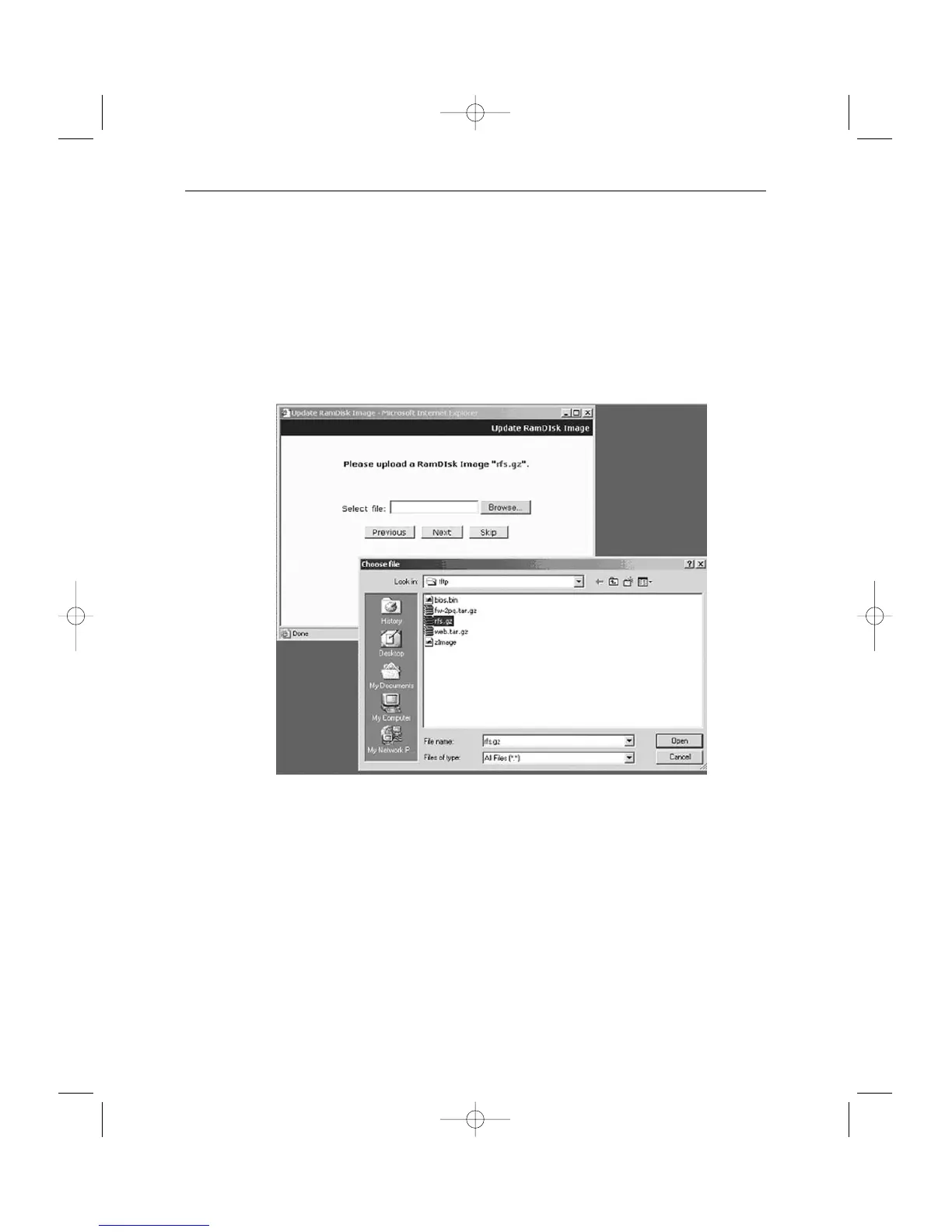
4. In the next stage, a pop-up window will appear for the file searching for the RAM
Disk Update.
Choose “rfs.gz” in the browse.



 To Next Page