Eng-83
9. Click “Next” button to move to the next stage.
Click “Skip button to move to the next stage without Kernel Image’s update.
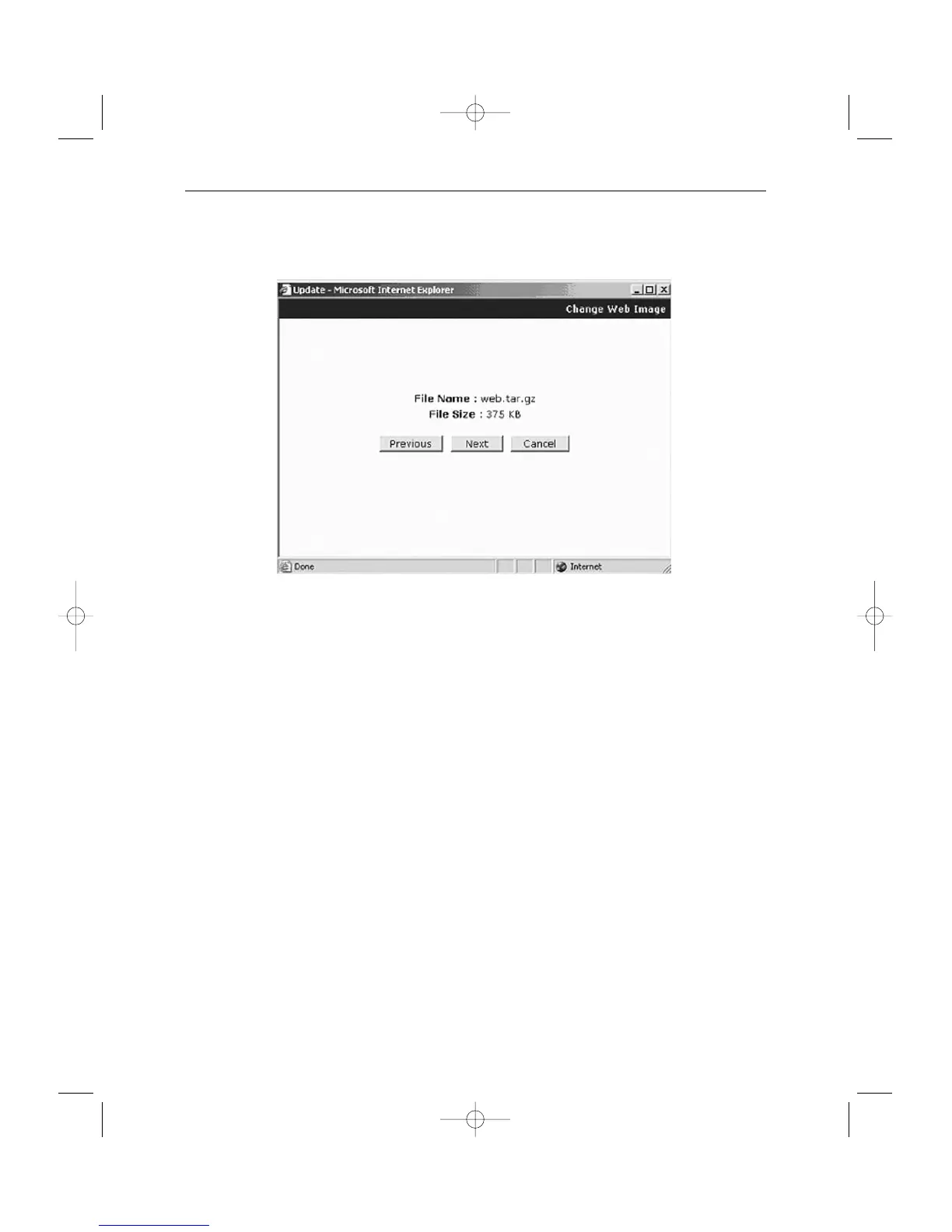
Click “Next” button and a window will appear to check the name and size of the file.
Click “Previous” button to go back to the previous stage.
Click the next button to execute update of the program and move to the next stage.
Click the cancel button to stop the update process.



 To Next Page