CHAPTER THREE:OPERATION 3.3
OPERATION
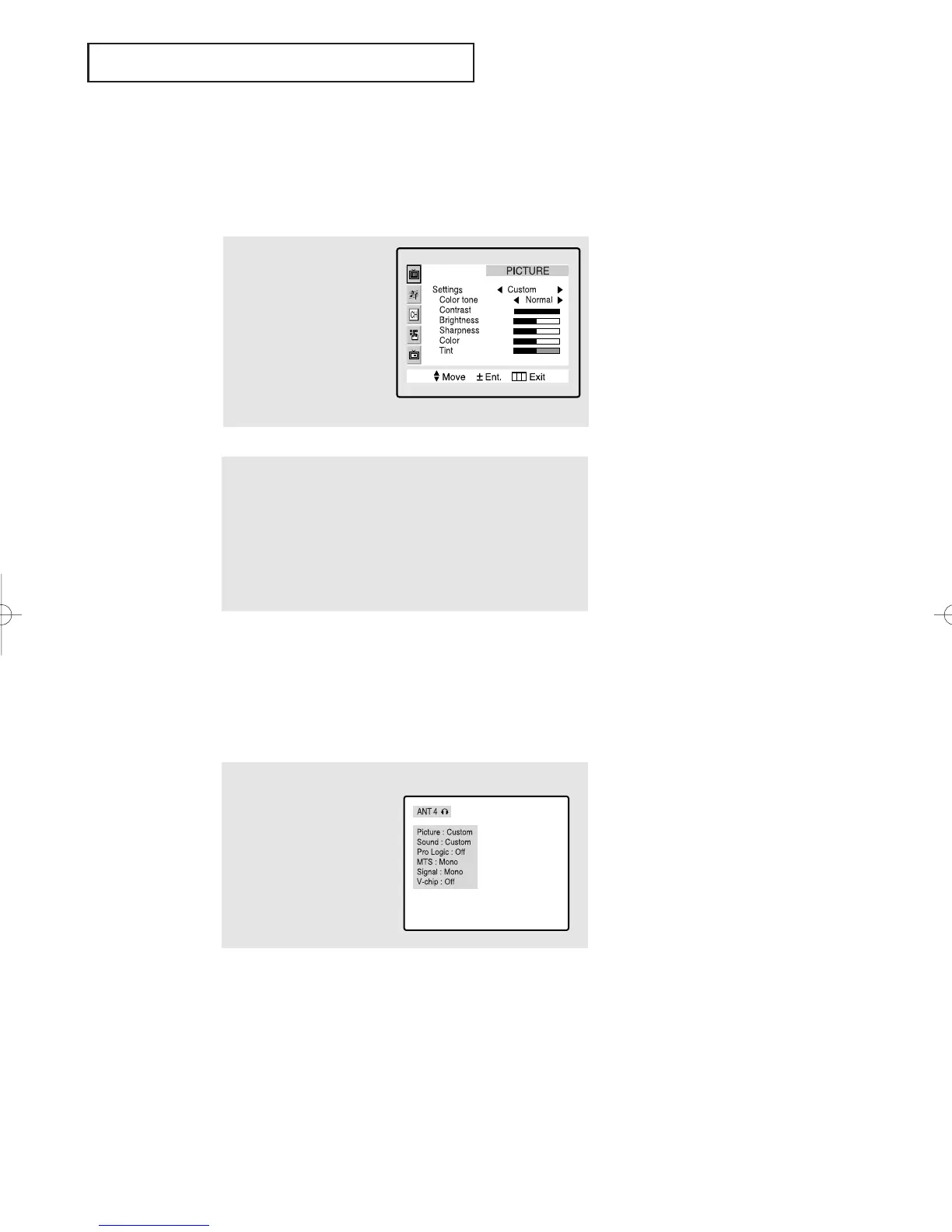
Viewing the Display
The display identifies the current channel and the status
of certain audio-video settings.
▼
The on-screen displays
disappear after about ten seconds.
* V-chip Option
Viewing the Menus and On-Screen Displays
Viewing the Menus
▼
1
With the power on,
press the Menu button.
The main menu appears
on the screen. Its left
side has five icons:
PICTURE, SOUND,
CHANNEL, FUNCTION
and DOUBLE SCREEN.
The on-screen menus disappear
from the screen after about thirty
seconds.
▼
You can also use the Menu,
CHANNEL, and VOLUME buttons
on the control panel of the TV to
make selections.
1
Press the Display button
on the remote control.
The TV will display the
channel, the type of
sound, and the status of
certain picture and sound
settings.
2
Use the CH▲ and CH▼ buttons to highlight one of the 5 icons
(the icons blink when highlighted). Then press VOL+ to access
the icon’s sub-menu.
3
Press the Menu button to exit.
01066D(E)-CHAPTER 3 4/12/05 9:26 AM Page 3



 To Next Page