3.4 CHAPTER THREE: TV OPERATION
OPERATION
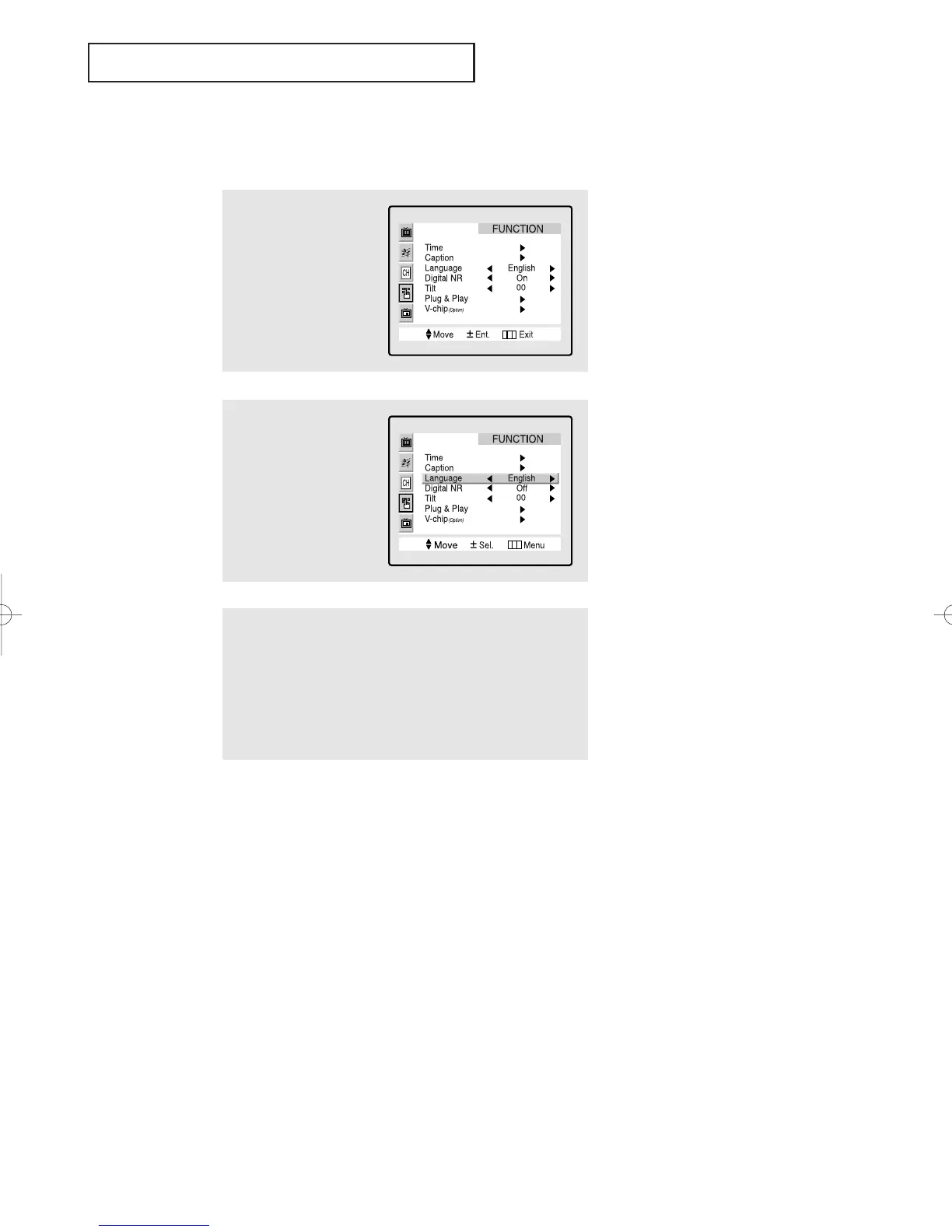
Selecting a Menu Language
3
Press the VOL + button to select the appropriate language:
English, Spanish, or French.
4
Press the Menu button twice to exit.
2
Press the VOL + button
to display the “FUNC-
TION” menu.
Press the CH ▼ button
twice to select
Language.
1
Press the Menu button to
display the menu.
Press the CH ▼ button
twice to select “FUNC-
TION.”
01066D(E)-CHAPTER 3 4/12/05 9:26 AM Page 4



 To Next Page