CHAPTER FOUR:SPECIAL FEATURES 4.8 4
SPECIAL FEATURES
Changing the Screen Size
Note: The Wide, Normal and Panorama modes cannot be selected when you are
in Component (Y, Pb, Pr) mode. You must be in the RF, Video or S-Video mode to
change the screen size.
(For models TSK2792F/TSK2790F/TSK3292F/TSK3290F/
TSL3294HF/TSL3295HF/TSL2795HF)
1
Press the Aspect button
to chang the screen
size.
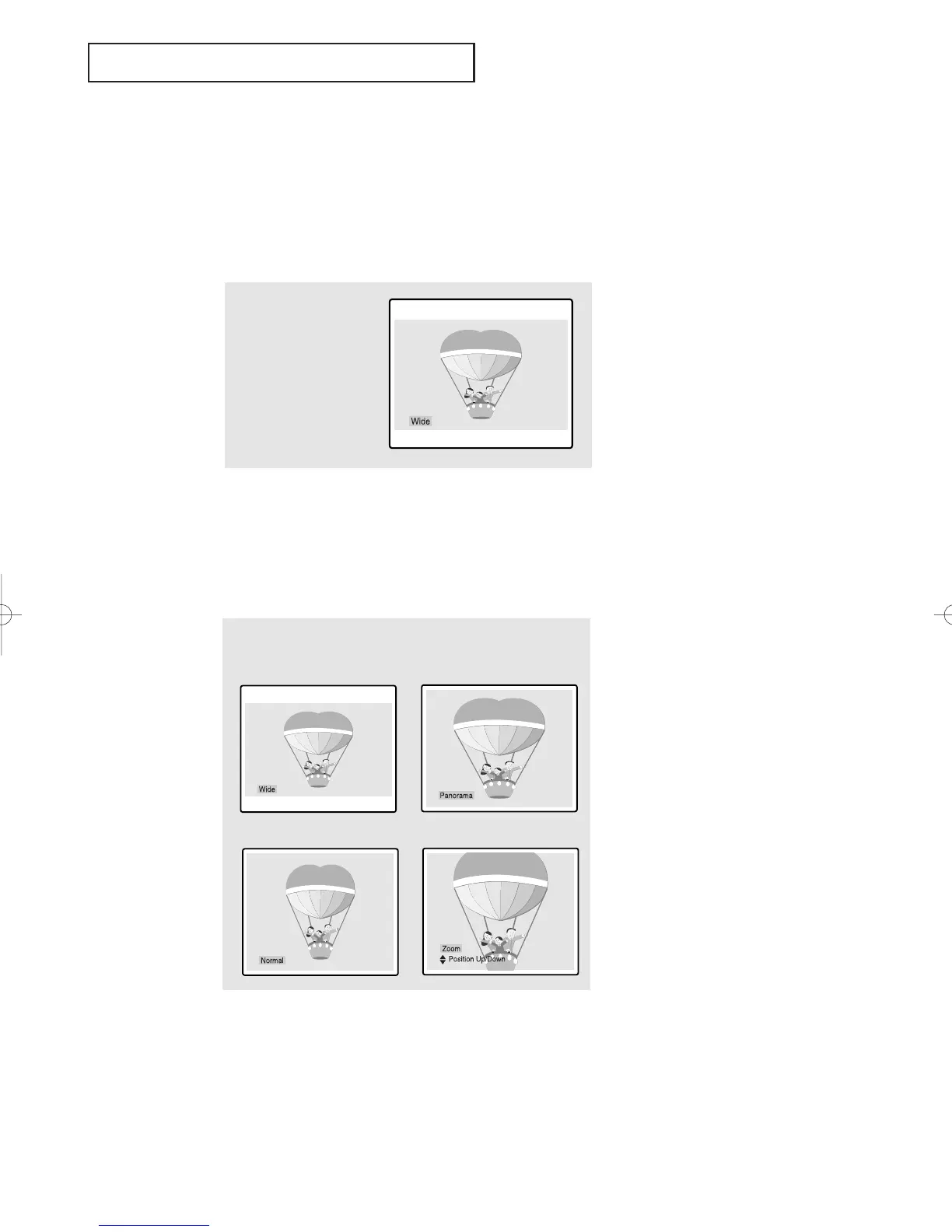
• Normal : Sets the picture to 4:3 normal mode.
This is a standard TV screen size.
• Wide : Sets the picture to 16:9 wide mode.
• Zoom : Sets the picture to Zoom mode.
(For models TSK3092WF/TSL3095WHF)
1
Press the Aspect button to chang the screen size.
• Wide: Sets the picture to 16:9 wide mode.
• Panorama : Use this mode for the wide aspect ratio of
a panoramic picture.
• Zoom: Magnifies the size of the picture on screen.
Before “Position Up/Down” disappears from the screen,
press the CH
▲ or ▼ buttons to scroll the picture up and down.
• Normal: Sets the picture to 4:3 normal mode.
This is a standard TV screen size.
➡
➡
➡
➡
01066D(E)-CHAPTER 4 4/12/05 9:29 AM Page 8



 To Next Page