35/97
3. USING THE DISPLAY/KEYPAD
3.1. Overview
This section covers navigation in the display/keypad.
For details about particular settings of the keypad (contrast, backlight, etc.), please refer to the section concerning the
display/keypad in the Sinus Penta’s Installation Instructions manual, whilst for details regarding custom navigation for the
root page, the measures in the Keypad page and the Root page and the PID custom unit of measure, please refer to the
DISPLAY/KEYPAD MENU in the Sinus Penta’s Programming Instructions manual.
3.2. Menu Tree
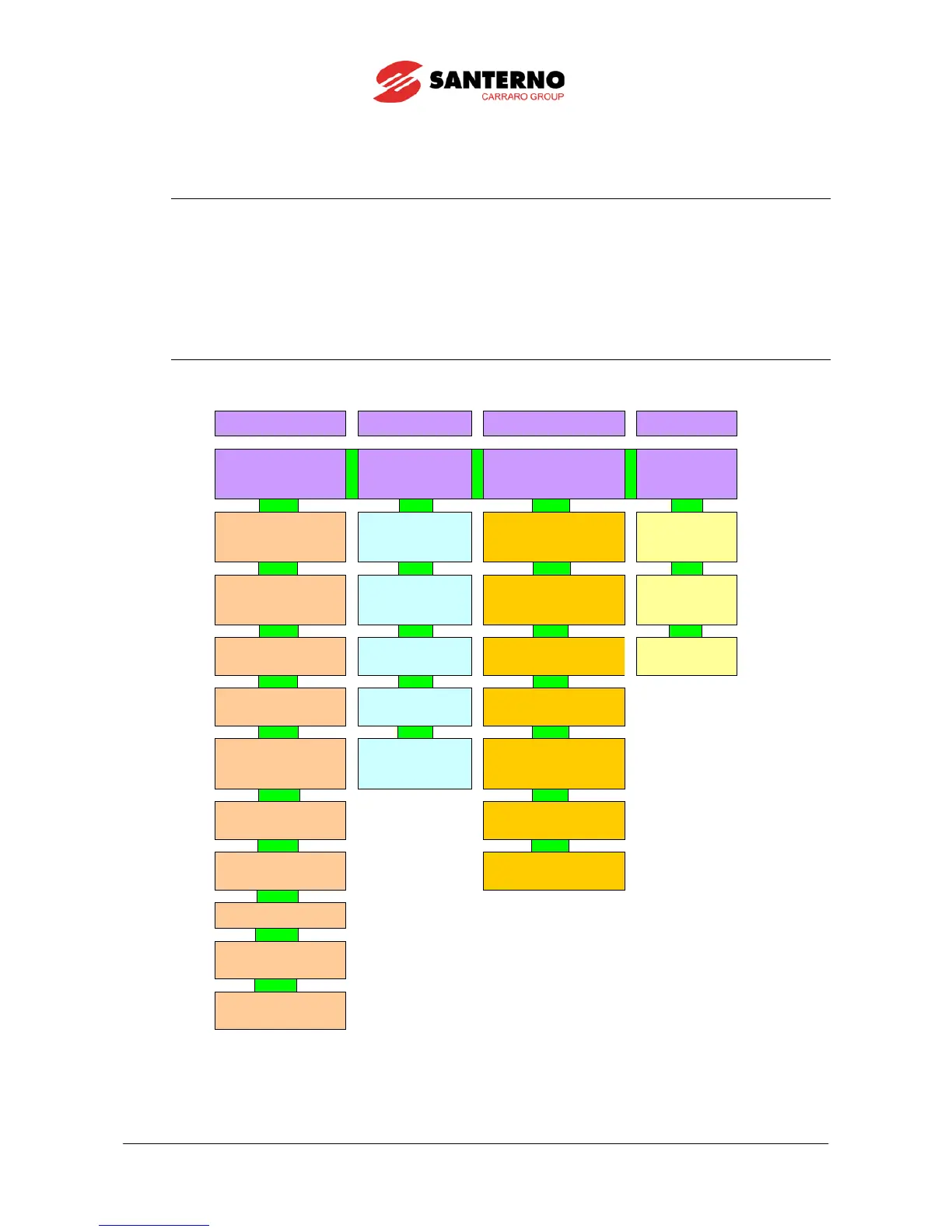
Figure 7: Menu Tree.
(*) Available for VTC and FOC controls only.



 To Next Page