37/97
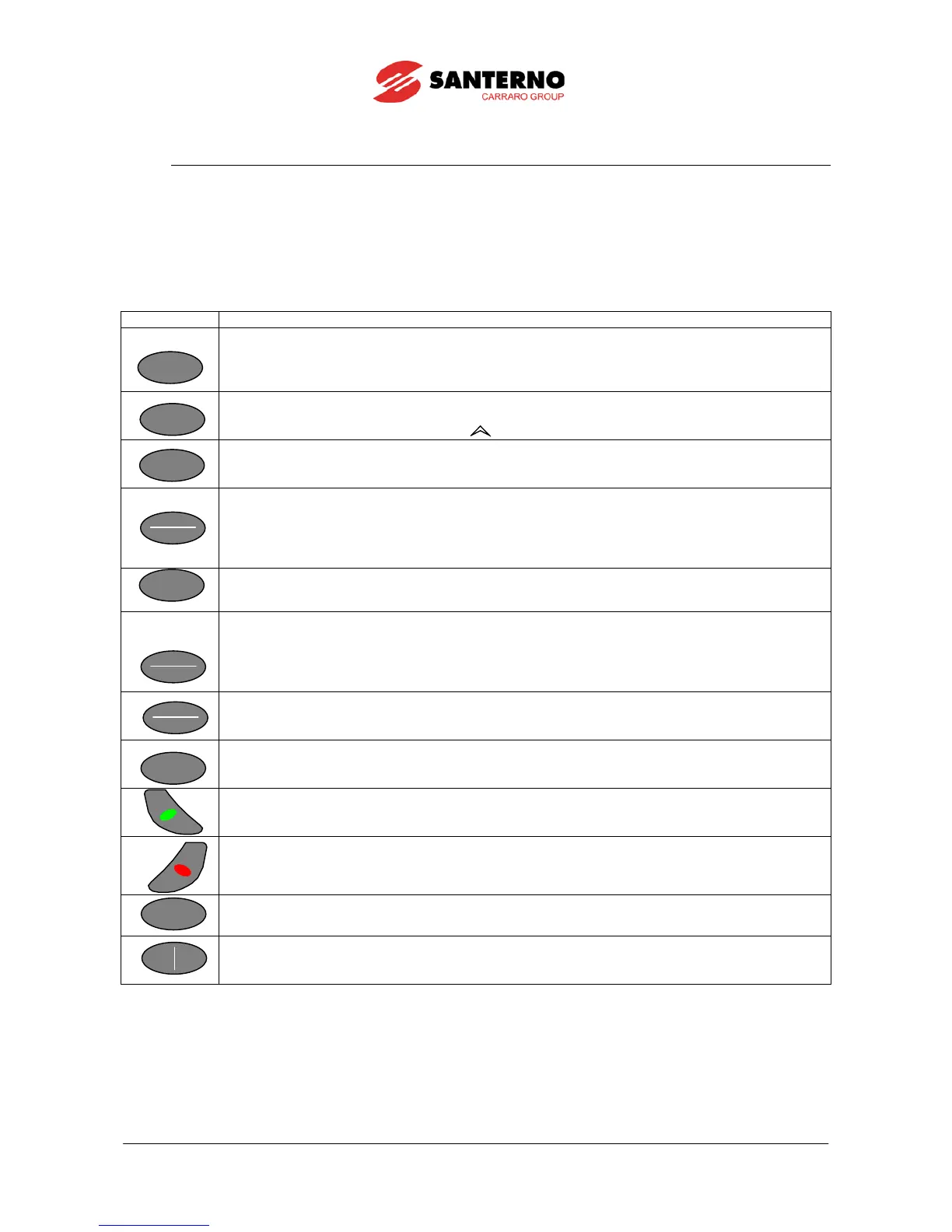
3.4. Function Keys
Press the SAVE/ENTER key for parameter alteration; when a flashing cursor appears, press ▲ and ▼ to change the
parameter value. Do one of the following to quit the editing mode:
Press ESC → the parameter value used by the drive is altered and is maintained until the drive is shut off.
Press SAVE/ENTER → the parameter value is stored to non-volatile memory and is not deleted when the drive is shut off.
Input values (Ixxx) cannot be saved to non-volatile memory; inputs are automatically set to their default values.
Quits menus and sub-menus and confirms a new parameter value (when the editing mode is activated,
the cursor starts flashing), which is not saved to non-
volatile memory (the value is lost when the inverter
is turned off). If the Operator mode is set up and the keypad is locked on the Keypad page, press ESC
for at least 5 s to restart navigation.
Down arrow; scrolls through the menus and submenus, the pages in a submenu or the parameters in
descending order. While programming, it decrements the parameter value.
Hold it down along with the increment key
Up arrow; scrolls through the menus and submenus, the pages in a submenu or the parameters in
ascending order. While programming, it increments the parameter value.
Accesses menus and submenus. In programming mode (cursor flashing) this key saves to non-volatile
memory (EEPROM) the value of the parameter being altered. This prevents any parameter modification
from being cleared in case of mains loss.
If pressed when the Keypad page is displayed, the SAVE/ENTER key allows displaying the “Keypad Help”
page, where the variables viewed in the previous page are detailed.
If pressed more than once, it scrolls through the menus: start page →
access page for parameter
alteration → ID SW page → keypad → start page, and so on.
Enters the pages for the parameter DOWNLOAD from the keypad to the inverter (TX) or allows
parameter UPLOAD from the inverter to the keypad (RX); if pressed more than once, the
key
allows selecting either operating mode. The active select
ion is highlighted by the page displayed; the
relevant TX or RX LED starts flashing.
To confirm Upload/Download, press the Save/Enter key when the wanted selection is active.
If pressed once, reference and commands are forced via keypad; press it again to return to the prior
configuration or to change the active reference in the Keypad page depending on the preset type of
Keypad page (see the Display menu in the SINUS PENTA’s Programming Instruction manual).
Resets the alarm tripped once the cause responsible for the alarm has disappeared. Press it for 8
seconds to reset the control board, thus allowing the microprocessors to be reinitialized and to activate R
parameters with no need to shut off the inverter.
If enabled, it starts the motor (at least one of the command sources is represented by the keypad).
If enabled, it stops the motor (at least one of the command sources is represented by the keypad).
The Jog key is active only when at least one of the command sources is represented by
depressed, it enters the Jog reference set in the relevant parameter.
If enabled (at least one of the command sources is represented by the keypad), it reverses the sign of the
overall reference. Press this key again to change the reference sign.



 To Next Page