Currency Discrimination Fitness Sorter SB - 2000 Service Manual
65
11. Adjustment
11-1. CIS SENSOR
At SB-1100, it is a troublesome that user has to adjust the level that is out of control only by CIS
shading by a variable resistor(VR). Meanwhile, SB-2000 can get to control all of CIS level by itself
through only Shading.
And SB-1100 CIS has a sole yellow light source so it requires one VR, while SB-2000 has a
RGB(Red, Green & Blue) multi light source so theoretically it requires 3 VRs. In terms of user’s
convenience, the CIS Shading function at SB-2000 is much more upgraded than SB-1100.
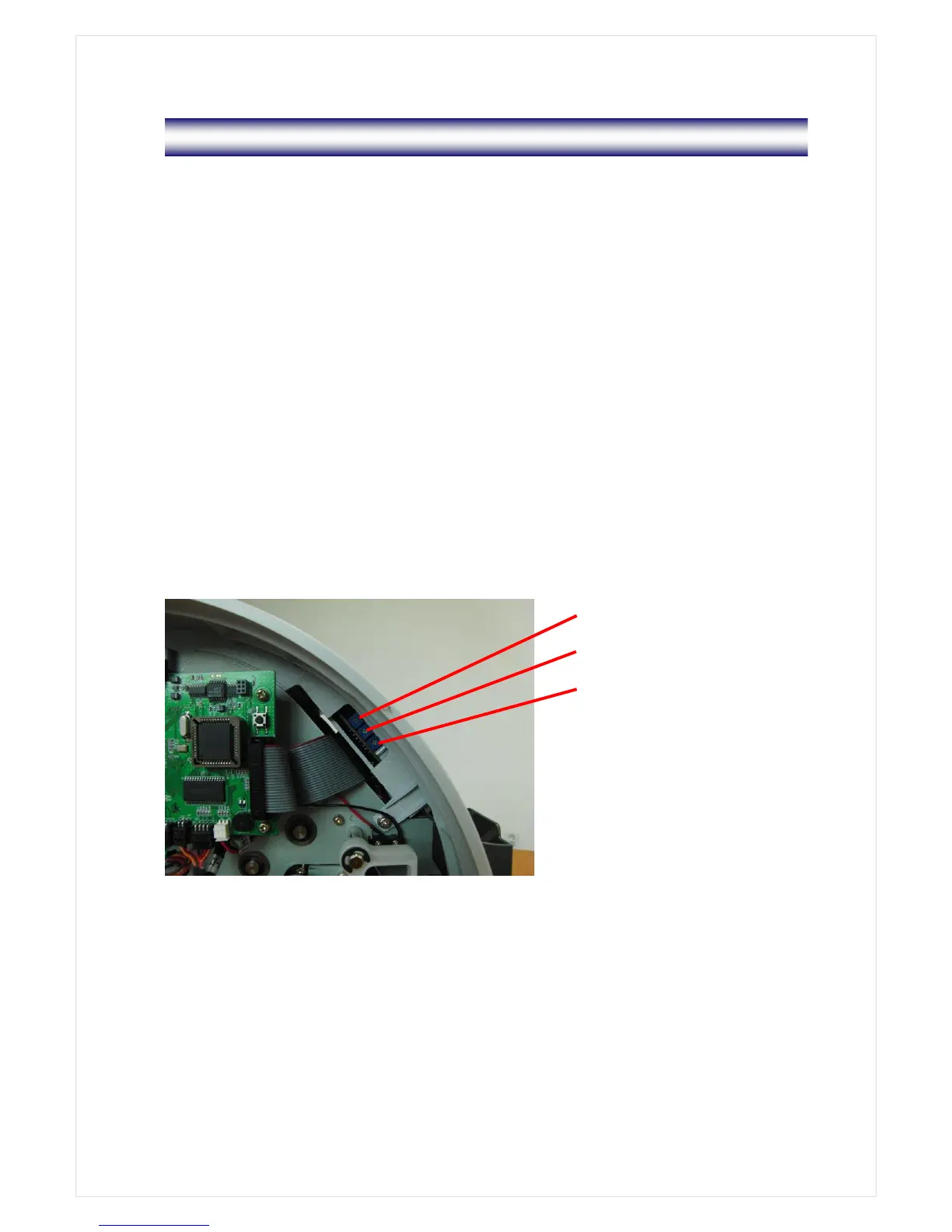
11-2. Three Variable Resistors / on OPE Board
1) LCD Contrast
The density of LCD is adjustable by R28.
2) LCD Back Light
Turning the R12 clockwise by using a screwdriver, the back light on the Display gets brighter.
On the contrary, turning it counterclockwise, it gets darker. Please refer to the picture regarding
how to turn the R12 by a screwdriver.



 To Next Page