Currency Discrimination Fitness Sorter SB - 2000 Service Manual
53
OnTime 1 : R= 255 / G = 255 / B= 255
OnTime 2 : R= 255 / G = 255 / B= 255
OnTime : IR_R = 0
NG
OnTime 1 : R= 255 / G = 255 / B= 255
OnTime 2 : R= 139 / G = 229 / B= 118
OnTime : IR_R = 0
NG
9-2. IR SHADING
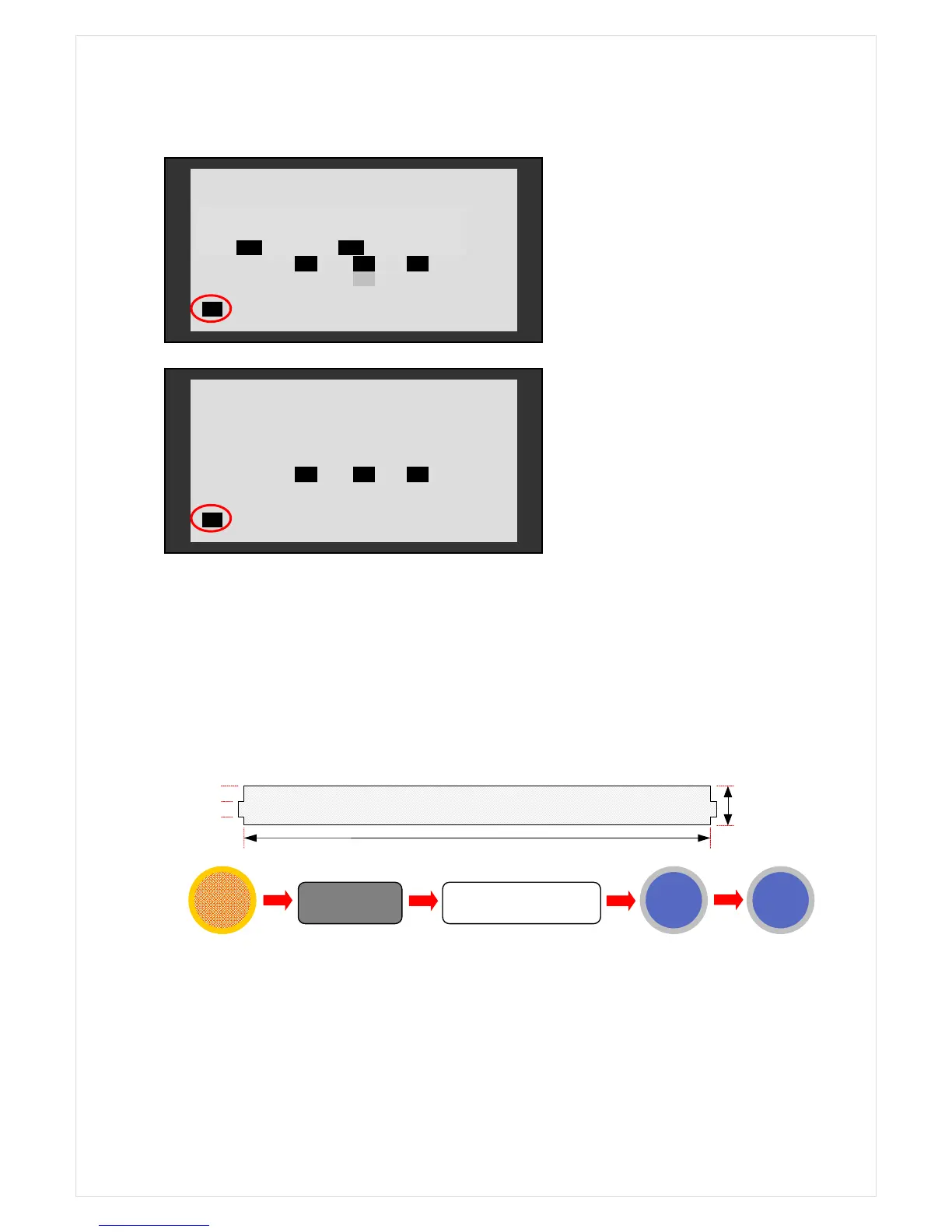
IR Shading Sheet (translucence)
1. Open rear cover and clean the sensor.
2. Place the shading sheet over the scanner as shown on the below pictures
3. Close the rear cover. Start IR shading process.
23mm
200mm
11mm
11mm
MENU
4
SHANDIG NG (Case 1)
The left figure; Harness cut off or
disconnected to the Main Board
SHANDIG NG (Case 2)
The left figure; Without shading sheet



 To Next Page