Currency Discrimination Fitness Sorter SB - 2000 Service Manual
51
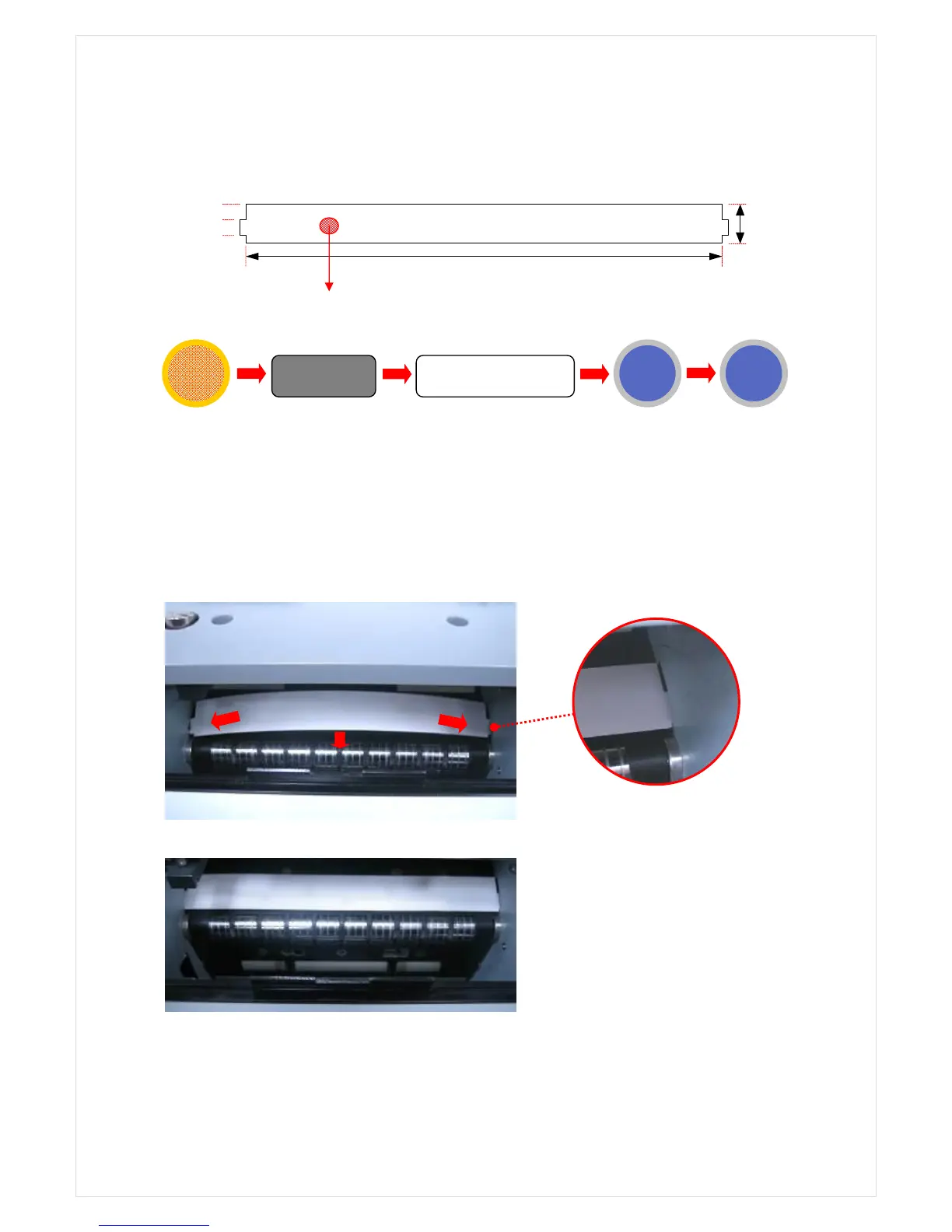
9-1. CIS SHADING(IMAGE SHADING)
CIS Shading Sheet (opaque)
1. Open the rear cover and clean the sensor.
2. Place the shading sheet over the scanner as shown on the below pictures
3. Close the rear cover. Start CIS shading process.
23mm



 To Next Page