12. S/W Upgrade
12-1. USB Down list
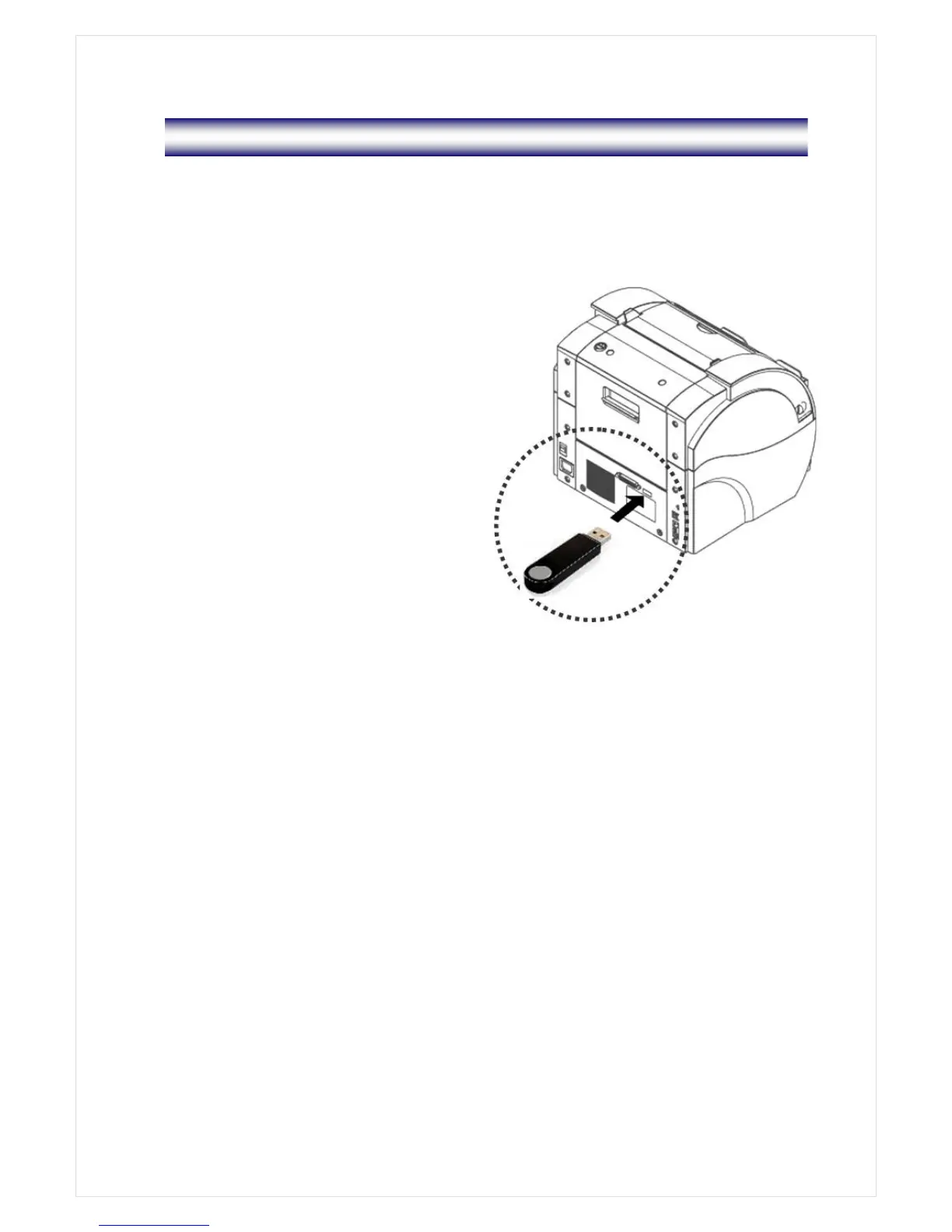
In this mode, user can simply install new software for upgrade by USB Memory Stick.
The steps for upgrade are as follows.
1. With the machine on, insert USB Memory
Stick which has the file provided from
service provider to the machine.
2. Menu->0. S/W UPGRADE->USB DOWN
LIST->‘Loading USB List!’->‘USB : OK’->
When needed Program file name is
displayed, press ‘START key’ ->‘Please
Wait 40 seconds……’
※
Not inserting an USB Stick, if the USB
DOWN LITST command is executed,
the following message would display.
‘USB : ERROR [PLEASE INPUT USB]’. Nevertheless, the machine can consequently
recognize the USB Stick within 7~8 seconds with the message, ‘USB : OK’
3. The machine will be powered off and on automatically after upgrade is done.
4. Regarding the formatted type of USB Memory, ‘FAT32’ is recommendable under the
Windows environment



 To Next Page