6. Basic Operation
Selecting Count Mode
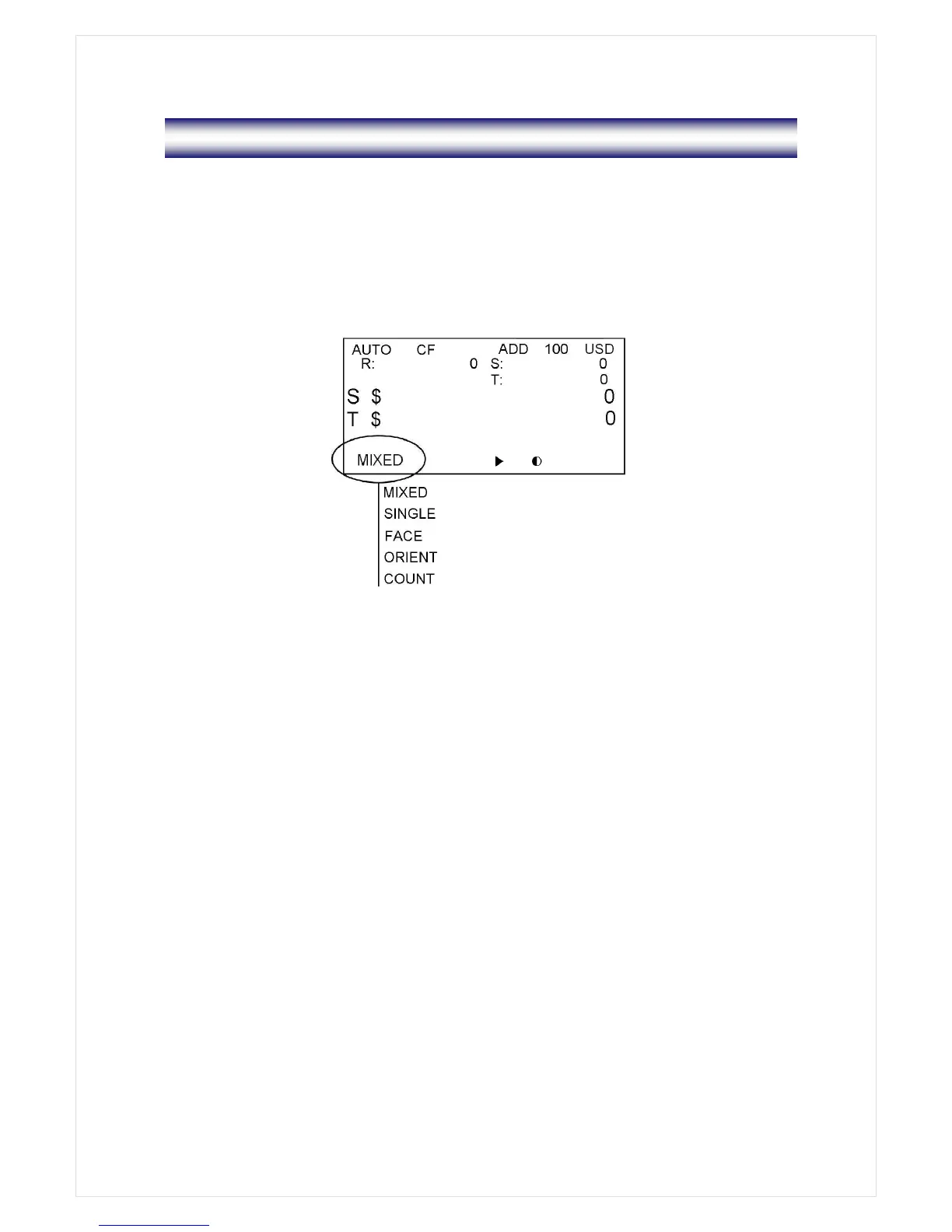
There are six counting modes; MIXED, SINGLE, FACE, ORIENT, COUNT and FITNESS modes.
The modes are changed in sequence as shown below every time when the MODE key is
pressed;
MIXED SINGLE FACE ORIENT COUNT
Only FITNESS mode is selected by pressing FITNESS key.
■ MIXED Mode
In Mixed mode, the machine counts and discriminates the denominations of the bank notes. If
the denomination of a bank note is successfully discriminated, then the note will be sent to the
output stacker. If a note fails to be detected or it is a suspect note (if CF is ON), the note will be
sent to the reject pocket.
To change into the MIXED mode, press MODE key until “MIXED” is displayed on LCD.
■ SINGLE Mode
In Single mode, the machine sorts out notes whose denomination is the same as a selected
denomination. The other notes whose denomination is not matched will be sent to the reject
pocket. To select a denomination, press DENOM key. The denomination will be displayed in
LCD.
For example in case of US dollar, every time DENOM key is pressed, the denomination will be



 To Next Page