Command Menu Reference
GT-Series Terminal User’s Guide - 63
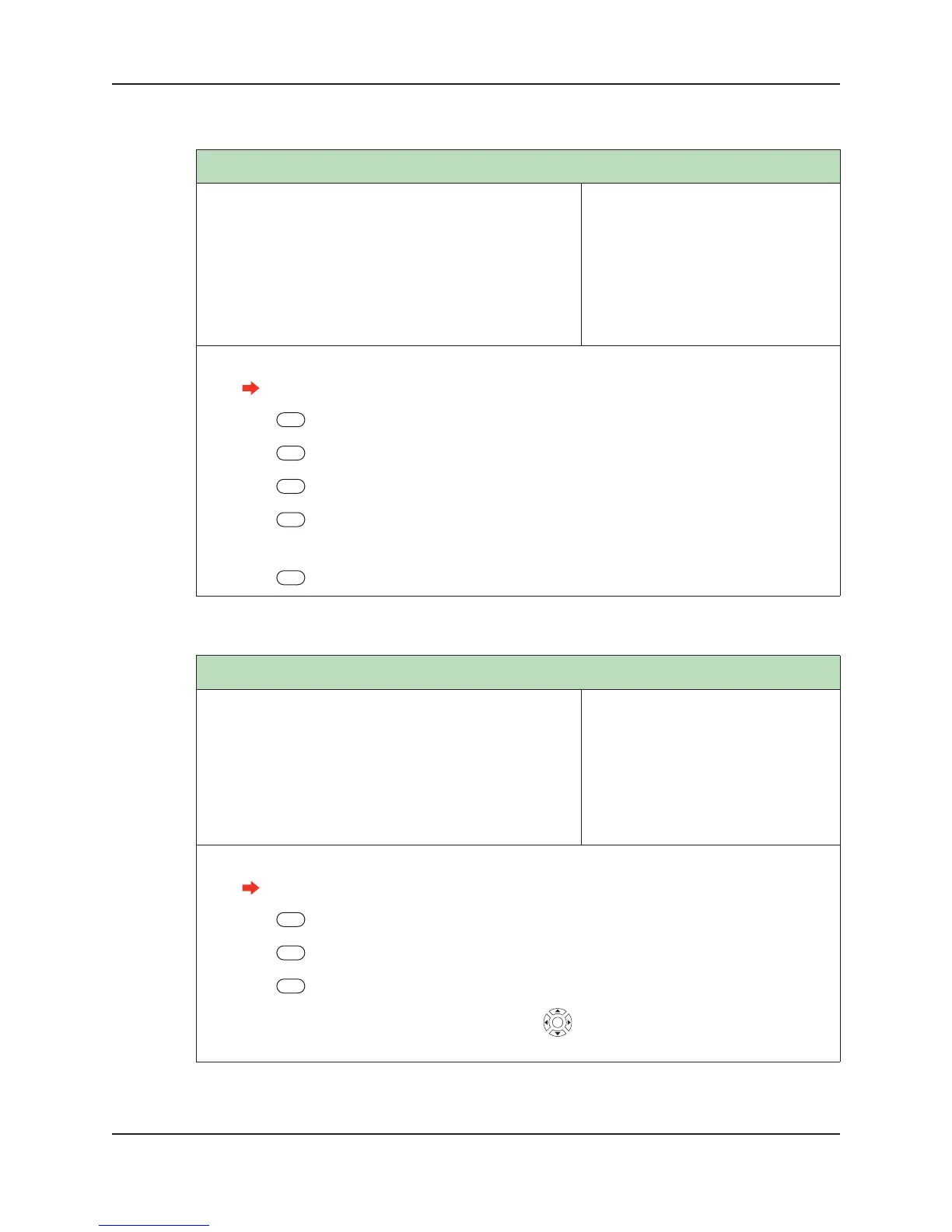
Set Terminal Time
NOTE: Set Terminal Time is used to set the time only on
a terminal running in Demo mode. Otherwise, the
terminal will acquire the time from the host application.
Using the keypad, enter the time using the following
format: hh mm ss based on a 24-hour clock.
Default: None
Range: None
Dependencies: None
Who: A terminal administrator should
set the time of a terminal run-
ning in Demo mode during ini-
tial terminal setup.
1. Log into the terminal as an administrator.
See “Administrator Authentication” on page 47 for more information.
2. Press Setup Menu.
3. Press General Setup.
4. Press More.
5. Press Set Terminal Time using the format HH MM SS. (Example: 23 35 59.)
6. Enter the current time.
7. Press Enter.
Set LocaleTimezone
Sets the time zone of a terminal based on the locality of the
terminal itself. Otherwise, the terminal will acquire the
time zone from the host application. Select the time zone
from the menu that matches your locality.
Default: GMT-8 (Pacific Standard
Time)
Range: None
Dependencies: None
Who: A terminal administrator should
set the LocaleTZ of a terminal
during initial terminal setup.
1. 1. Log into the terminal as an administrator.
See “Administrator Authentication” on page 47 for more information.
2. Press Setup Menu.
3. Press General Setup.
4. Press Set Locale Timezone.
5. Scroll to the time zone you want to use by using . Press the middle key to select the time
zone.


 To Next Page