User Management
92 - GT-Series Terminal User’s Guide
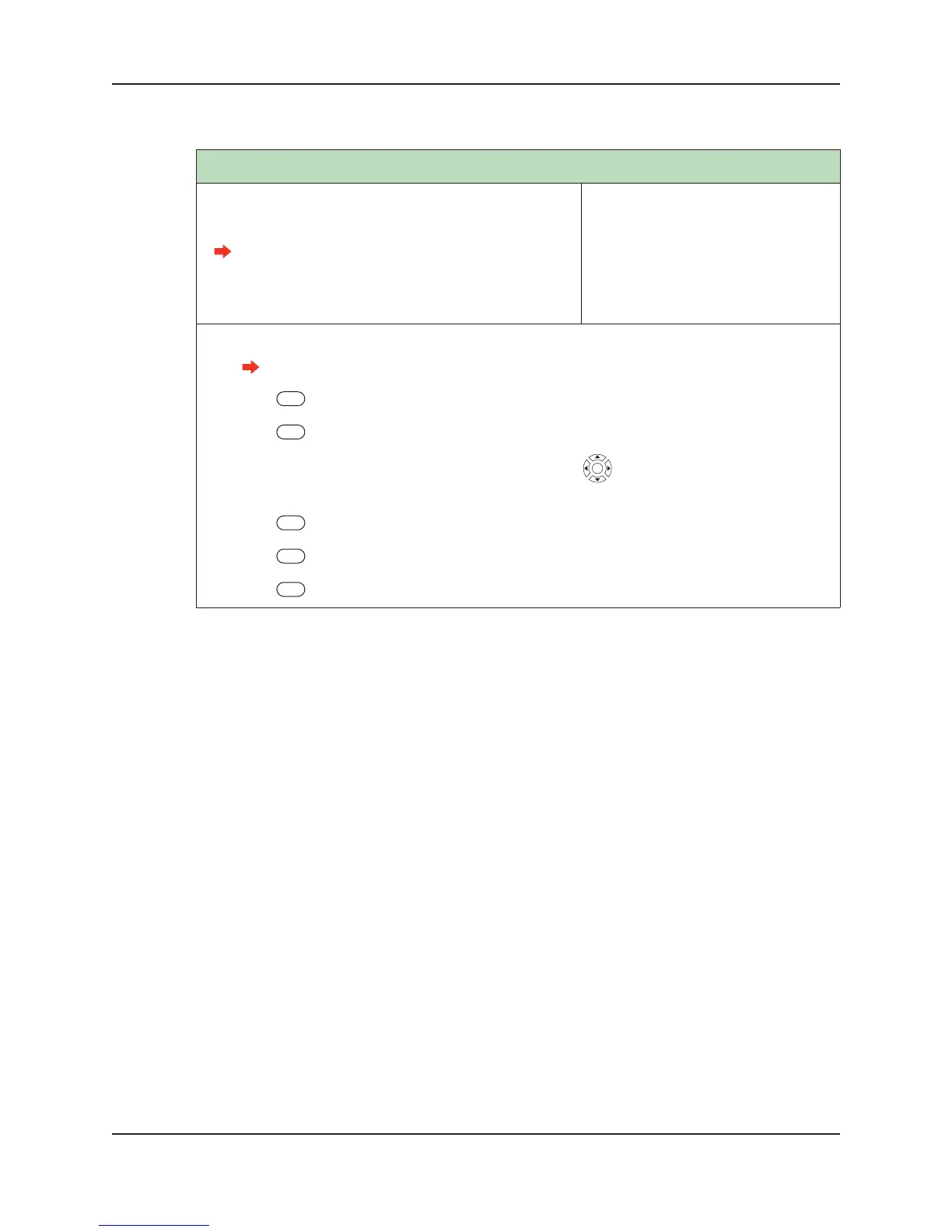
Remove User
Removes a user from the terminal if the user no longer
requires access.
When using this function to remove a user,
user is not removed from the host application
database. See the documentation that came
the host application for more information.
Default: None
Range: None
Dependencies: None
Who: A terminal administrator can
remove a user at any time.
1. Log into the terminal as an administrator.
See “Administrator Authentication” on page 47 for more information.
2. Press User Management
3. Press List Users.
4. Scroll to the name of the user you which to enroll using . Press the middle key to select the
user.
5. Press More.
6. Press Remove User.
7. Press YES.


 To Next Page