Command Menu Reference
GT-Series Terminal User’s Guide - 69
Holiday Menu
Holidays are used to provide a break in a normal timezone.
Edit Holiday
Edits holidays already set up in the terminal. The holiday
end date, begin date, end time, begin time and name may
all be edited.
Default: 30
Range: None
Dependencies: None
Who: A terminal administrator can
edit a holiday at any time.
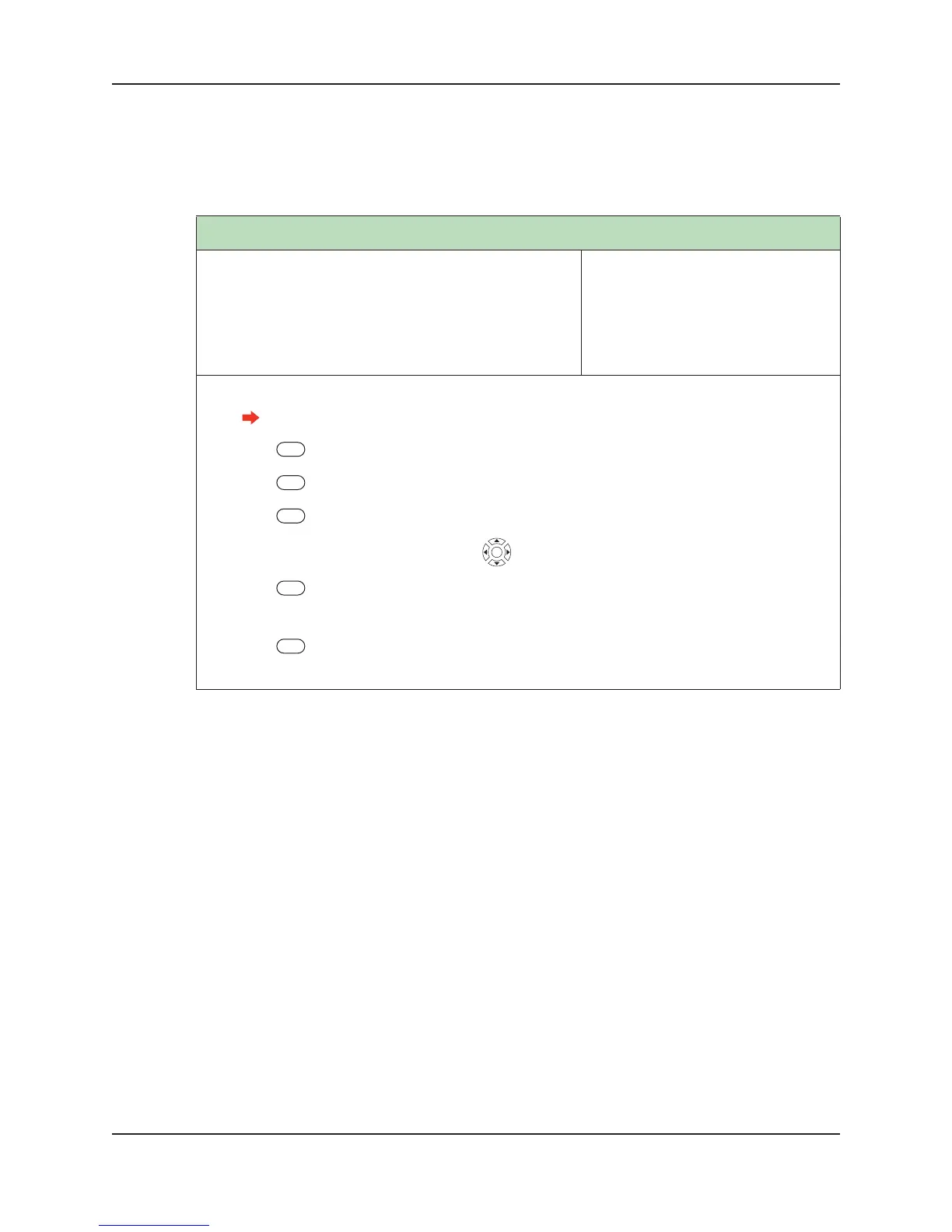
1. Log into the terminal as an administrator.
See “Administrator Authentication” on page 47 for more information.
2. Press Setup Menu.
3. Press Holiday Menu.
4. Press List Holidays.
5. Scroll to the appropriate holiday using . Press the middle key to select the holiday.
6. Press Edit End Date, Edit Begin Date, Edit End Time, Edit Begin Time or Edit Name.
7. Enter a new value for the field you have selected.
8. Press Enter.
9. Repeat step 6 through step 8 until all desired fields have been edited.


 To Next Page