Command Menu Reference
GT-Series Terminal User’s Guide - 103
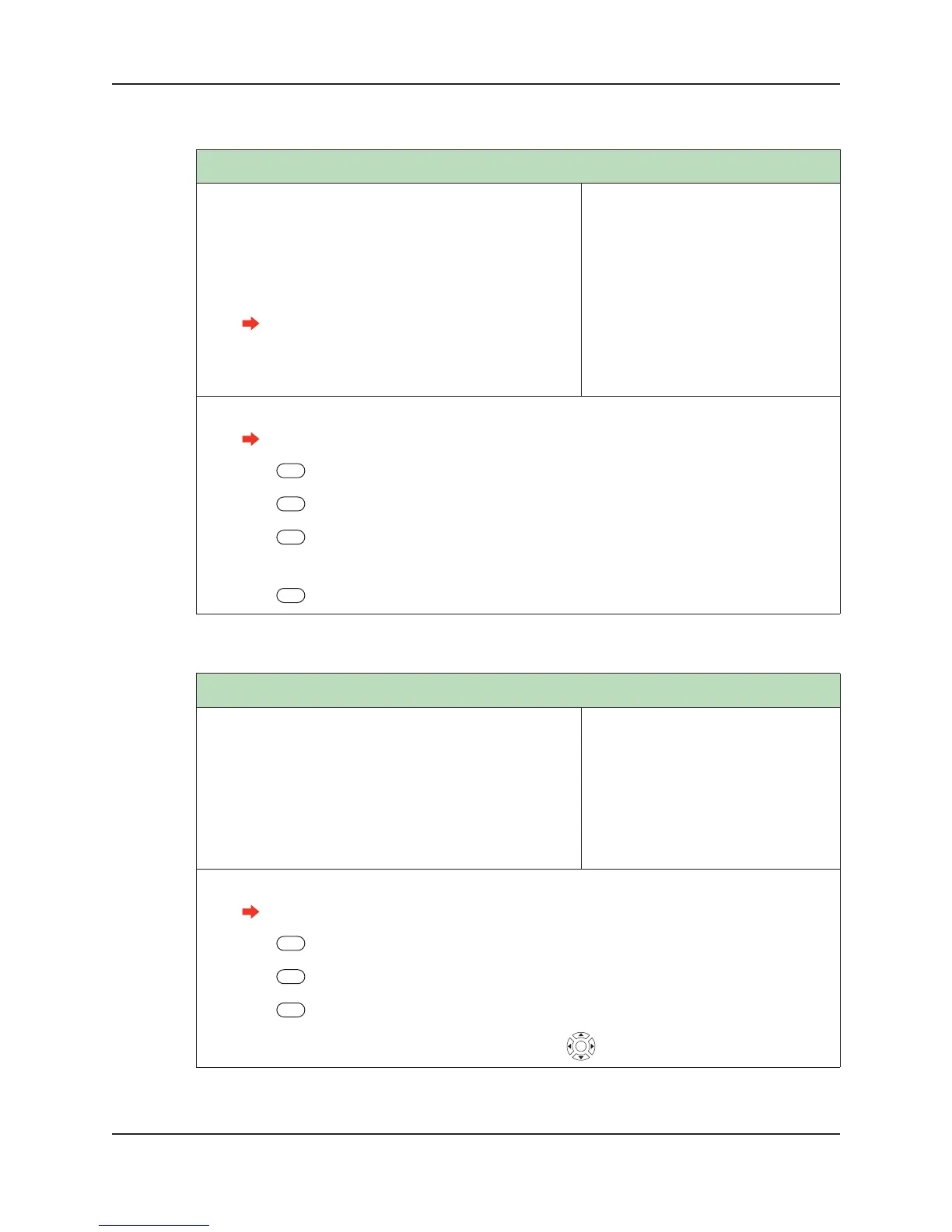
Number of Tries
Number of Tries defines the number of verification
attempts allowed for a user. Once the number of tries has
been exceeded, the credential ID will be locked out until a
terminal administrator verifies at the terminal. For
increased security, use a lower number. For increased con-
venience, use a higher number.
A try is the presentation of a credential ID
during a verification attempt. A placement
is the presentation of a hand to the hand
reader during a verification attempt.
Default: 3
Range: 1-99
Dependencies: None
Who: A terminal administrator speci-
fies this value in coordination
with Placements Per Try to indi-
cate how forgiving the terminal
will be during verification.
1. Log into the terminal as an administrator.
See “Administrator Authentication” on page 47 for more information.
2. Press Security Menu.
3. Press Biometric Setup.
4. Press Number of Tries.
5. Enter the number of tries.
6. Press Enter.
Template Resolution
Sets the template resolution to High or Non-biometric. Set
this option to High for Biometric terminals. Set this option
to non-biometric for those terminals you run in Non-
biometric mode (those terminals which do not use hand
recognition in order to use the terminal). In non-biometric
mode, terminals can use both an RPIN and EPIN (if an
EPIN has been created) or an RPIN only (if an EPIN has
not been created).
Default: NA
Range: NA
Dependencies: NA
Who: An administrator can use this
setting at any time, as needed.
1. Log into the terminal as an administrator.
See “Administrator Authentication” on page 47 for more information.
2. Press Security Menu.
3. Press Biometric Setup.
4. Press Template Resolution.
5. Scroll to and select High or Non-biometric by using .


 To Next Page