Installation Procedure
4
Installation Procedure
The order of installation does not matter, though installing the Software first is recommended.
Installing the Software:
1. Place the installation CD in the CD-ROM drive.
2. The disk should auto-play.
If the disc does not auto-play:
a. Navigate to the CD-ROM drive through Windows Explorer.
b. Double-click Setup.exe.
3. Follow the on-screen instructions to complete the software installation.
ÎÎ YouÎmayÎbeÎrequiredÎtoÎdownloadÎtheÎ.Net FrameworkÎ3.5ÎSP1ÎorÎhigherÎfromÎMicrosoftÎtoÎstar tÎinstallation
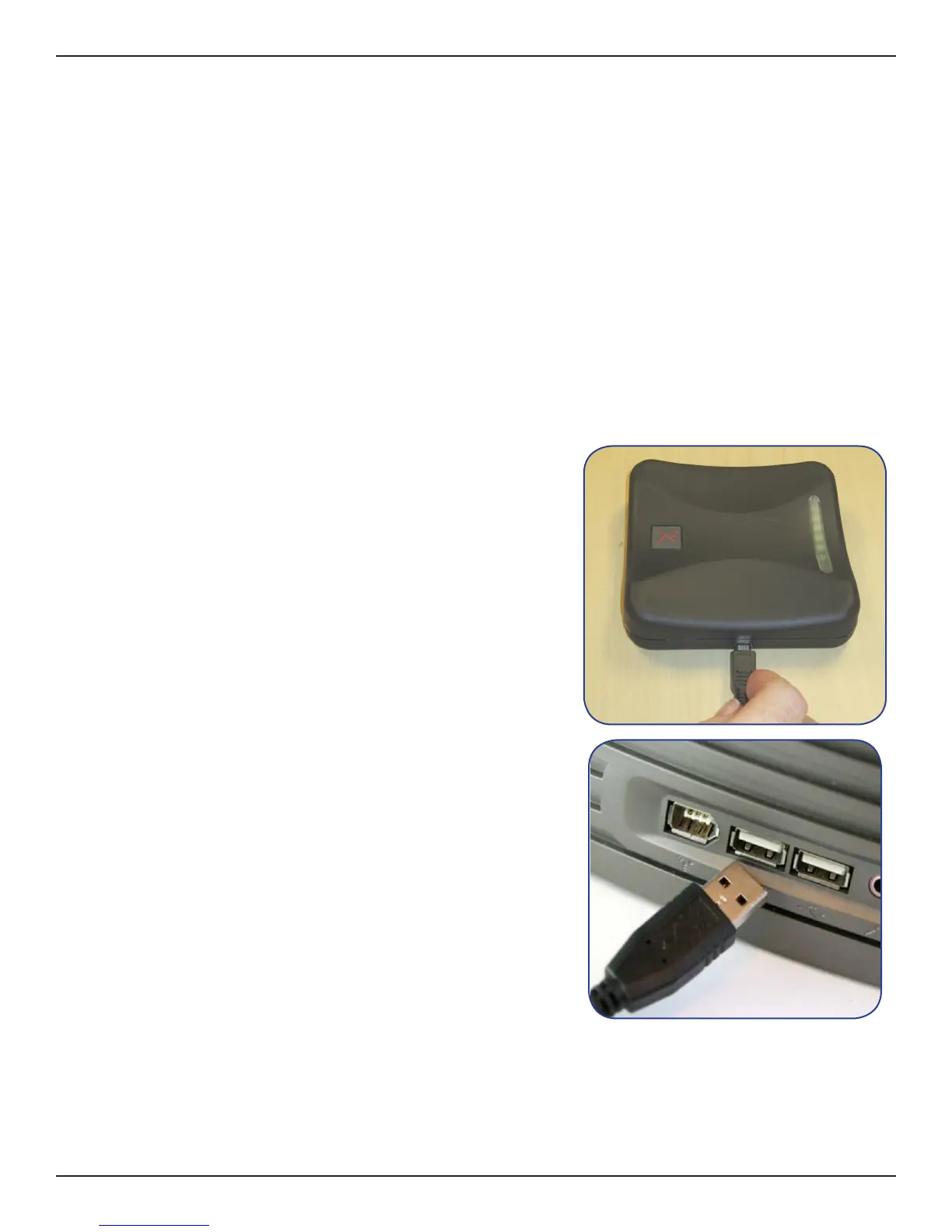
Installing the Hardware:
1. Plug the mini-B side of the USB cable into the Desktop Reader/
Programmer.
2. Plug the A side of the USB cable into the USB port on the host
computer.
3. The hardware will complete a self-installation.


 To Next Page