Watson Ethernet
Operating Manual
Watson-Ethernet-Manual.doc
Version 3.3-01
6.2 Addressing of Plug-ins
6.2.1 Plug-in in Subrack
The Monitor terminal connects through the ACU to a serial bus on the subrack
backplane which is accessible by all plug-ins.
At any time, only one of the plug-ins in the subrack can be logically connected to
the Monitor interface. The appropriate plug-in interface is addressed (i.e. se-
lected) according to its physical position in the subrack, starting with the leftmost
slot number 01 and ascending rightwards to number 12. To select a plug-in in
slot number nn just type %nn in the terminal, e.g. to select the plug-in in slot 7
type %07.
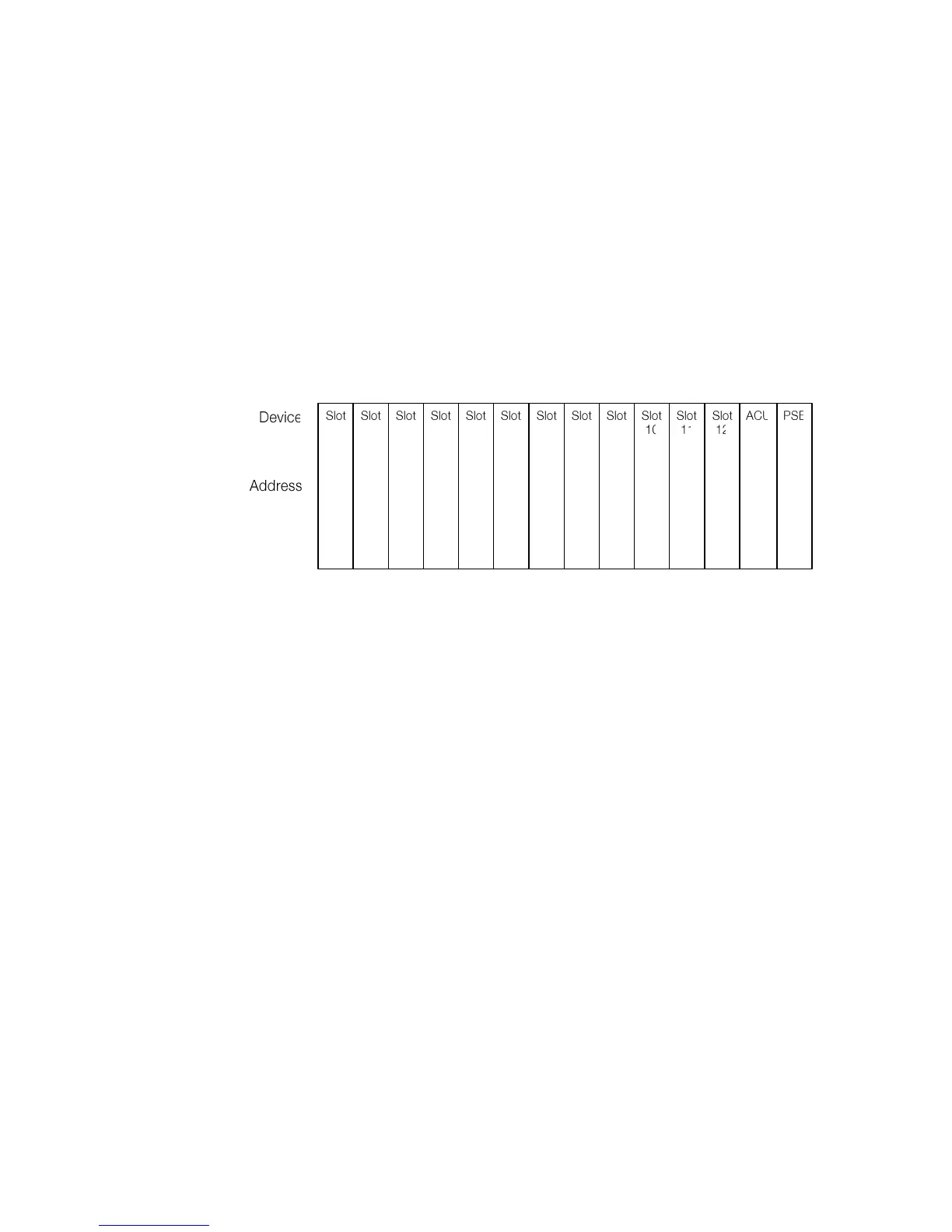
%01 %02 %03 %04 %05 %06 %07 %08 %09 %10 %11 %12
Figure 6-1: Plug-in Addressing Scheme
To see which units in a rack are available, you can use the ECHO command.
Each unit will respond with its associated slot number (%SN).
The response could be: %01 %03 %08 %10 %11
The ECHO command is not echoed on the terminal
The selection command (%nn) is not echoed on the terminal
Each command must be terminated by a carriage return.
6.2.2 Plug-in in Minirack mechanics or tabletop housing
No addressing procedure is required in these cases. After power-up the Monitor
menu appears directly.
6.2.3 Tabletop
There is no addressing procedure required for Tabletop modems. After power-up
of a Tabletop modem the Monitor menu appears.



 To Next Page