xxvi
SEL-700G Relay Instruction Manual Date Code 20170814
Preface
Conventions
Conventions
Typographic
Conventions
There are many ways to communicate with the SEL-700G. The three primary
methods are:
➤ Using a command line interface on a PC terminal emulation
window.
➤ Using the front-panel menus and pushbuttons.
➤ Using QuickSet.
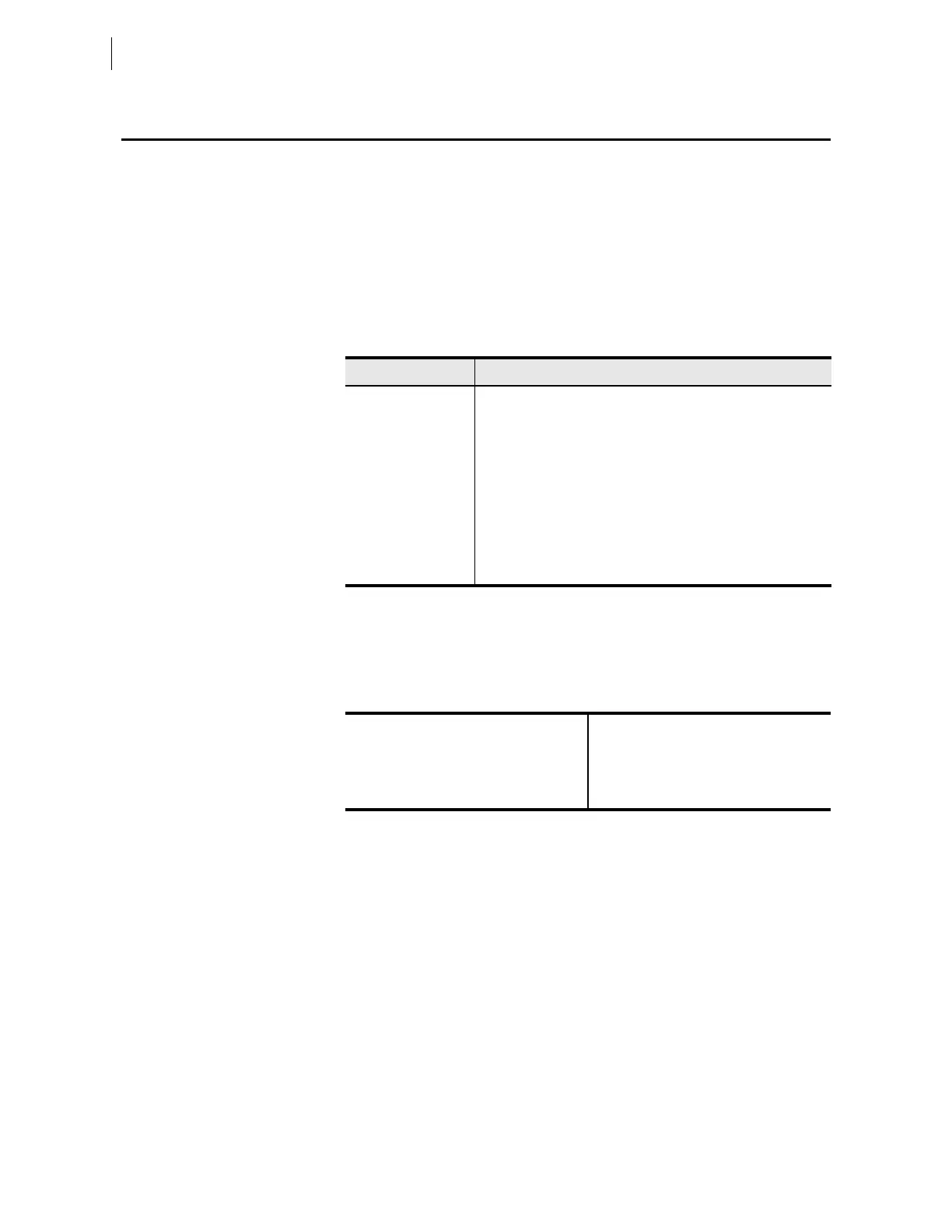
The instructions in this manual indicate these options with specific font and
formatting attributes. The following table lists these conventions.
Trademarks
All brand or product names appearing in this document are the trademark or
registered trademark of their respective holders. No SEL trademarks may be
used without written permission.
SEL trademarks appearing in this manual are shown in the following table.
Examples
This instruction manual uses several example illustrations and instructions to
explain how to effectively operate the SEL-700G. These examples are for
demonstration purposes only; the firmware identification information or
settings values included in these examples may not necessarily match those in
the present version of your SEL-700G.
Example Description
STATUS Commands typed at a command line interface on a PC.
<Enter> Single keystroke on a PC keyboard.
<Ctrl + D> Multiple/combination keystroke on a PC keyboard.
Start > Settings PC dialog boxes and menu selections.
The > character indicates submenus.
CLOSE Relay front-panel pushbuttons.
ENABLE Relay front- or rear-panel labels.
Main > Meters
Relay front-panel LCD menus and relay responses.
The > character indicates submenus.
ACSELERATOR Analytic Assistant
®
Best Choice Ground Directional Element
®
ACSELERATOR Architect
®
MIRRORED BITS
®
AC
SELERATOR QuickSet
®
SEL-2407
®
ACSELERATOR Report Server
®
SELOGIC
®



 To Next Page