F.11
Date Code 20170814 Instruction Manual SEL-700G Relay
IEC 61850 Communications
IEC 61850 Configuration
➢ Test Mode—this Boolean parameter of the incoming
GOOSE is true.
➢ Decode Error—the format of the incoming GOOSE is
not as configured.
➤ The SEL-700G discards incoming GOOSE under the following
conditions:
➢ after a permanent (latching) self-test failure
➢ when the relay is disabled
➢ when EGSE is set to No
Link-layered priority tagging and virtual LAN is supported as described in
Annex C of IEC 61850-8-1:2004(E).
IEC 61850 Configuration
Settings
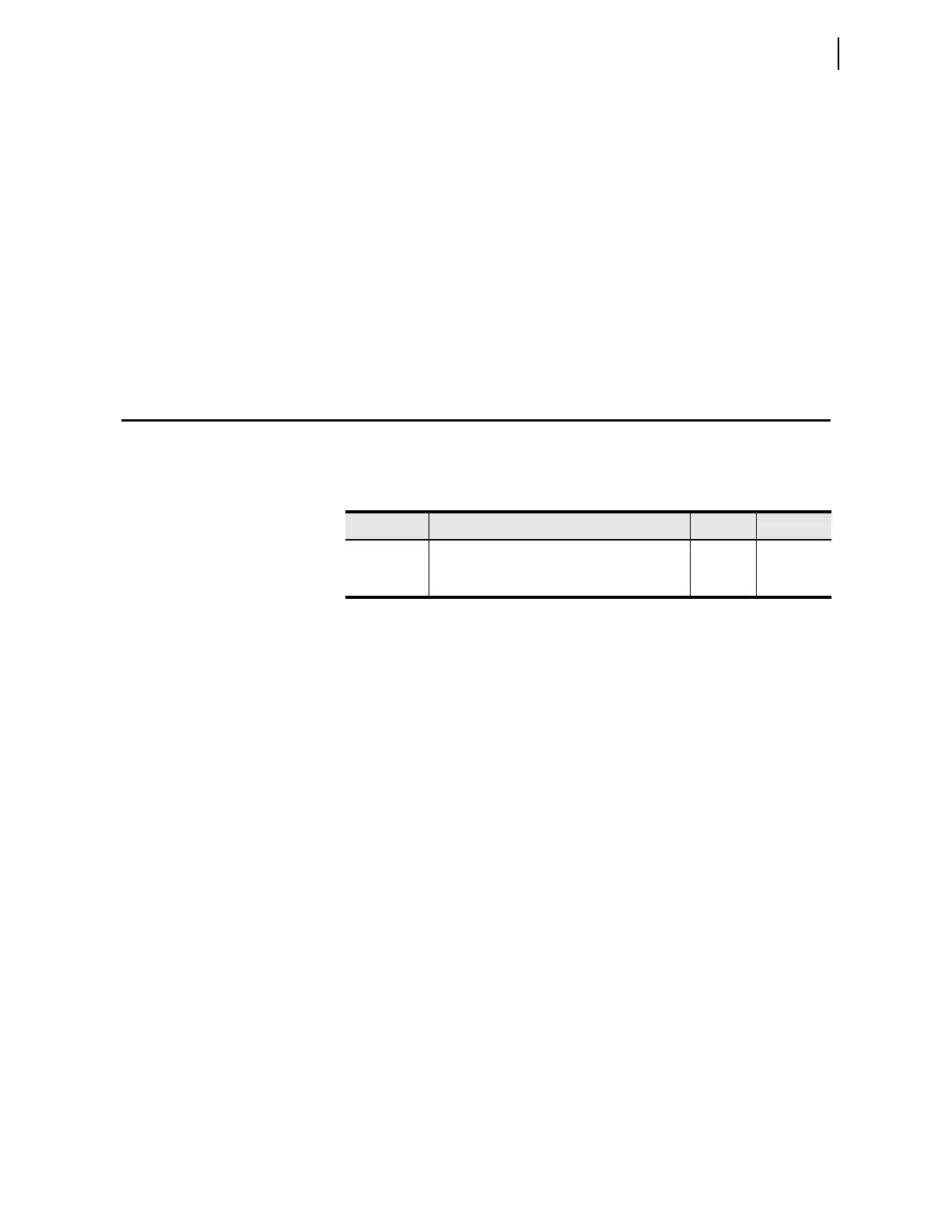
Table F.6 lists IEC 61850 settings. IEC 61850 settings are only available if
your device includes the optional IEC 61850 protocol.
Configure all other IEC 61850 settings, including subscriptions to incoming
GOOSE messages, with
ACSELERATOR Architect software.
ACSELERATOR Architect
The ACSELERATOR Architect Software enables users to design and
commission IEC 61850 substations containing SEL IEDs. Users can use
ACSELERATOR Architect to do the following:
➤ Organize and configure all SEL IEDs in a substation project.
➤ Configure incoming and outgoing GOOSE messages.
➤ Edit and create GOOSE datasets.
➤ Read non-SEL IED Capability Description (ICD) and
Configured IED Description (CID) files and determine the
available IEC 61850 messaging options.
➤ Use or edit preconfigured datasets for reports.
➤ Load IEC 61850 CID files into SEL IEDs.
➤ Generate ICD and CID files that will provide SEL IED
descriptions to other manufacturers’ tools so they can use SEL
GOOSE messages and reporting features.
➤ Edit dead-band settings for measured values.
ACSELERATOR Architect provides a Graphical User Interface (GUI) for users
to select, edit, and create IEC 61850 GOOSE messages important for
substation protection, coordination, and control schemes. Typically, the user
first places icons representing IEDs in a substation container, then edits the
Table F.6 IEC 61850 Settings
Label Description Range Default
E61850
IEC 61850 interface enable
Y, N N
EGSE
Outgoing IEC 61850 GSE message enable
Y
a
, N
a
Requires E61850 set to Y to send IEC 61850 GSE messages.
N



 To Next Page