Motor M2 will start a closing cycle automatically.
After a few seconds press P1 once more to set the Leaf Delay in closing. (The number of seconds waited will result in
the delay of the leaf in closing) NOT TO DO IF DIP 4 IN “ON” POSITION
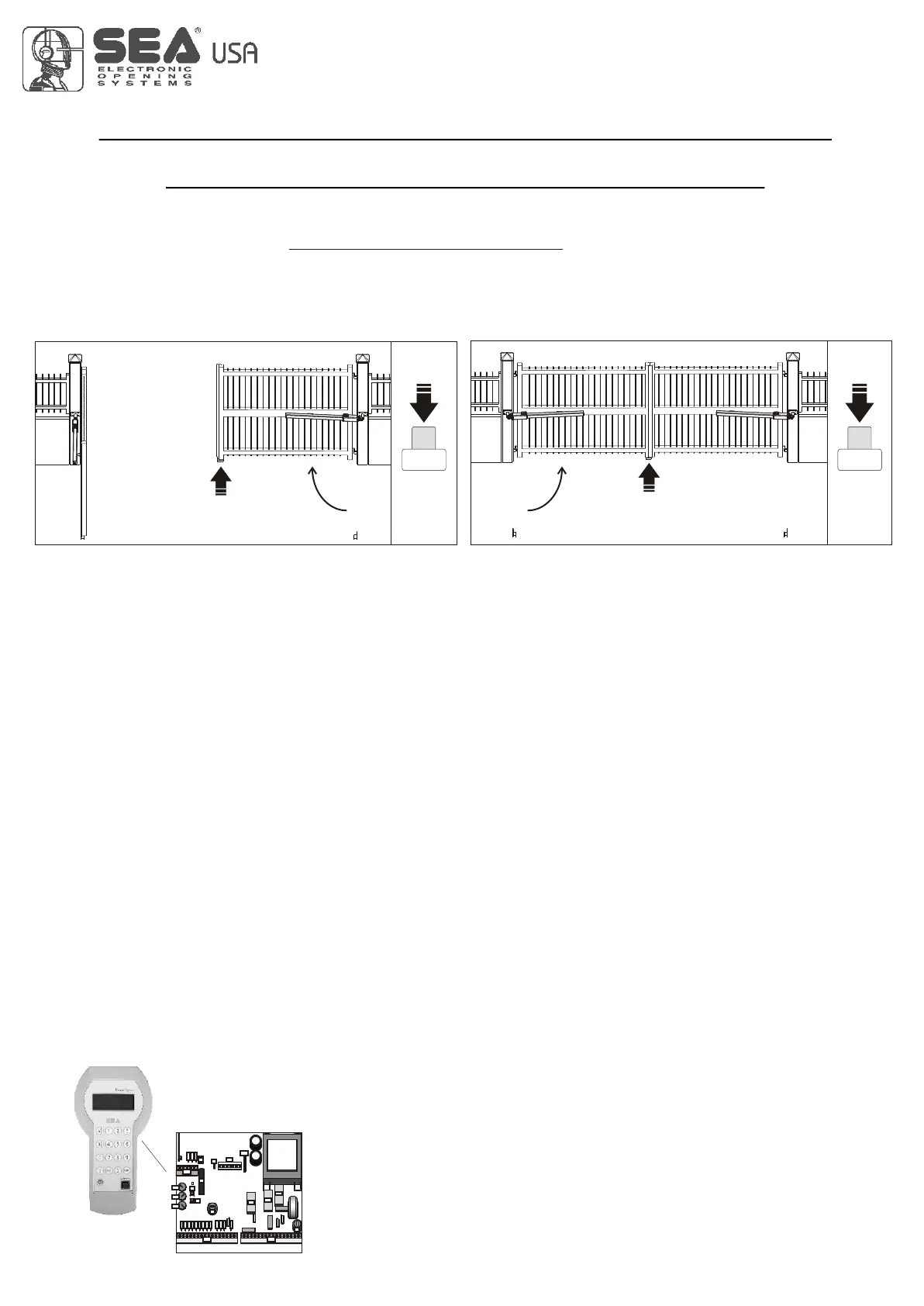
When the leaf reaches the closing mechanical stop, press P1 again (Fig. 10). Do not execute this operation if limit
switches are installed.
At this point motor M1 will start a closing cycle.
When the closing mechanical stop is reached, press P1 again (Fig. 11). Do not execute this operation if limit switches are
installed.
When motor M1 reaches the closing mechanical Stop, press P1 for the last time.
Programming is completed.
Check that the times are saved properly by giving a START command or pressing button P1.
If necessary repeat the learning procedure from stage 2.
P1 P1
Fig. 10
M2M1
M2
M1
Fig. 11
STEP 4
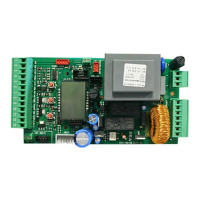
If used with a motor without a mechanical or hydraulic anti-crush safety device, adjust trimmer Rv1 to values that will
ensure anti-crush safety, in accordance with current legislation.
If, after adjusting the operating torque, the operating time is insufficient (e.g. the leaf fails to open or close completely),
repeat STEP 2 with the motor torque value set for the normal use of the system.
Adjust the slow-'down length (if enabled), using trimmer Rv2.
4
GATE 2
SELF-LEARNING OF OPERATING TIMES
FOR SWING GATES OPERATORS
19
PALM FUNCTIONS:
International registered trademark n. 2.777.971
GATE 1-GATE 2 Administration
• Visualisation and modification of the following parameters:
• Working times
• Leaf delay
• Partial opening time
• 2 n. maintenance cycles adjustment
• Antisqueezing sensibility SAFETY GATE
• PhotoStop
• PhotoClose
• PushOpen ( excludes the pushover during opening phase)
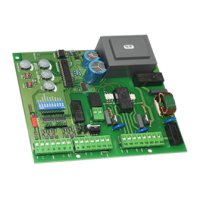
CN3CN2
RL1
RL2
CN4
RL3
F1
F2
P1
P2
Rv1
Rv2
Rv3
CN1
U1
U2
DIP
J1
LED5
LED6
LED7
LED8
LED9
LED10
LED11
LED1
LED2
LED3
LED4
LED12
LED13
LED14
LED15
LED16
LEDP
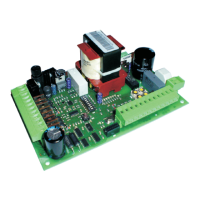
FUNCTION OF THE CONTROL UNIT GATE 2 FOR ONLY ONE MOTOR
The Gate 2 control unit can be used for the movement of one single leaf, when swing leaf it’s without limit switch. To
prepare the control unit for the programming of this function it is sufficient to PUT A JUMPER between the limit switch
contacts of the motor M1 (connected motor) and to exclude the leaf delay (Dip 4 ON). Keep pressed P1 until the motor
starts to close, when it reaches the stop in closing press P1 again, and the motor will open. Press P1 after the stop in
opening has been reached, the motor will start a closing cycle, when it reached the stop in closing press P1 and the
programming is finished.
FUNCTIONING OF THE GATE2 CONTROL UNIT FOR A DOUBLE SLIDING GATE
It is possible to use the GATE2 control unit also to move a double sliding gate with limit switch. To predispose the unit for
the programming of such functioning modality it is sufficient to connect the limit switch connectors of the motors M1 and
M2 and to exclude the leaf delay (Dip 4 on ON )
Press and keep pressed P1 until the motor starts, now the automation continues autonomously with the selflearning of
the times.
REV 05 - 10/2010


 To Next Page