Seaory S21 Desktop Single-sided Card Printer
Excellent quality, Perfect service
www.seaory.com 13 / 51
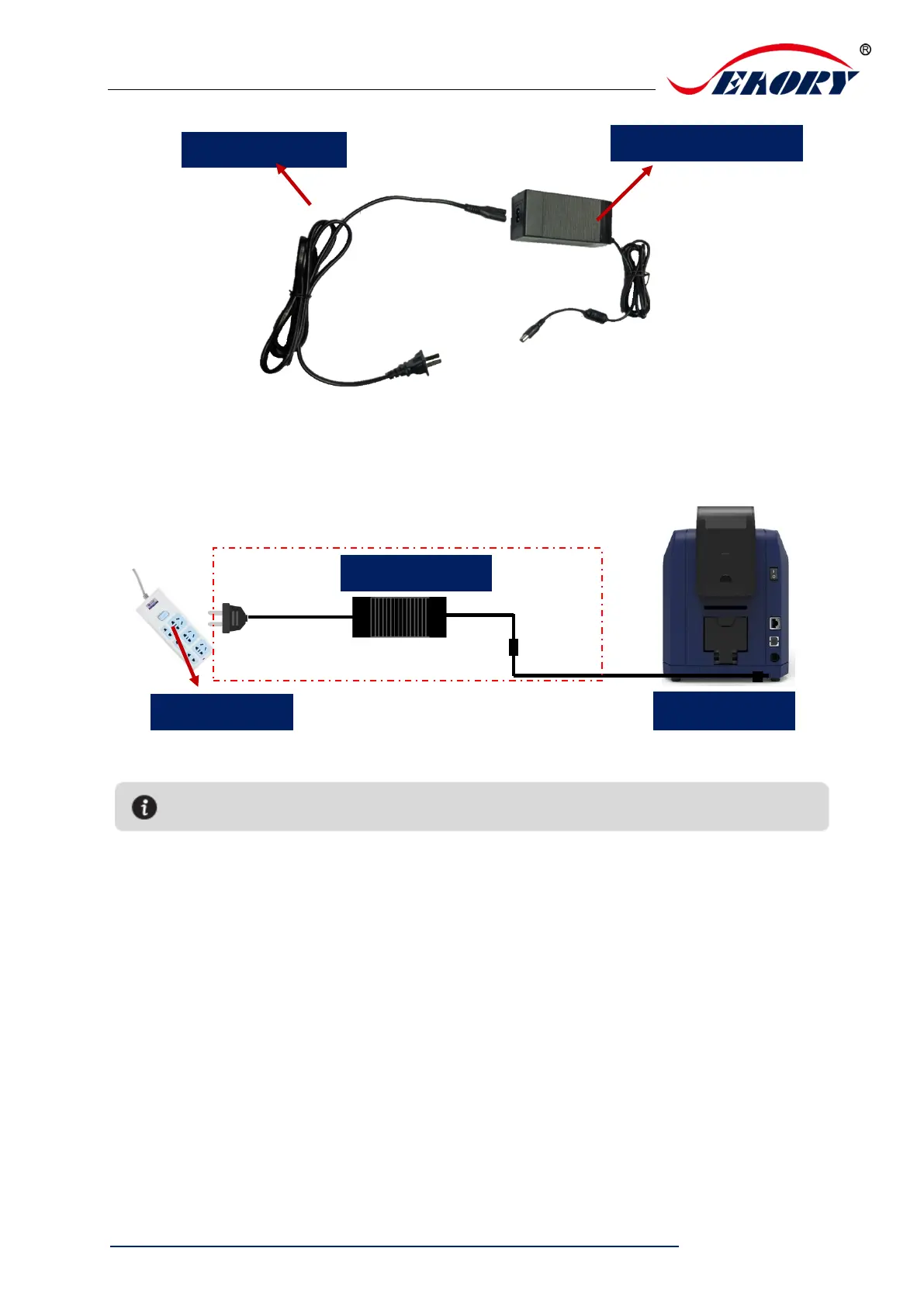
Step 2: The power adapter DC output connected to the card printer power interface,
and the power line AC input connected to the mains socket.
Step 3: Communication interface cables installation
USB communication interface installation: USB-A interface (square type) connect
to PC end and USB-B interface (round type) connect to card printer’s USB port.



 To Next Page