Seaory S21 Desktop Single-sided Card Printer
Excellent quality, Perfect service
www.seaory.com 40 / 51
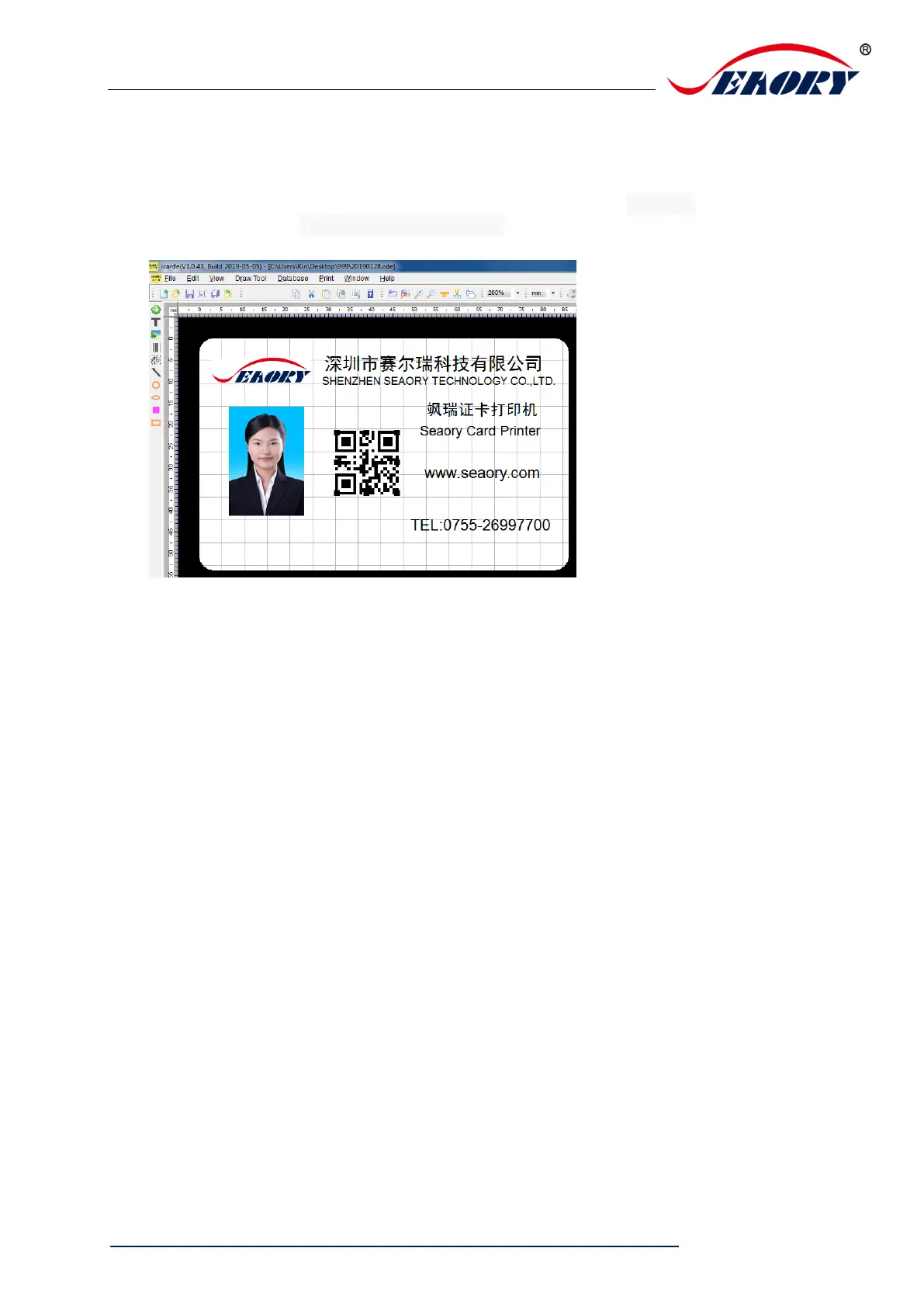
8.2 Seaory iCARDE card design software
After all the above steps are completed, relevant software can be used to print and test
the card printer. You can also do print test through Seaory’s iCARDE software. For
details, please refer to Seaory iCARDE manual.
9. Cleaning and maintenance
9.1 Replace cleaning roller
The purpose of the cleaning roller is to absorb the dust on the card and improve the
printing effect.
Replace cleaning roller after every roll of ribbon use up or one time per month.
Operating details please refer to 5.1 section.
9.2 Cleaning card moving path
Deposition of dust or contaminants inside the card printer may cause damage to
important parts and affect the printing effect. Therefore, it’s recommended to clean the
printer when changing the ribbon or at least clean one time a month.
(1) Driver operating guide please refer to 7.15 section.



 To Next Page