EasyManua.ls Logo

Seaory S21 - USB Driver Installation Steps

Seaory S21
54 pages
Print Icon
To Next Page IconTo Next Page
To Previous Page IconTo Previous Page
Loading...
Seaory S21 Desktop Single-sided Card Printer
Excellent quality, Perfect service
www.seaory.com 16 / 51
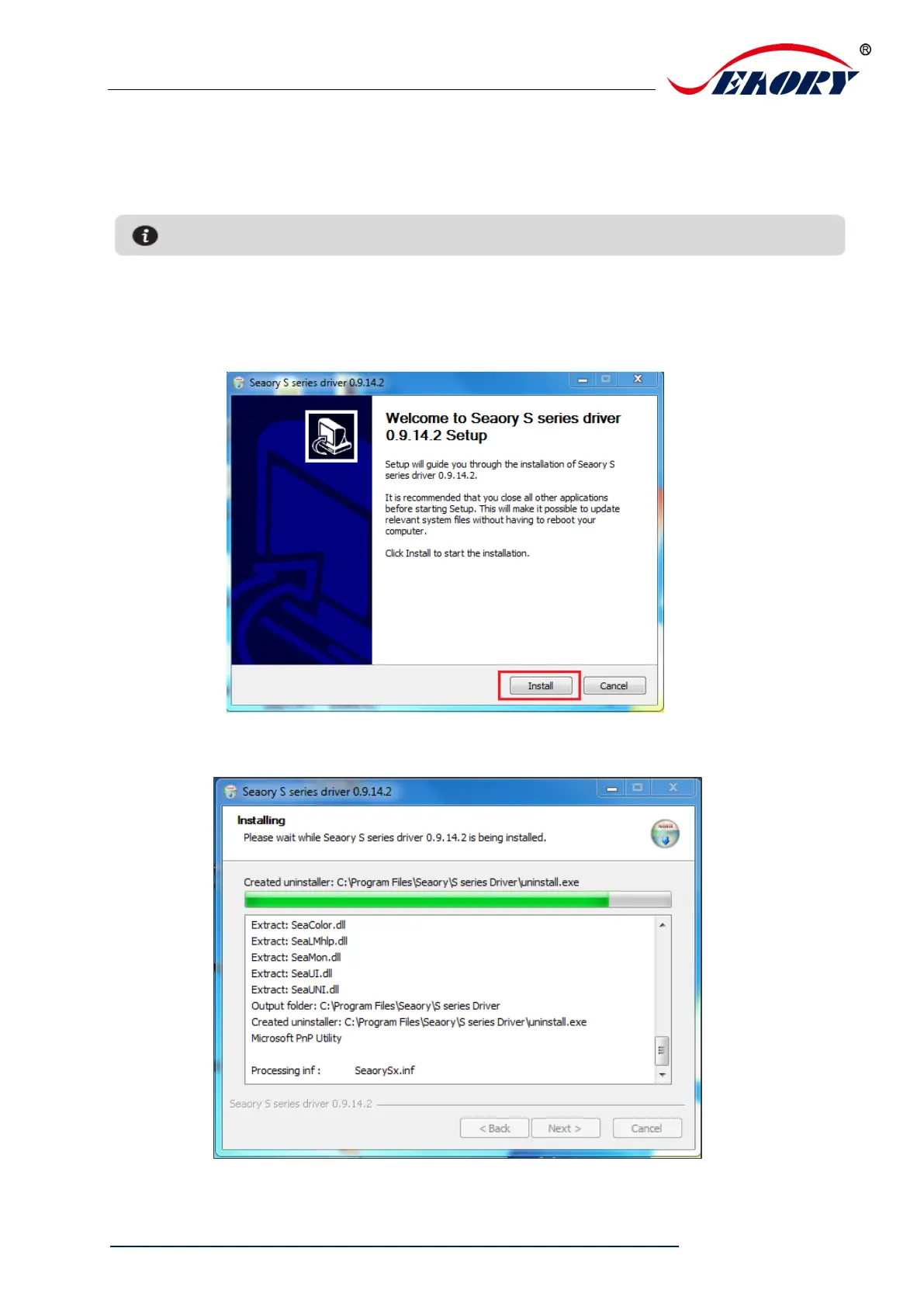
6.3 Driver installation steps (USB communication interface)
Step 1: Double-click the icon “Seaory S series driver exe”.
Step 2: Then click “Install” button as show in below picture.
Step 3: Wait for one minute.

Please install driver by administrator and close all antivirus applications before installation.

Table of Contents

Other manuals for Seaory S21

Related product manuals