Seaory S21 Desktop Single-sided Card Printer
Excellent quality, Perfect service
www.seaory.com 26 / 51
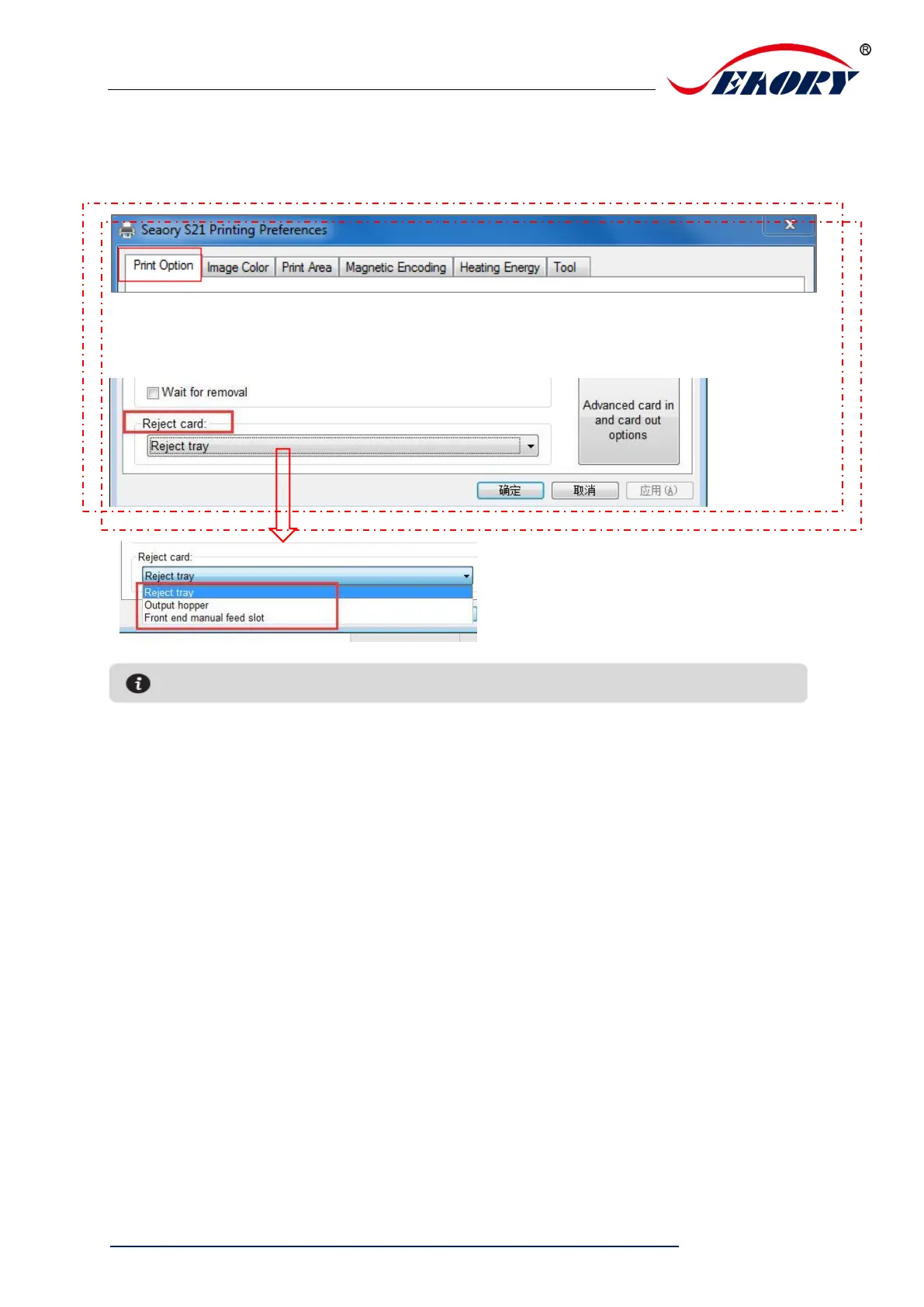
7.7 Reject card setting
You can find below page in “Printing Preferences” - “Print Option” menu..
Defaulted: Defective card will moving out from “reject card box”. Defective card moving
out from “output hopper” or “reject tray” are optional.



 To Next Page