Seaory S21 Desktop Single-sided Card Printer
Excellent quality, Perfect service
www.seaory.com 15 / 51
6. Driver installation
6.1 Operation system
Support Windows XP/7/8/10, Windows Server 2003/2008/2012/2016,Linux, Android
6.2 Notice before installation
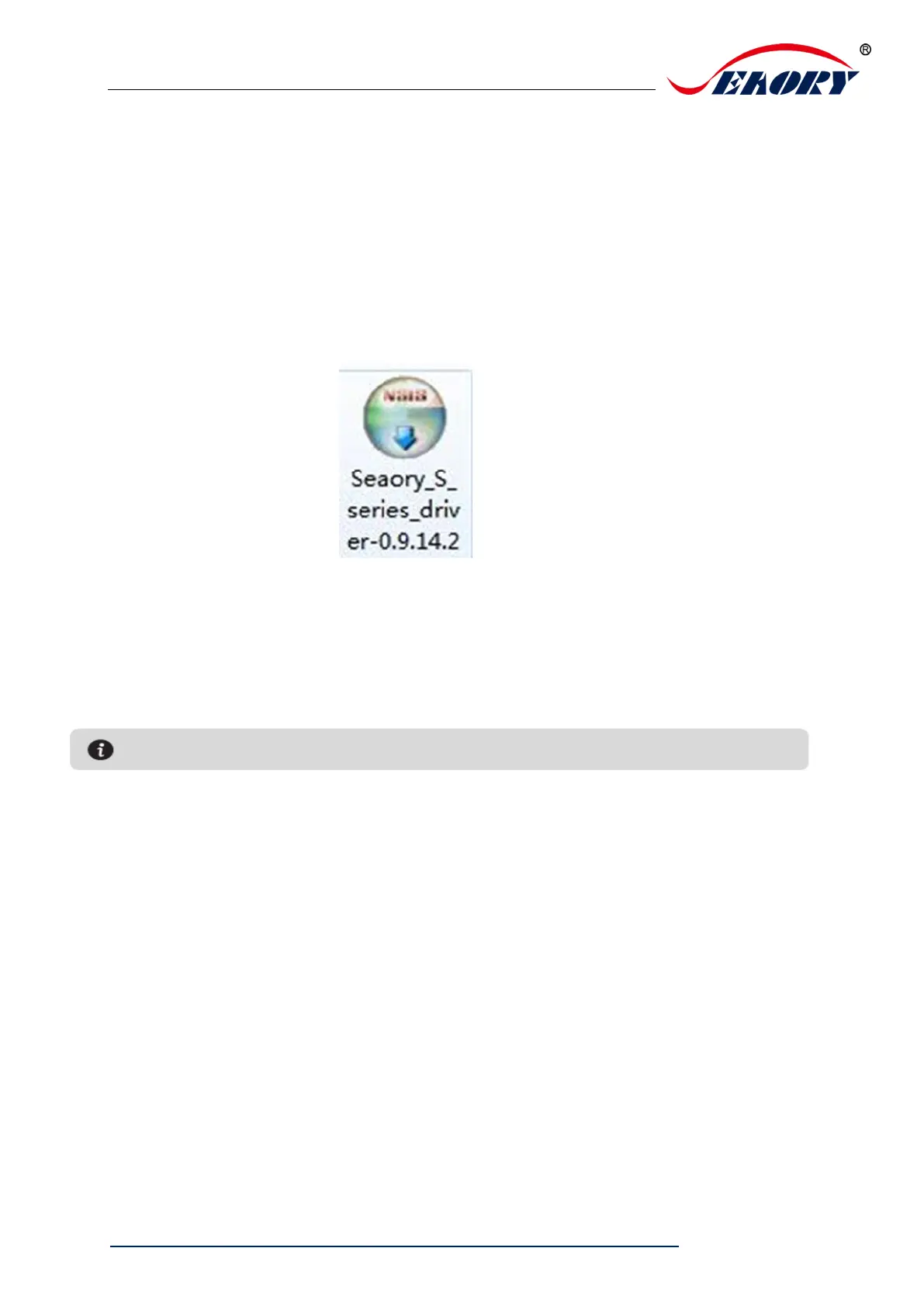
( 1) Card printer driver can be download from accessories box’s CD or official
website :www.seaoryprinter.com.
(2)Some antivirus applications will stop the driver installation, so please close all
antivirus applications before installation. After finished, you can open all antivirus
applications.
(3)Please do not power on card printer until the driver installation is completed.
(4)Connect card printer power supply and USB communication interface in advance
(please refer to 5.5 wiring installation).



 To Next Page